Execution
Execute Testcase(s)
To start test cases you can select a single test case or a folder with as many test cases as you want and right click. A selection window then opens where you can execute the test cases or execute them with an explicit landscape. If you run test cases with a landscape, the environment entries defined there are overwritten for all tests. If you click on Execute the tests will be executed with the "normal" environment entries unless you have marked a landscape as default, then this landscape will automatically be used to execute the tests.
Test Results
In the Testing panel, all executed test cases are listed and displayed whether they were successful or not.
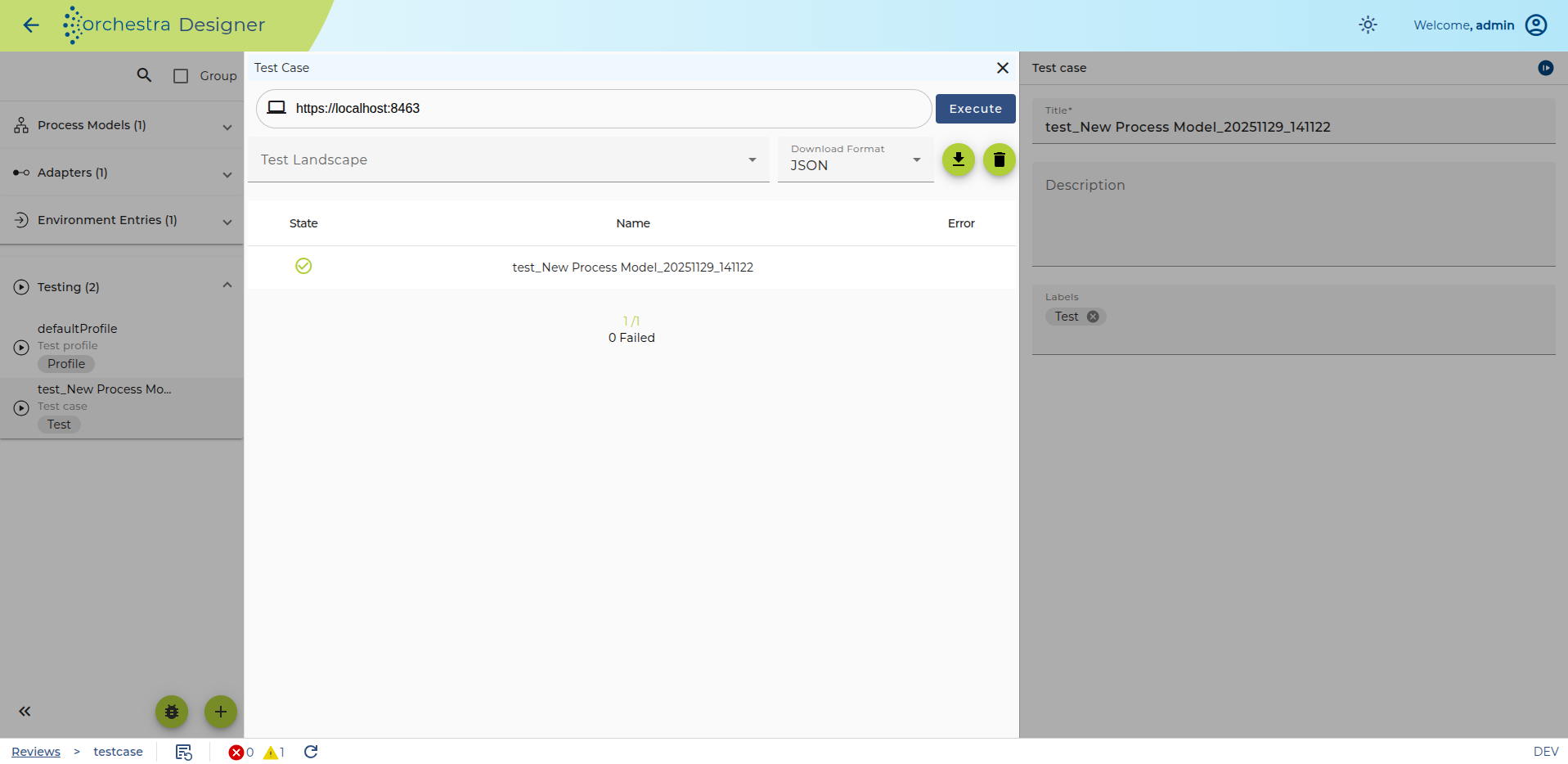
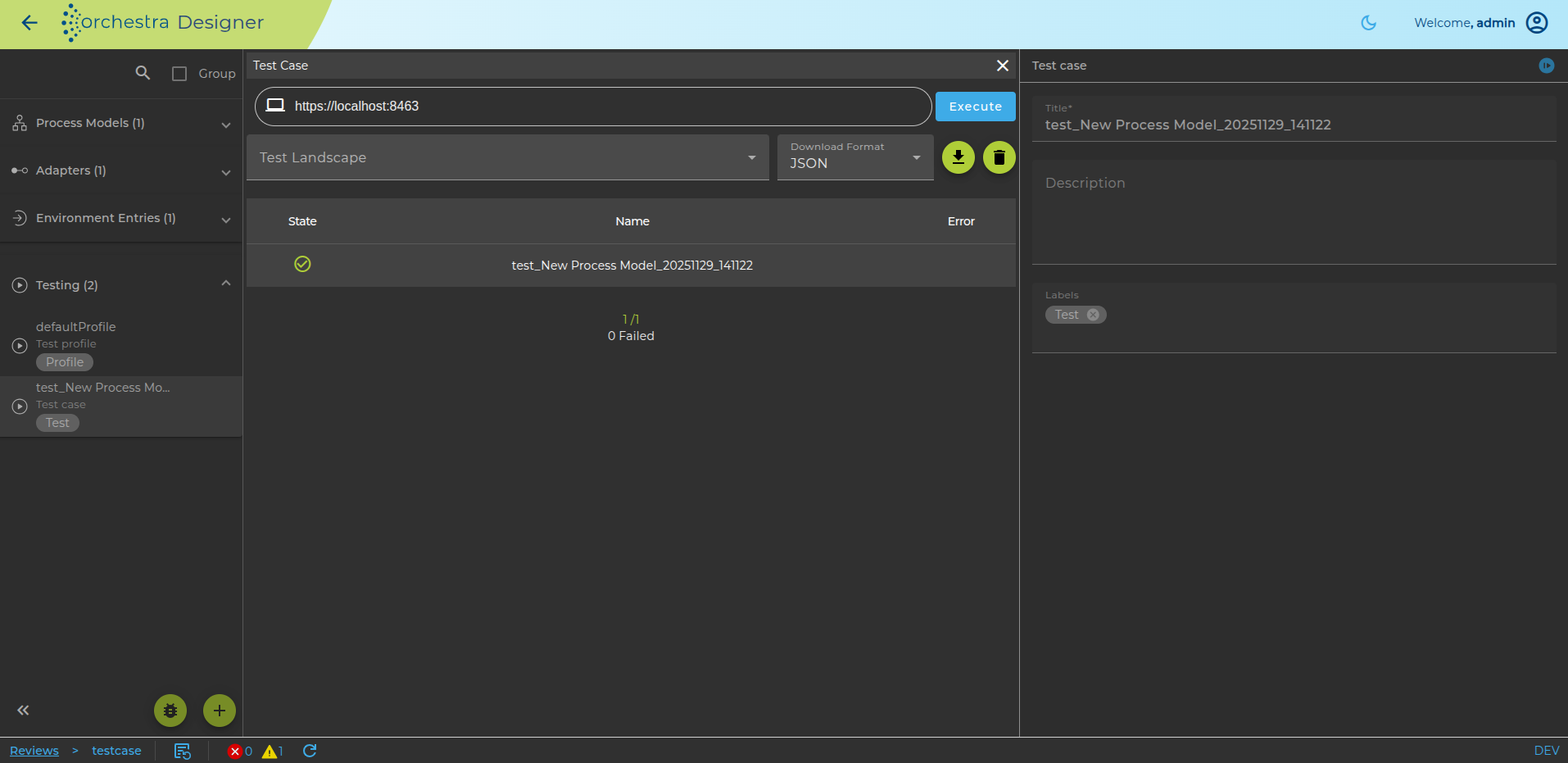
To get a better representation of a faulty test, you can double-click on the test results.
Additionally, the test results can be downloaded using the download button. The desired format can be selected using the corresponding selection field.