REST Service Client
Description
The purpose of the REST Service Client is to enable you to invoke REST web from an Orchestra process model.
In Orchestra, you can create a REST Service Client in two different ways. You can create it manually, or you may import the description of a REST service contained in a OpenAPI specification or a WADL (Web Application Description Language) file.
Creation
To manually create a REST Service Client:
- Click on the plus icon located on the bottom-left of the screen.
- Select 'Services'.
- Select 'REST Service Client'.
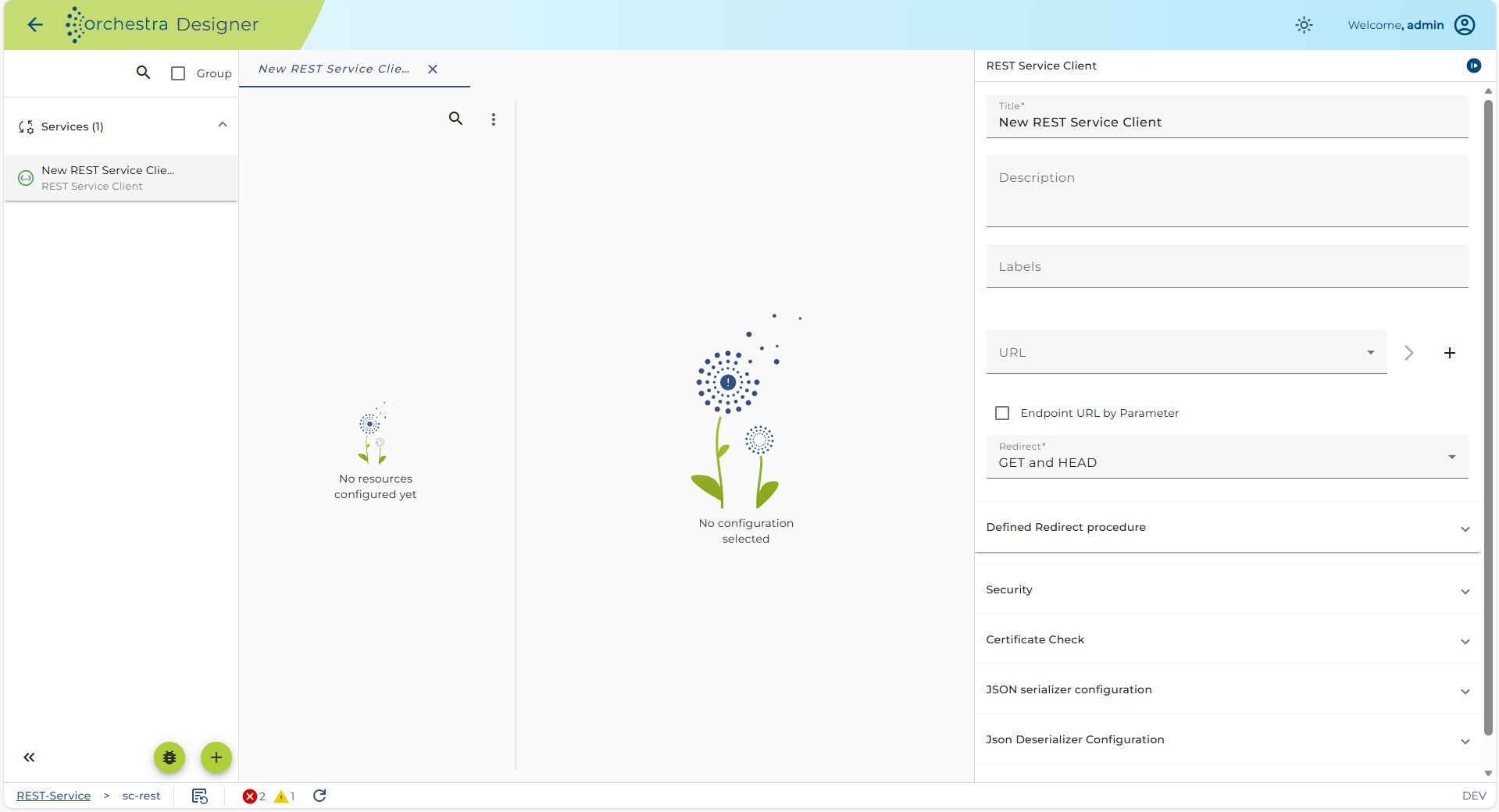
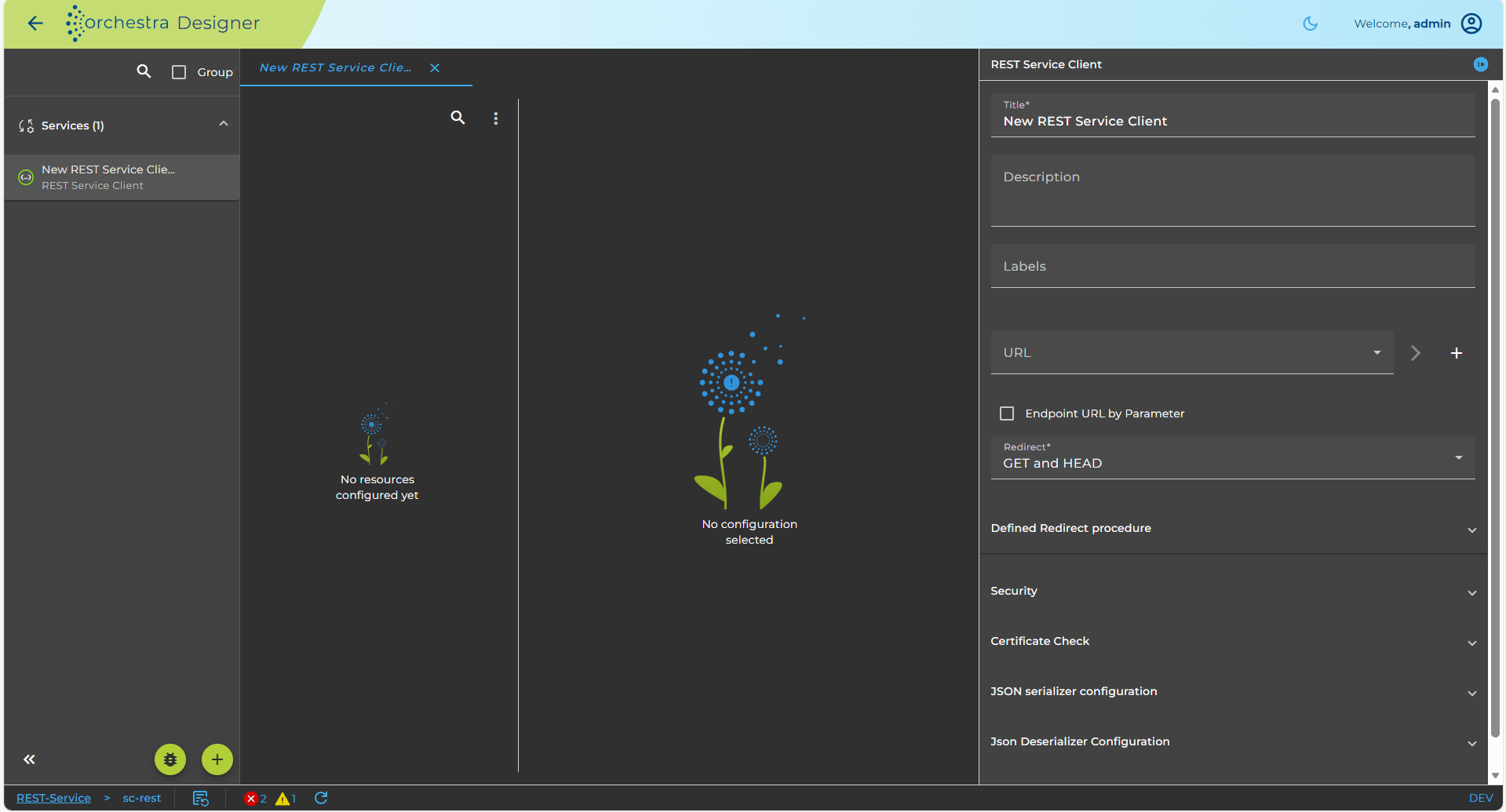
- The configuration panel for the new REST service client is available the right side.
Importing a Rest Service Client
Orchestra allows to create REST Service Clients by importing an OpenAPI specification or a WADL file.
WADL (Web Application Description Language) is an XML based language to describe REST web applications similar to WSDL which is used to describe SOAP web applications.
OpenAPI ( OpenAPI Specification ) is a JSON or YAML based language to describe the capabilities of a REST web service.
To import:
- Click on the plus icon located on the bottom-left of the screen.
- Select 'Import'.
- Select 'Rest Client - File Import'.
- Select an OpenApi specification (file ending .json or .yaml) or a WADL description file (file ending .wadl).
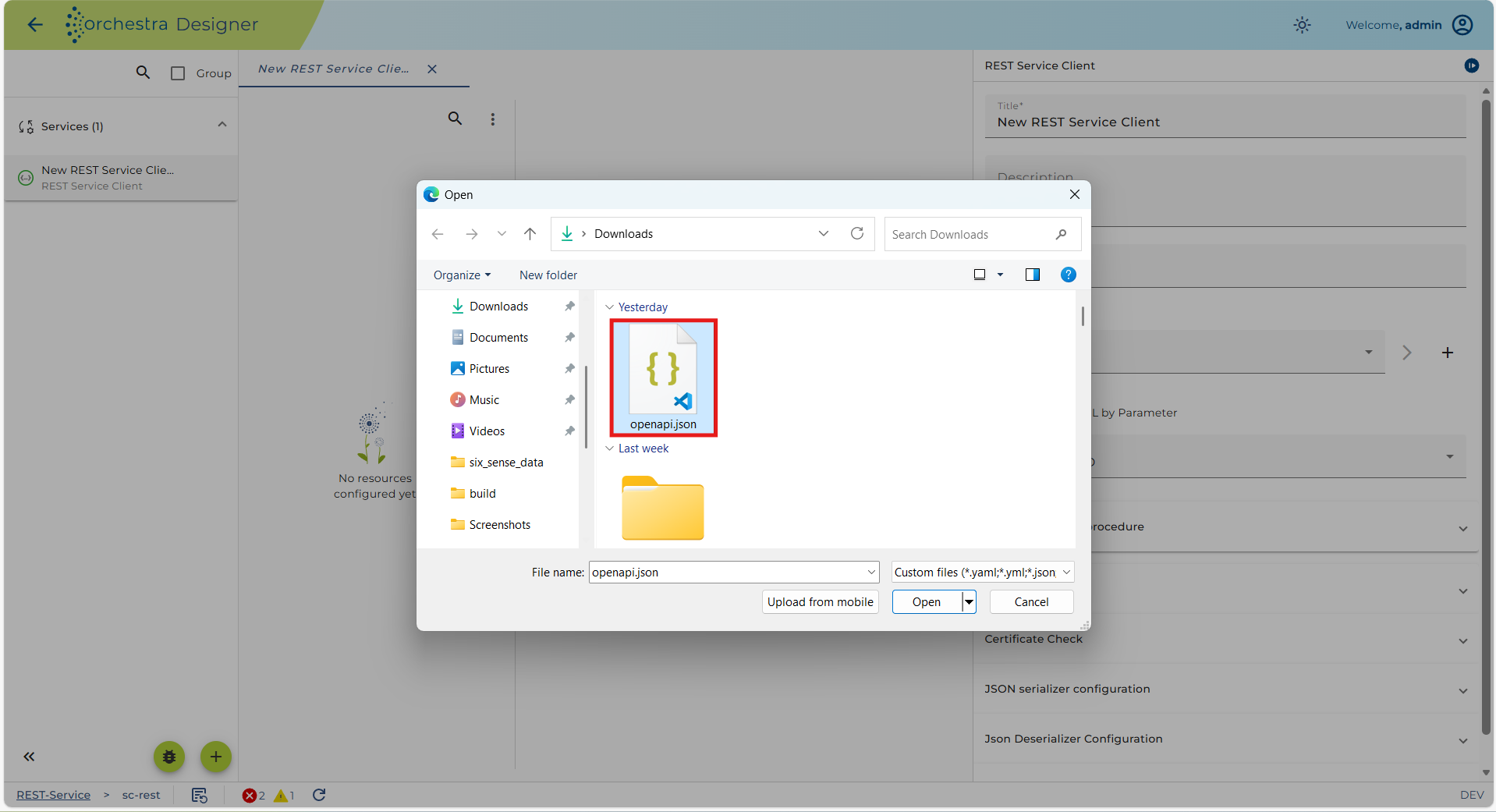
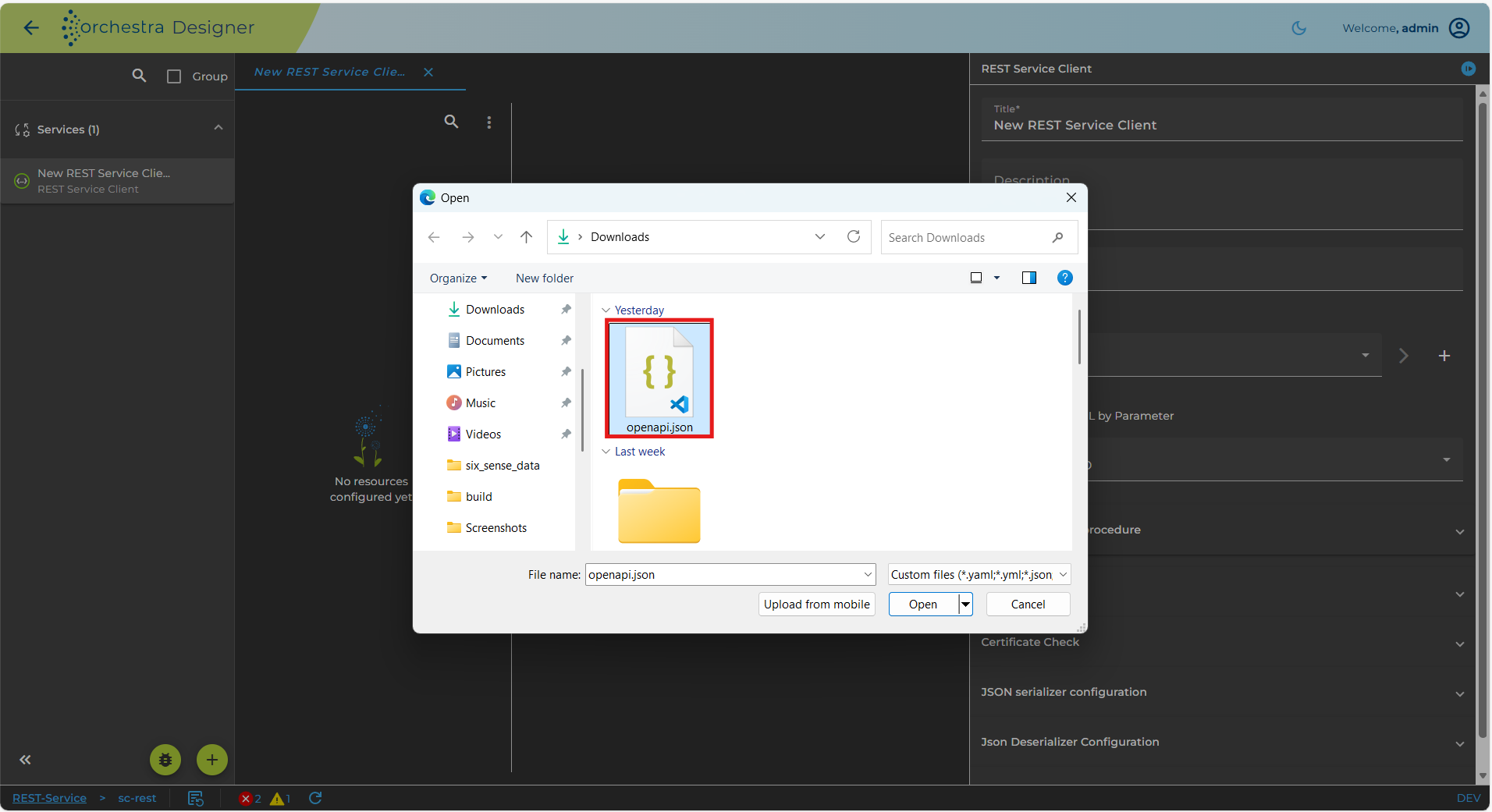
Selected file
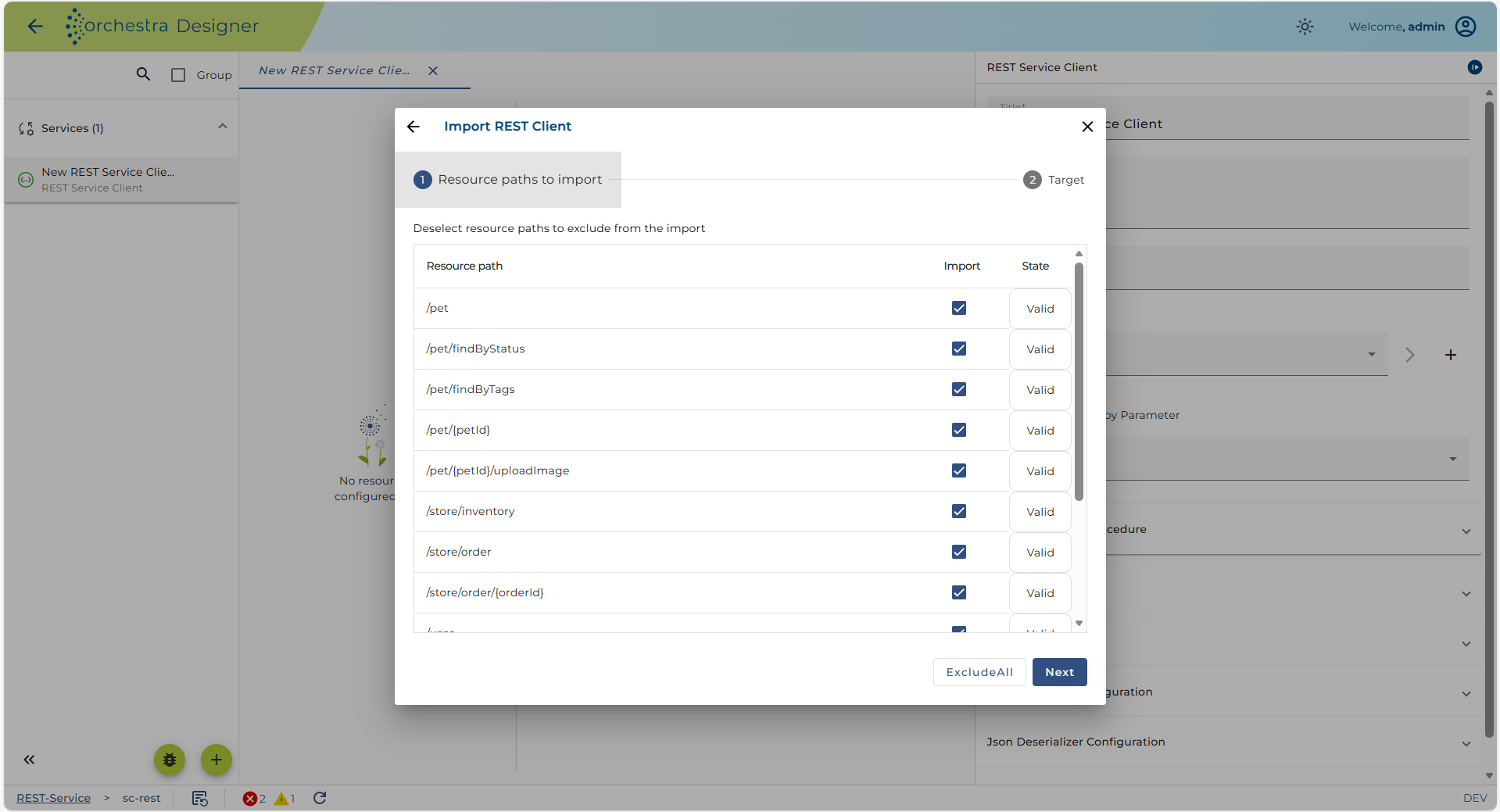
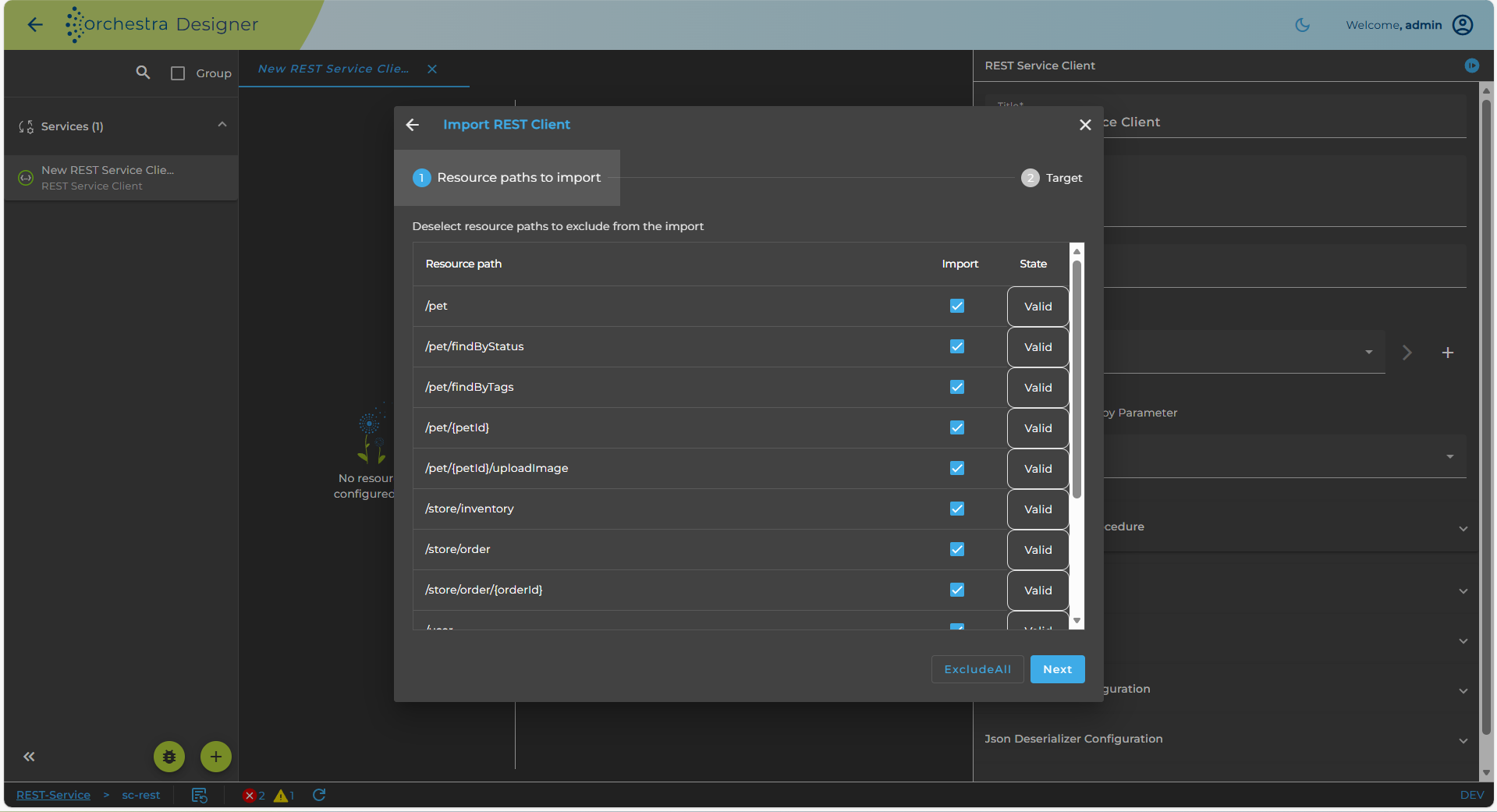
Import Rest Service Client
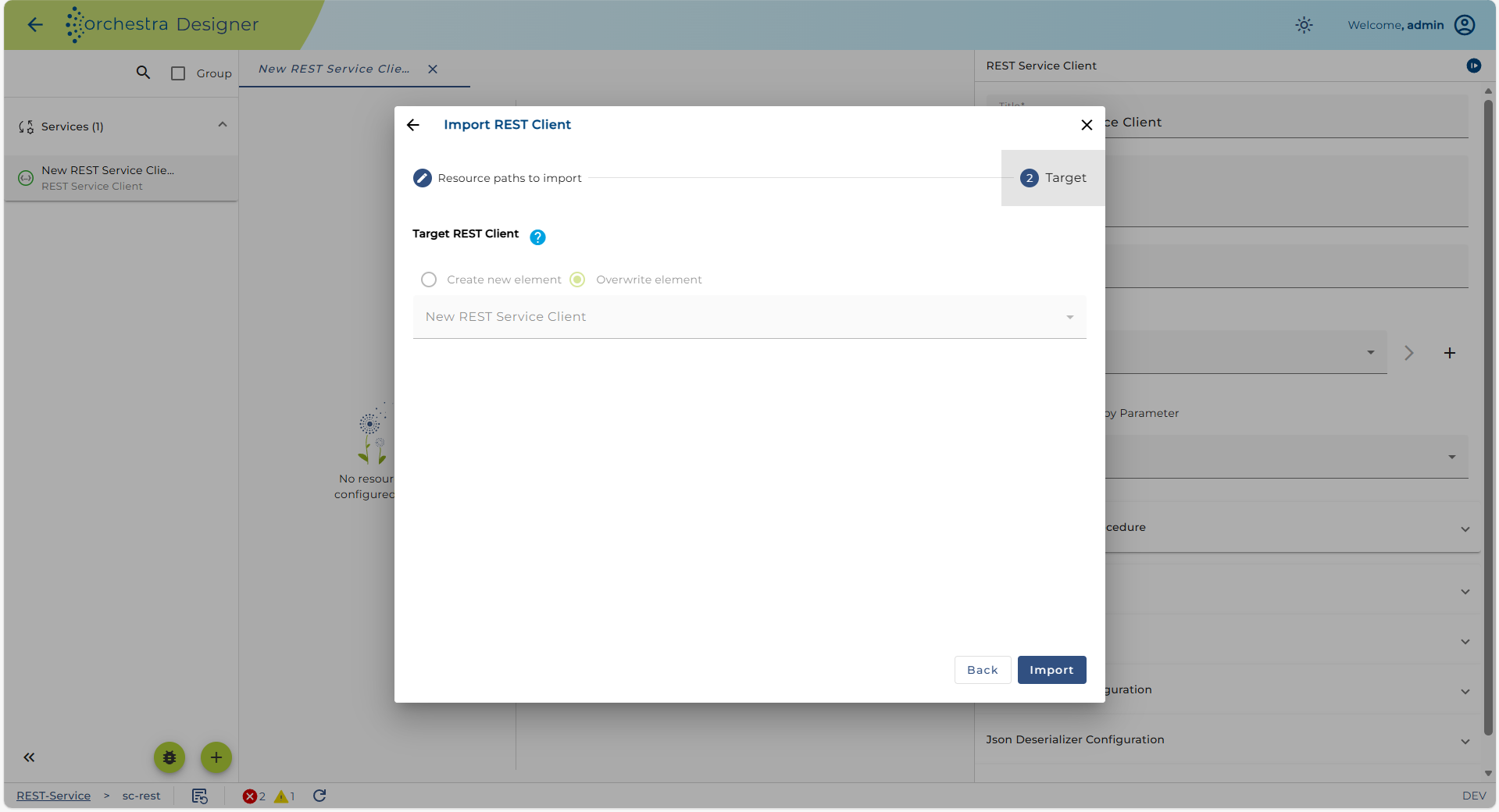
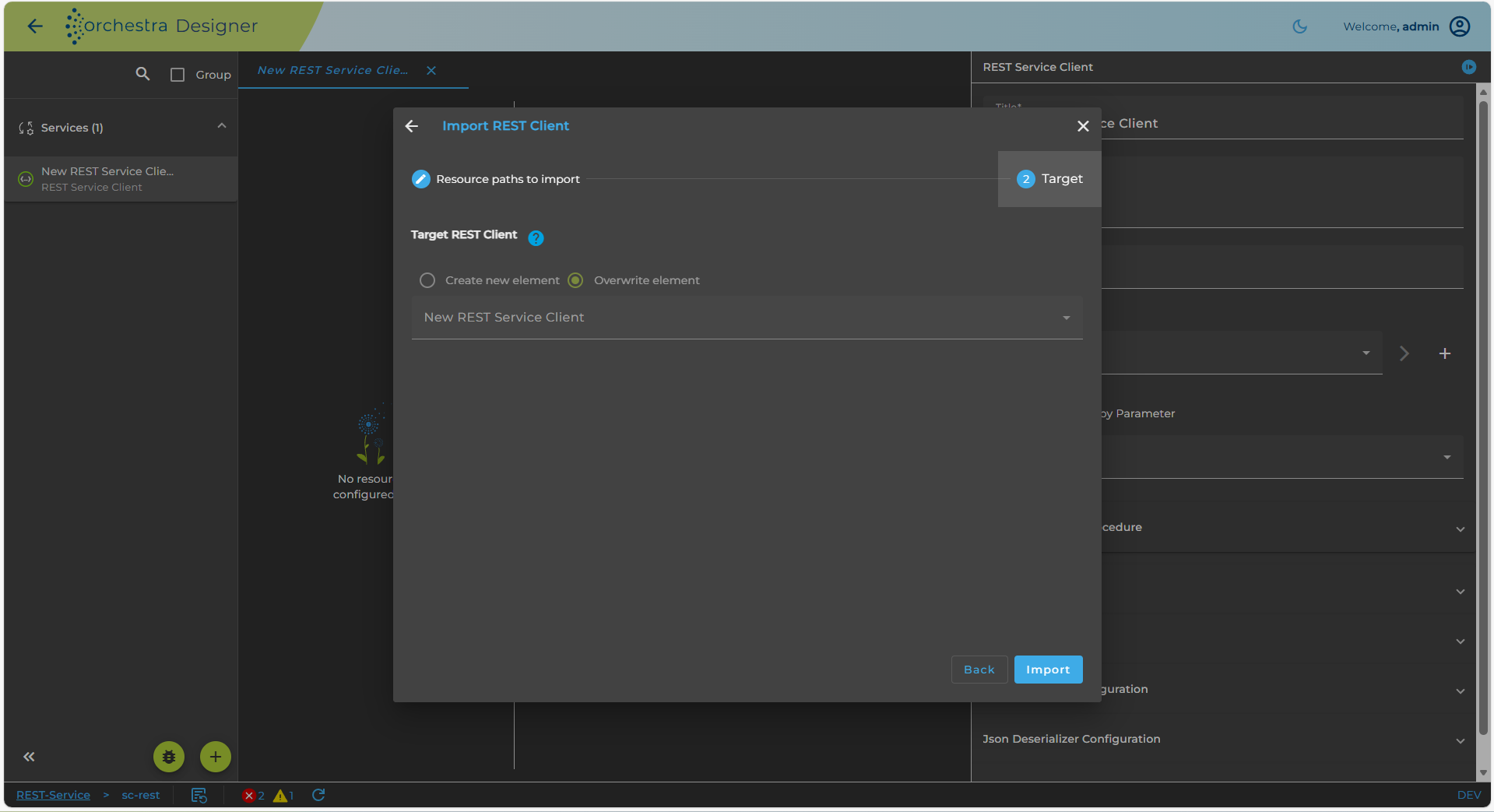
Configuration
- Right-Click on the created REST service client in the designer menu and select the properties option in order to change name a description of your REST Service client.
- Double-click on your REST Service client in the scenario elements tree to open the configuration panel.
- Click on the Resources element of your REST service client object.
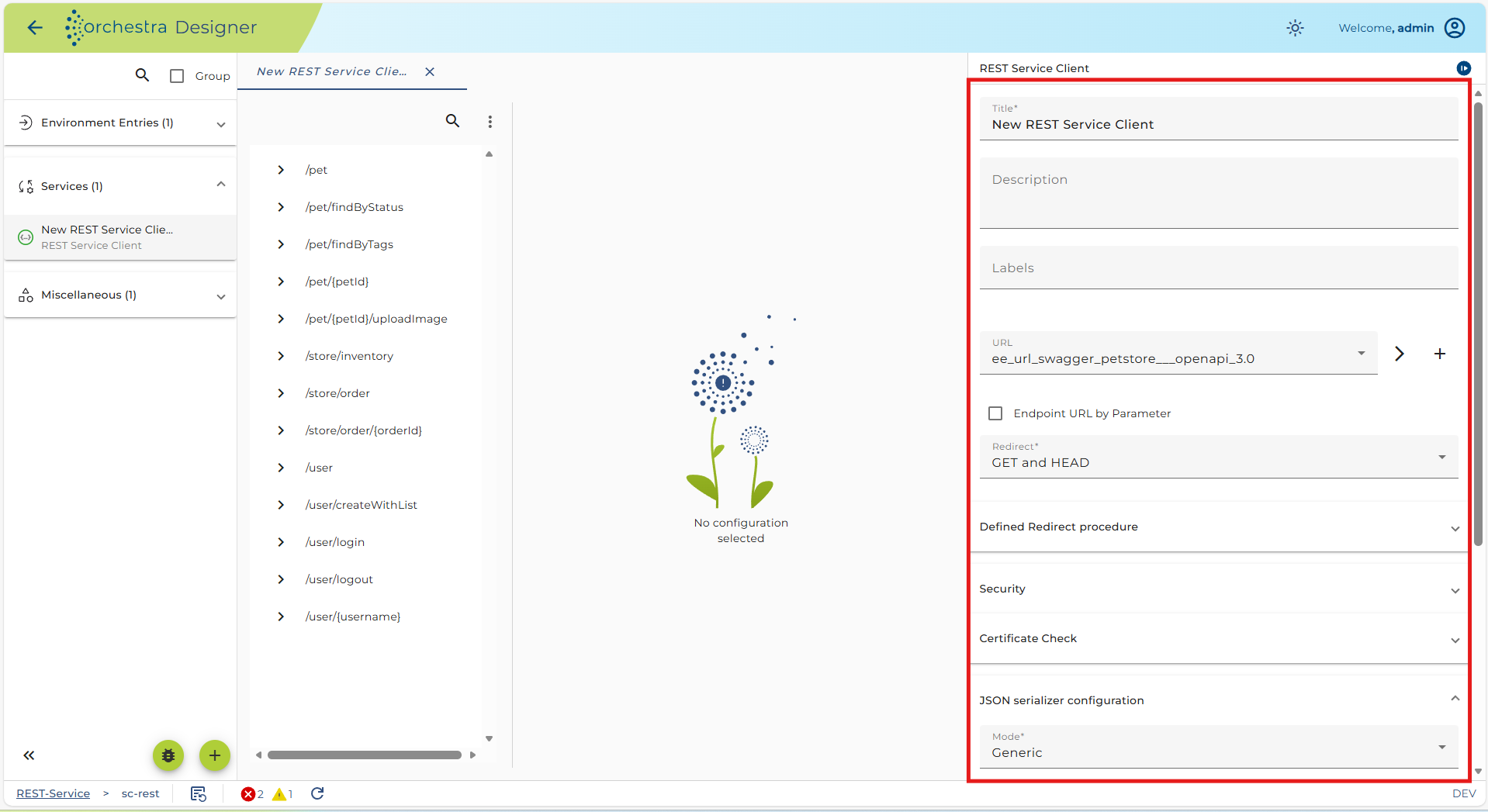
 REST Service Client - resources configuration panel
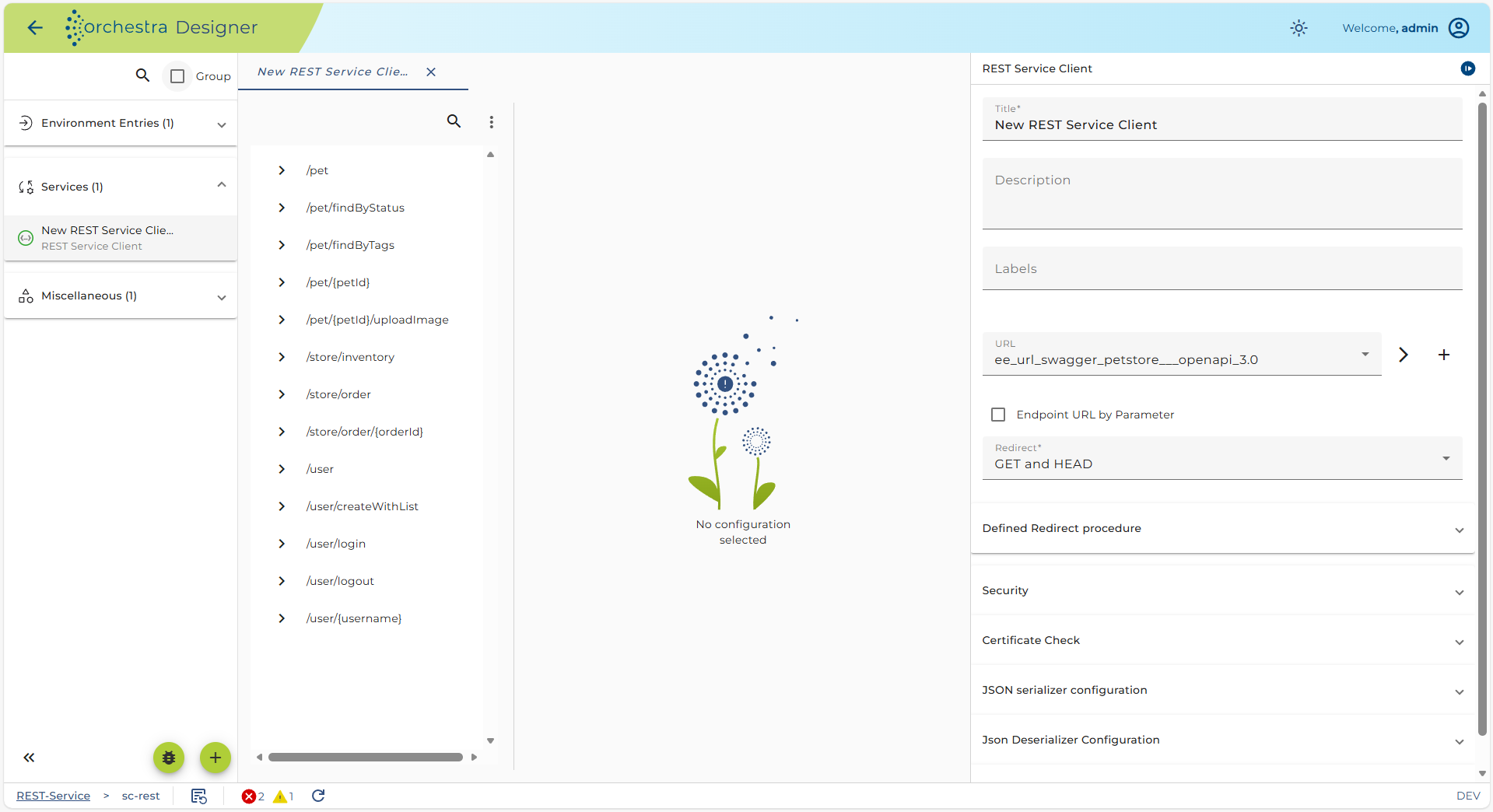
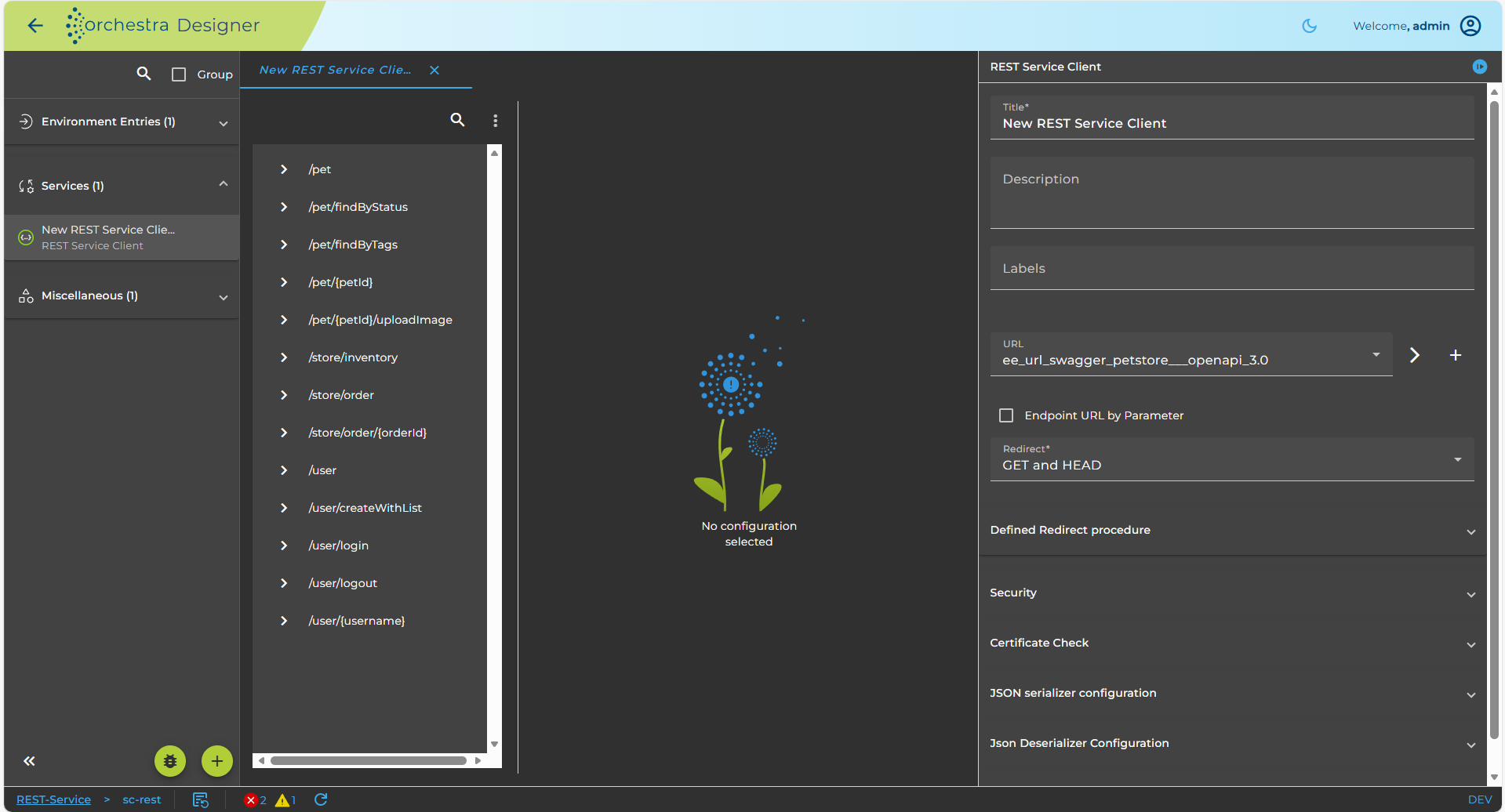
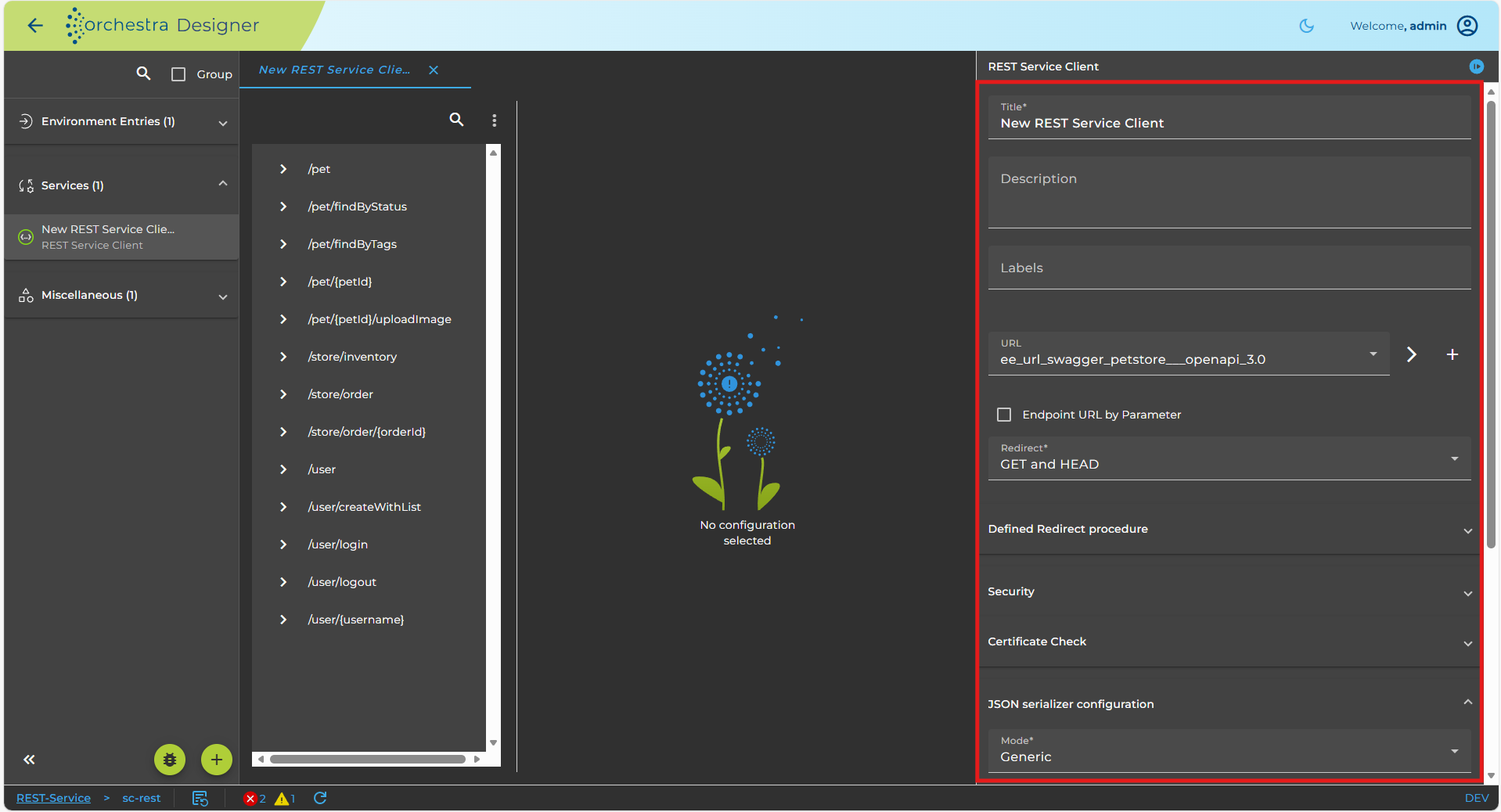
On the left side of the image above, you can see the created elements of the REST Service client. The parent node of the client is the Resources element which contains the URL information of your Rest web service. Resource child element contains more detailed information about URL-Patterns of web service calls together with the list of implemented REST methods.
-
Title of the REST Service client object. You can add a more detailed description in Markdown using the Details button. This text will then be exported when exporting the service as OpenAPI. Additionally, you can add a version for this REST service model. If this REST service is exported as OpenAPI specification, the version will be included there.
-
Redirect By default GET and HEAD are selected because the HTTP 1.0 standard allows redirecting a URL with these two methods. Alternatively you may select GET, POST, HEAD and DELETE to allow redirect for the denoted methods.
-
User defined REDIRECT procedure In rare cases, users may need to modify the method of creating a new HTTP request when an HTTP call returns a Redirect status code (30x). To do this, click on the button to open a source code editor. Here, you can define a Java procedure used for creating an HTTP request from both the original request and the redirect response. Please refer to the paragraph for more details. How to modify a redirected request for details.
-
Connect timeout determines the connection timeout of external REST web service.
-
Read Timeout determines the read timeout of external REST web service.
-
Authentication defines how to authenticate on the selected REST web service. For more detailed information about this configuration refer to configuring authentication.
-
User credentials settings based on previously selected authentication value. The value of the existing Credential entry.
-
URL of the REST Service client object determines the base path of your REST method calls. The value of the URL environment entry. If the checkbox By parameter is enabled, then it is not possible to select a URL.
-
By parameter: If enabled the target URL is provided dynamically as a parameter (BASE_URL) within the call element calling the REST-service inside the process model
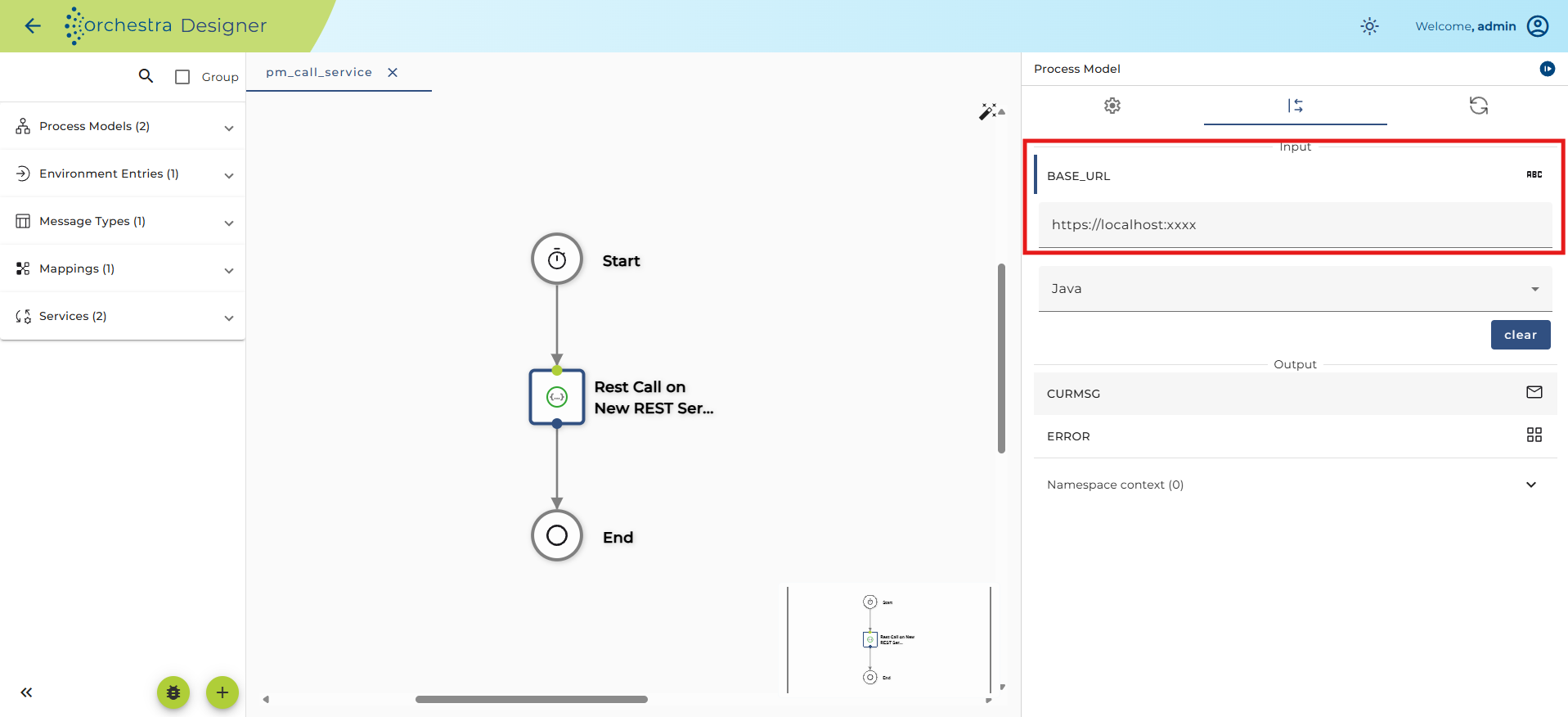
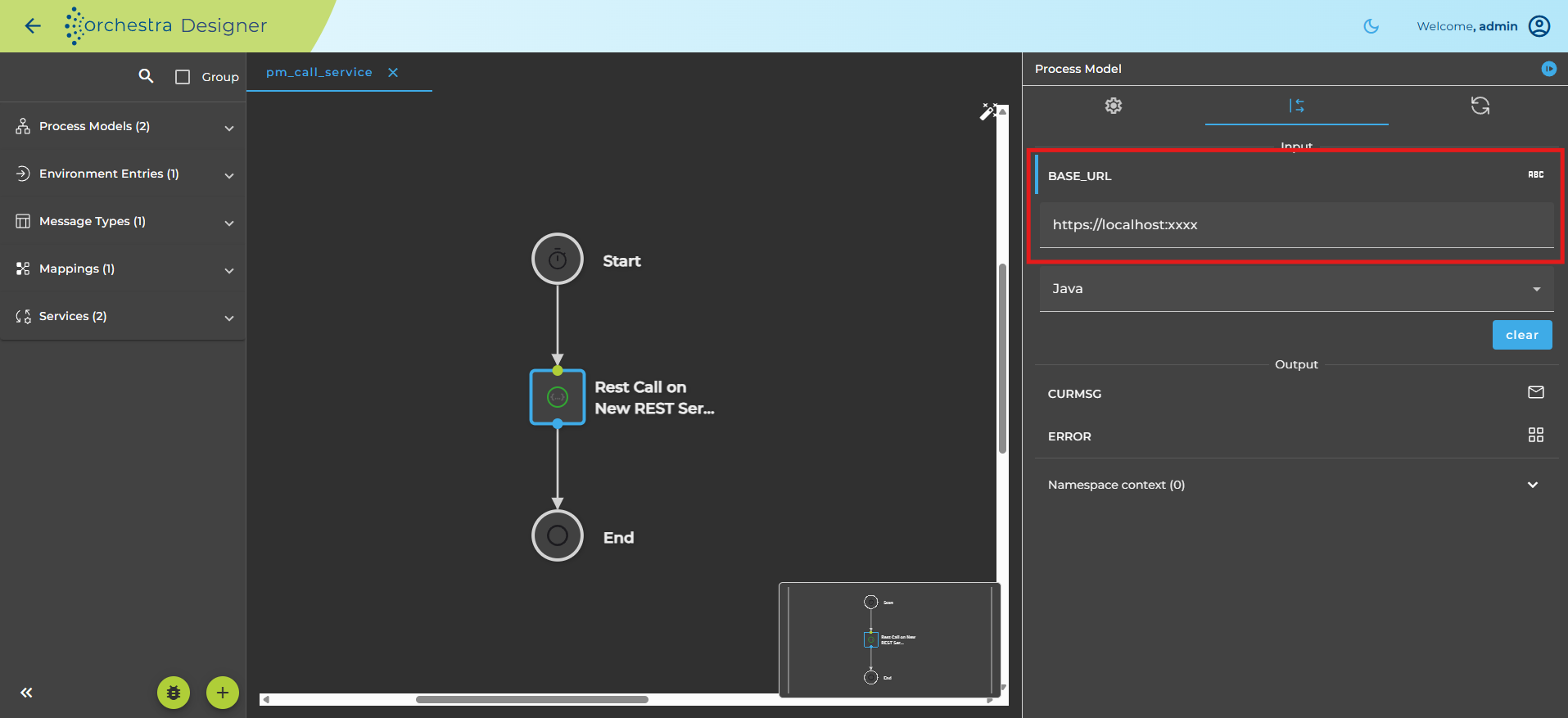 The target URL is defined within the Service call inside the processmodell
Configuring serializers and deserializers used within the REST service
With a REST service typically JSON or XML data is sent over the TCP stream. The specific serializer/deserializer to use is selected by the Content-Type. Therefore, the serializers are configured at the root element of a REST service, that is within the resources' element.
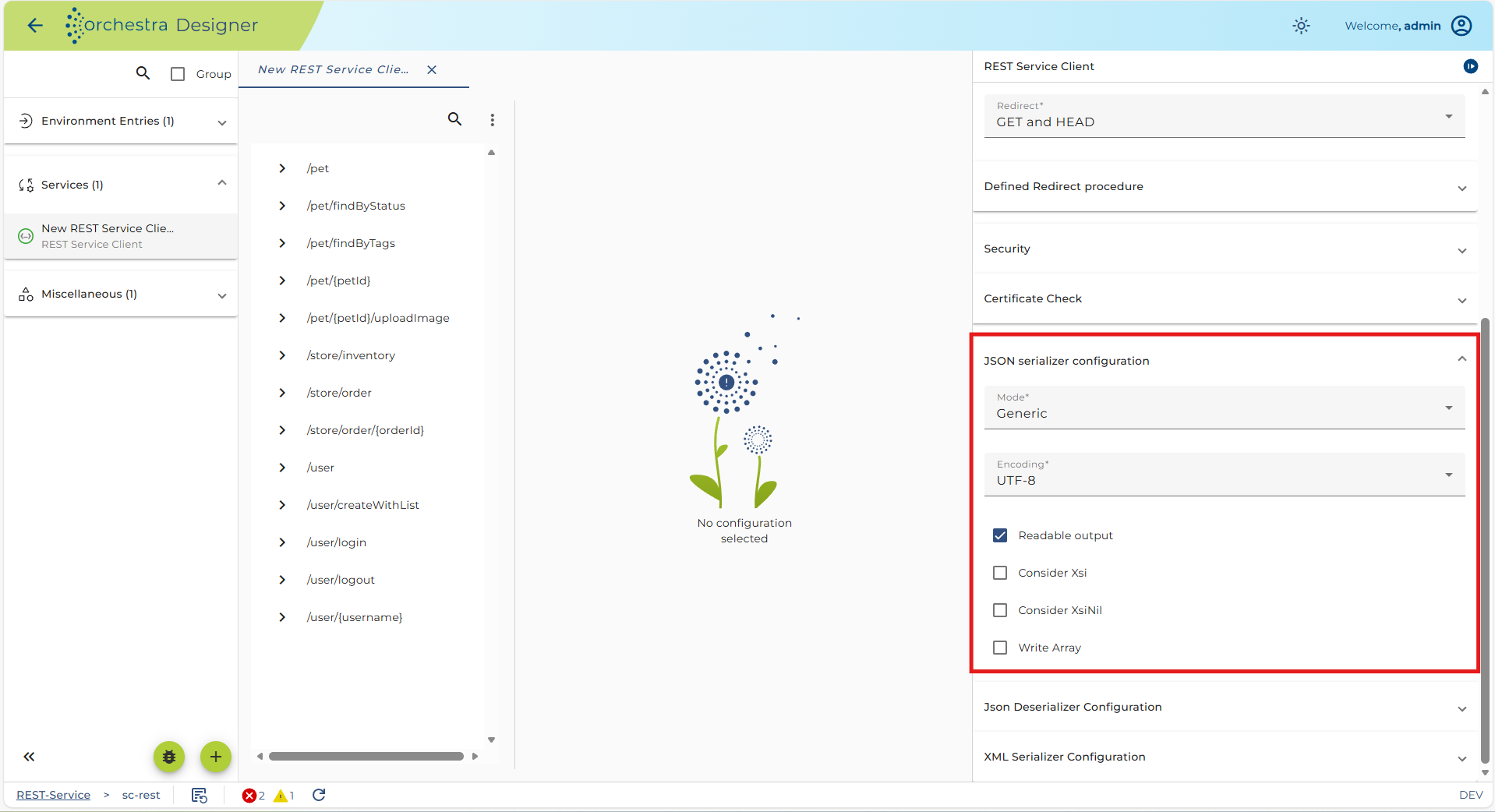
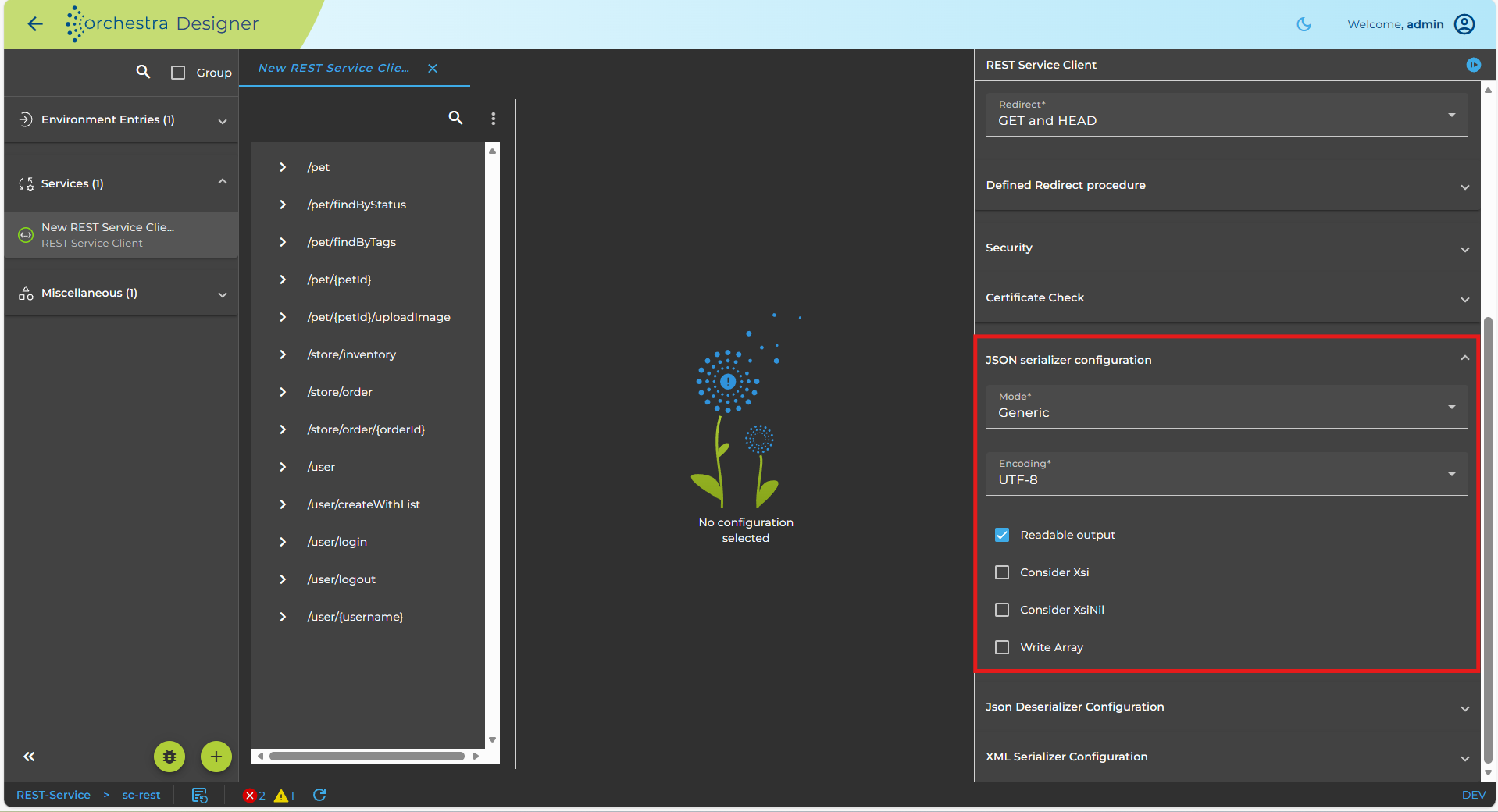 Serializers in the context of a REST service
The most important are probably the JSON Serializer and the JSON Deserializer. Within the context of REST services you cannot select a specific message type in the JSON Serializer or the JSON Deserializer. Instead, you select the entry <configured type>. In this case the message type which is configured in the request of the REST service is used to configure the JSON Serializer to write JSON data and the message type which is configured in the response of the REST service is used to configure the JSON Deserializer to parse the JSON data.
After applying configuration settings for the Resources element, you will need to configure each resource element with corresponding methods. For more details see the sections Resource and Method.
See also
- Connecting to an external REST web service
- Resource Configuration
- Method Configuration