Import
Description
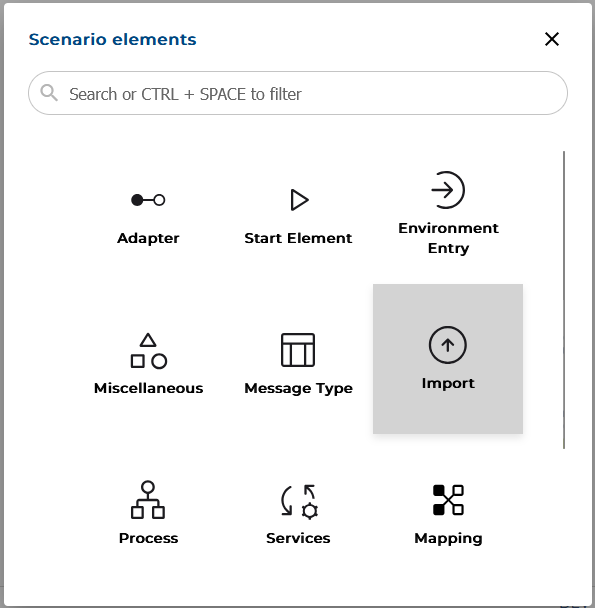
In the Orchestra Web Designer there are several ways to create a message type by import. In most cases a message type is created by adding a new element in a scenario using the button "+" and then select the Import icon in the Scenario elements dialog.
The first two Import options support creation of message types from files (JSON, XML, CSV, XSD) or external systems (e.g. databases).
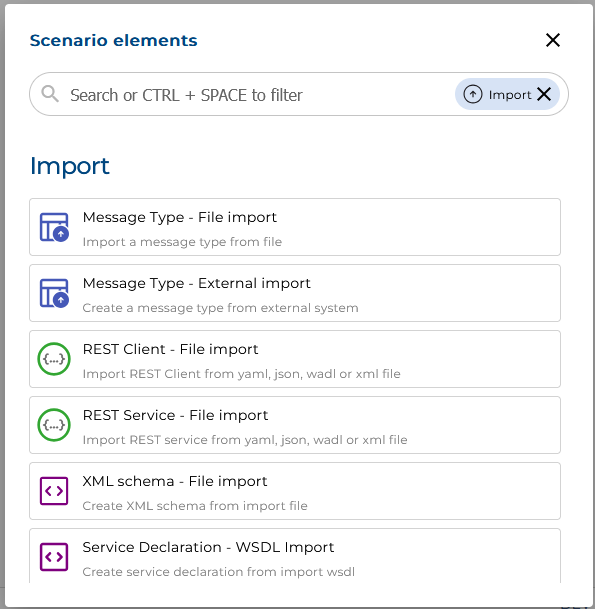
The following chapters will describe the options and their variations in detail: