LLM Configuration
Description
Environment entries of type LLM Configuration are used to declare the parameters required to connect to and interact with Large Language Model (LLM) providers. This includes API credentials, model selection, token limits, and generation parameters such as temperature and response format.
Configuration
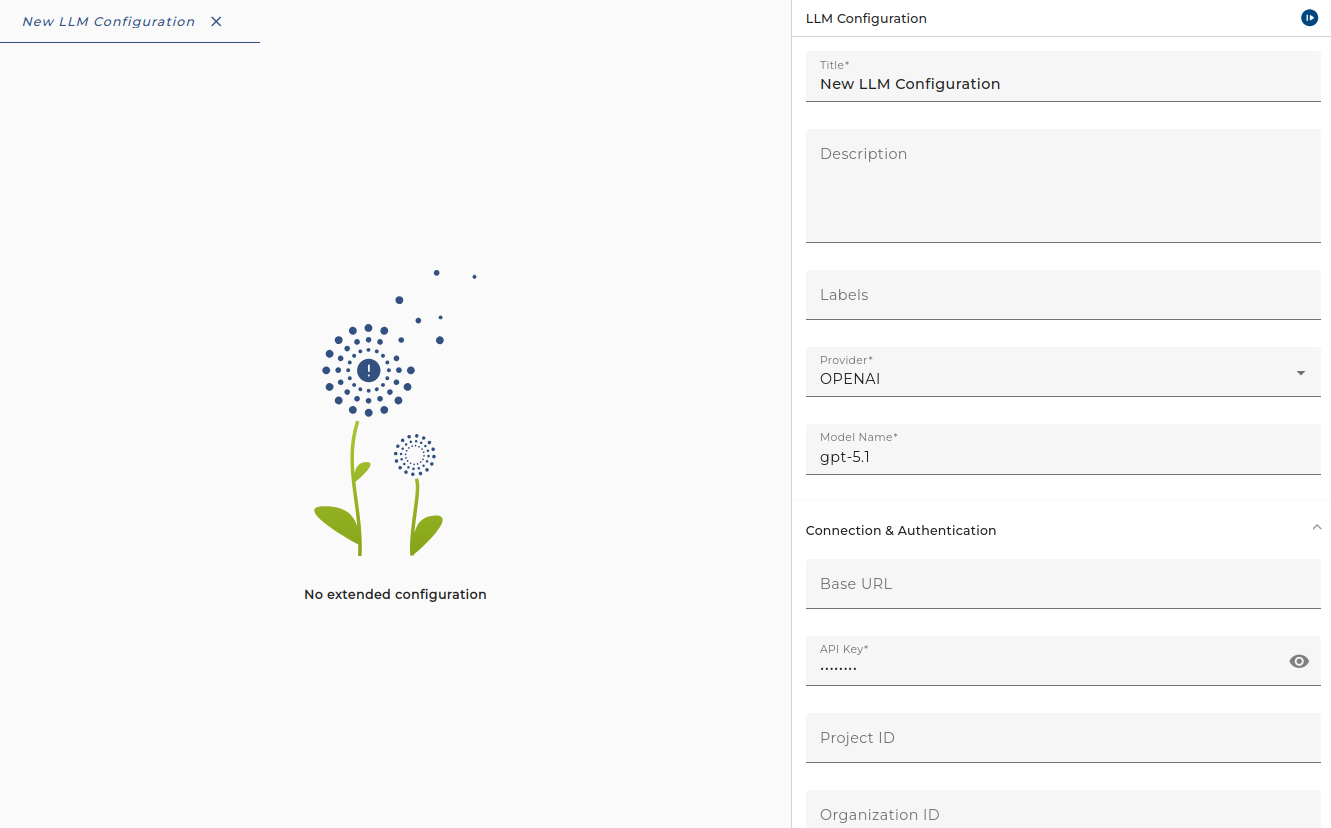
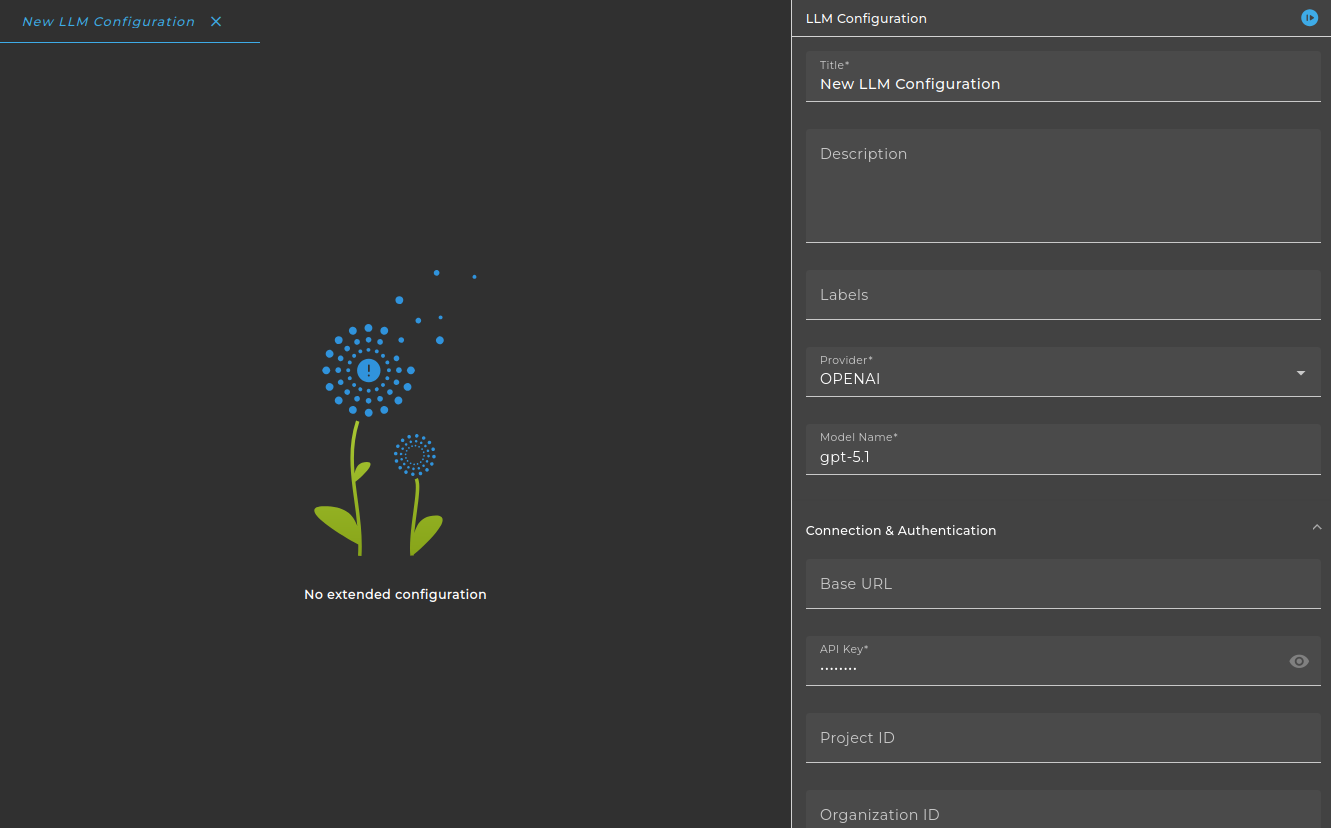
The dialog to configure the LLM Configuration looks like:
Purpose of object
It is used by the LLM Outbound Adapter to define the primary and optional fallback LLM configuration when sending requests to AI providers.
Configuration
Supported providers
The configuration supports the following LLM providers:
- OpenAI — GPT models
- Gemini — Google Gemini models
- Azure — Azure OpenAI deployments
- Ollama — Local models via Ollama
Step by Step
-
Create an Environment entry of type LLM Configuration.
-
Select the Provider
-
Fill in the Model Name (e.g.
gpt-4o-mini). For Azure, use Deployment Name instead. -
Configure Connection & Authentication:
- API Key — Required for most providers. Store credentials securely.
- Base URL — Optional override for OpenAI, Ollama, and Gemini (e.g. custom endpoint or local Ollama).
- Project ID — Used by OpenAI, Gemini, and Azure (e.g. Google Cloud project).
- Organization ID — OpenAI and Azure organization identifier.
- Location — Gemini region (e.g.
us-central1). - Endpoint, Service Version, Use Managed Identity, Non-Azure API Key — Azure-specific settings.
-
Set Prompt Settings (when available):
- Default System Prompt — Default system message applied to requests. Can be overridden on each request.
-
Set Limits:
- Max Input Tokens — Maximum context length (default: 4096).
- Max Output Tokens — Maximum response length (default: 512).
- Timeout (seconds) — Request timeout (default: 60).
- Max Retries — Number of retry attempts on failure.
- Num Predict, Num Context — Ollama-specific (prediction length and context window size).
-
Configure Generation parameters:
- Response Format — TEXT or JSON.
- Temperature, Top-P, Top-K, Seed — Sampling parameters (seed enables reproducibility).
- Stop Sequences — Tokens that stop generation.
- Strict JSON Schema — Enforce JSON output structure (OpenAI, Azure; when using JSON format).
- Frequency Penalty, Presence Penalty — OpenAI-specific repetition control.
- Reasoning Effort — OpenAI-specific (low, medium, high).
- Repeat Penalty, Min-P, Mirostat, Mirostat Eta, Mirostat Tau, Think — Ollama-specific sampling and extended thinking.
- Thinking Level, Include Thoughts — Gemini-specific thinking options.
-
Use Customization for provider-specific options:
- Custom Model Parameters, Custom Headers, Custom Query Parameters — Extend requests with additional parameters.
- User — OpenAI user ID for tracking.
- Media Resolution — Gemini media resolution (low, medium, high).
- Safety Settings — Gemini safety configuration.
The exact fields shown depend on the selected provider; some options are provider-specific (e.g. Mirostat for Ollama).
If you are missing a desired parameter, use Custom Model Parameters to define it yourself . These parameters are applied if the parameter exists for the selected provider. Please consult the provider's documentation to get an up-to-date list of existing parameters.