Scenario Elements
Scenario elements represent the main building bricks that scenarios are build from in the Web-Designer. To add a new scenario element click the green "+" button in the bottom of the left hand sidebar (Alternatively: CTRL + SHIFT + A).
After clicking the Create Scenario Element Button a new Dialog with options to choose from will appear on the right side of the screen:
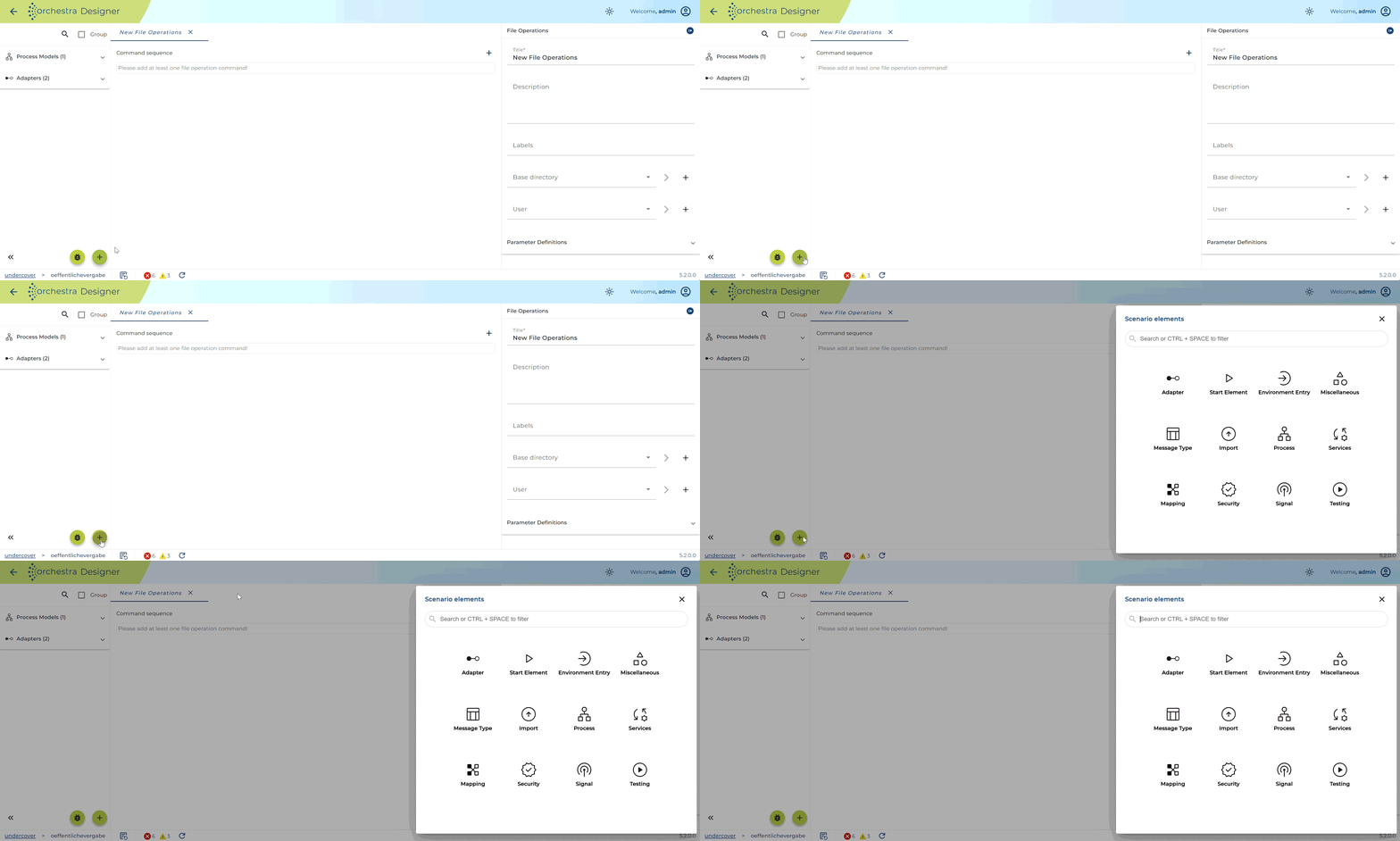
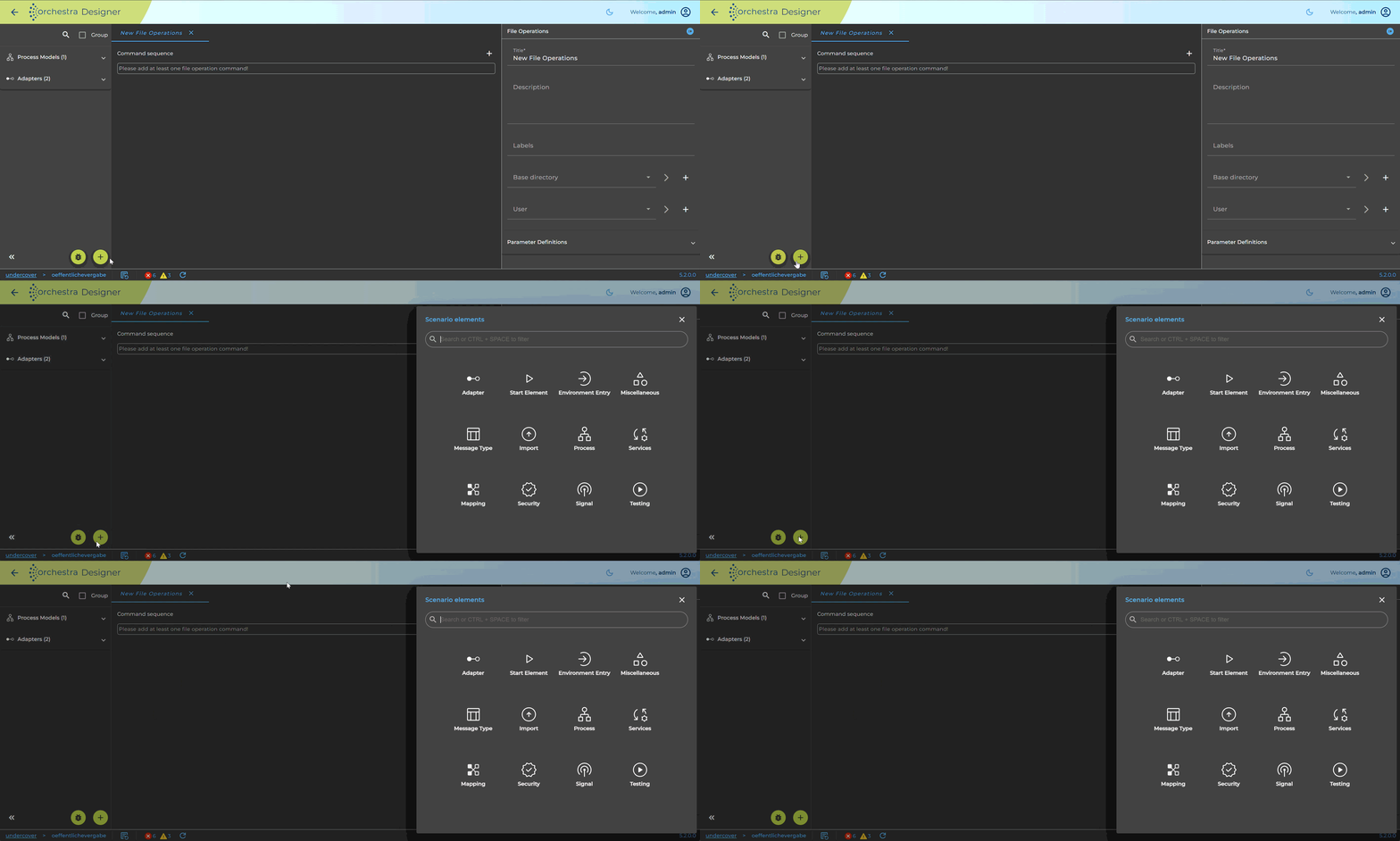
From this menu you can either select the type of Scenario Element you want to create or search for it directly.