Dependency Management in Orchestra Web Designer
Description
In Orchestra Web Designer, users can manage project settings and scenarios within the Build Management panel.
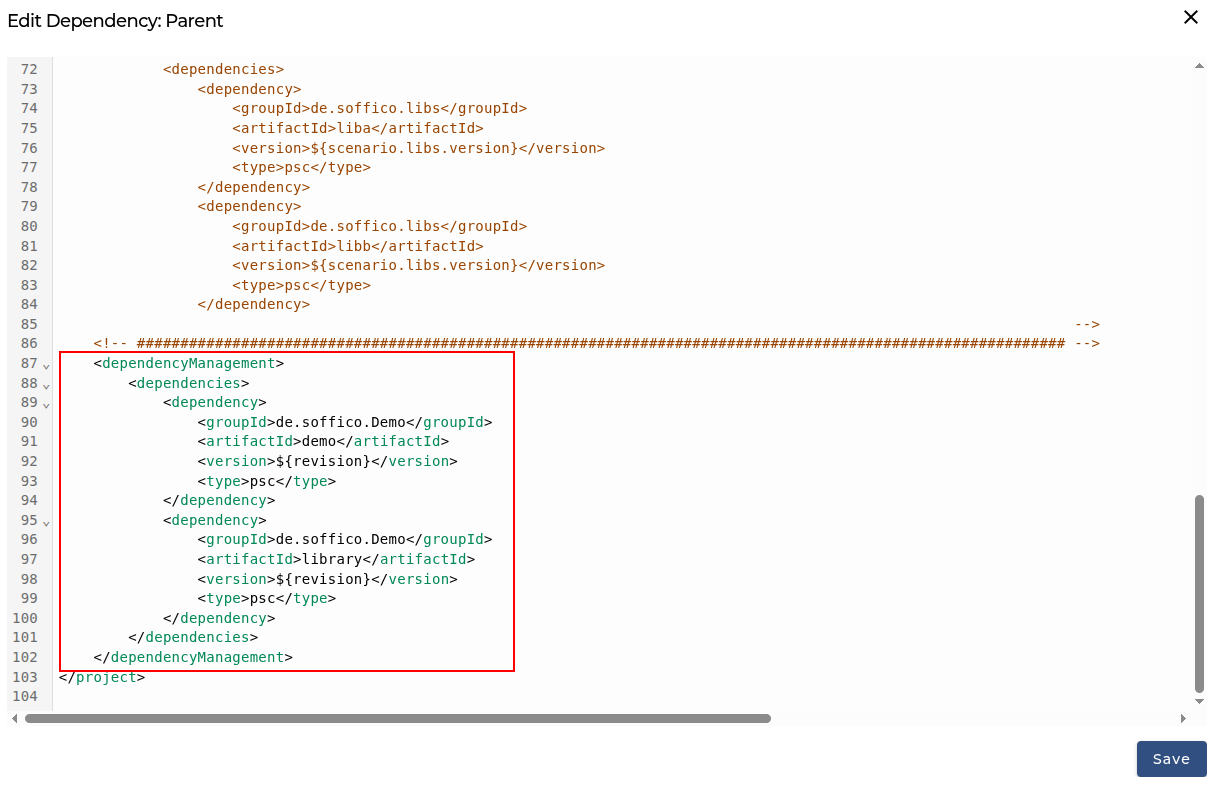
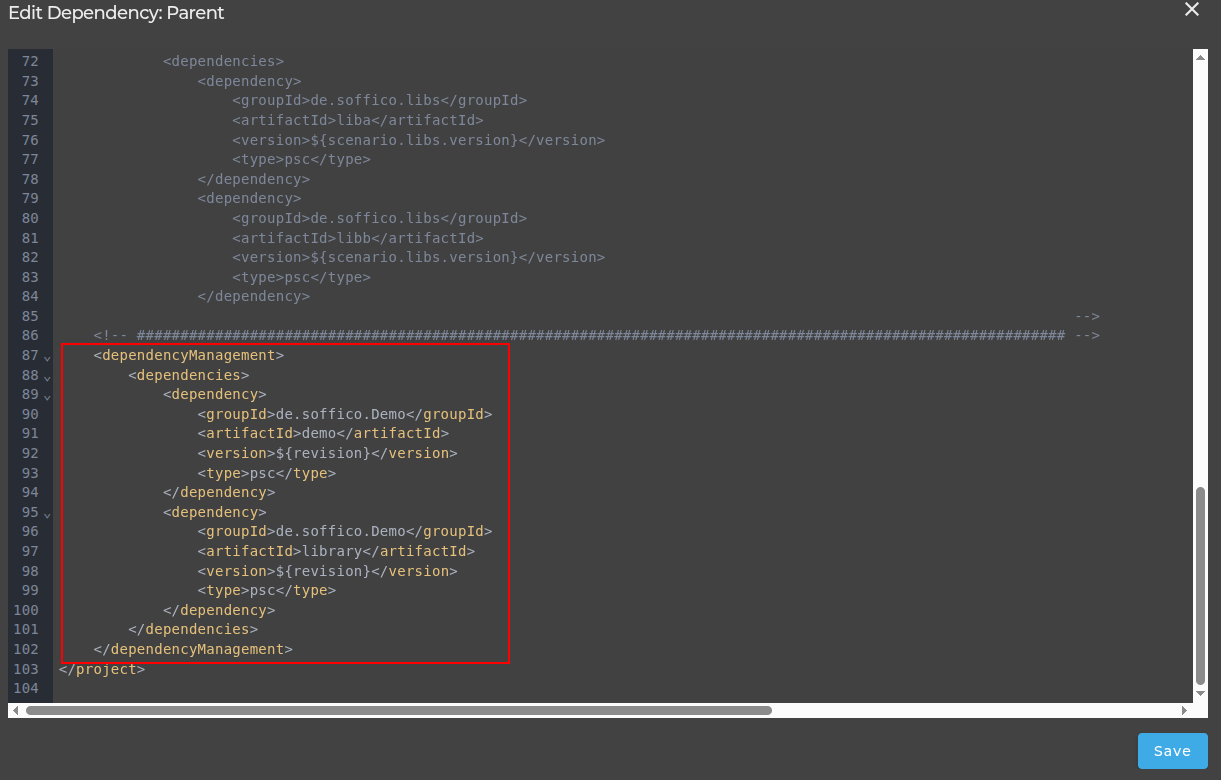
Project Configuration Example (Parent POM)
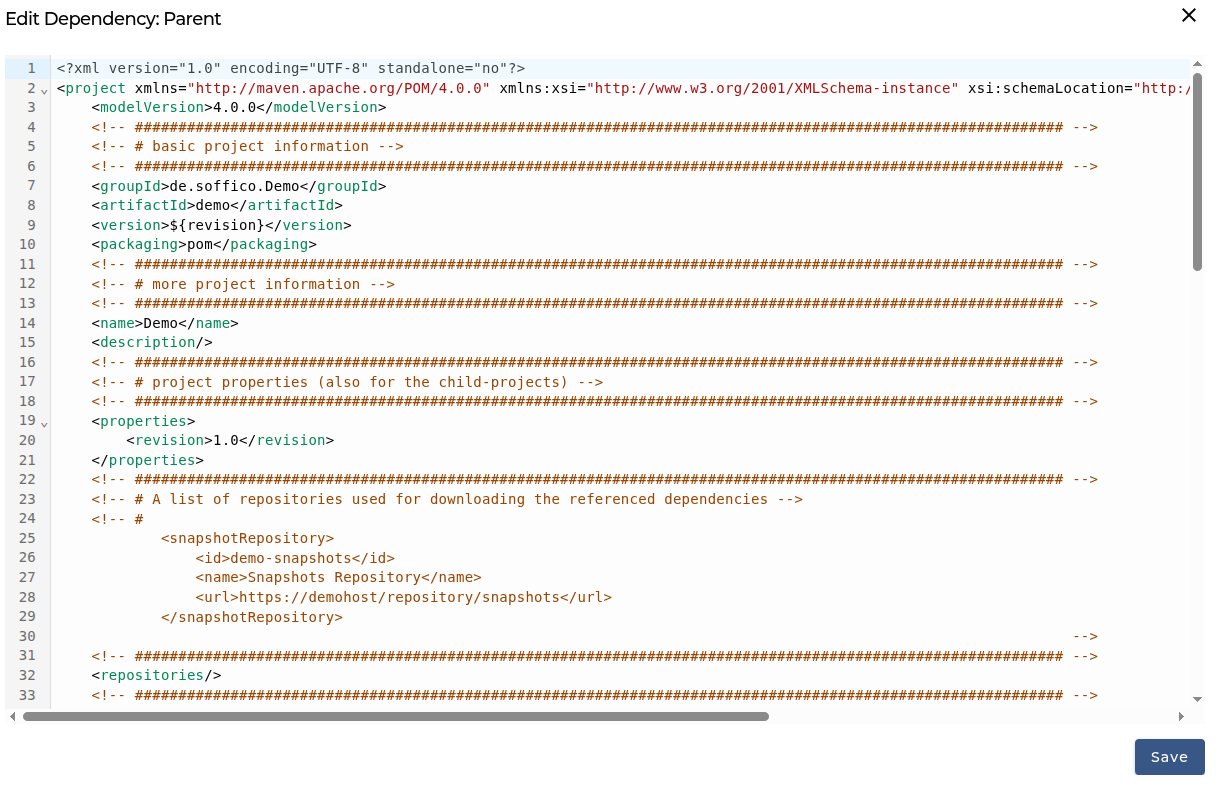
Scenario Configuration Example
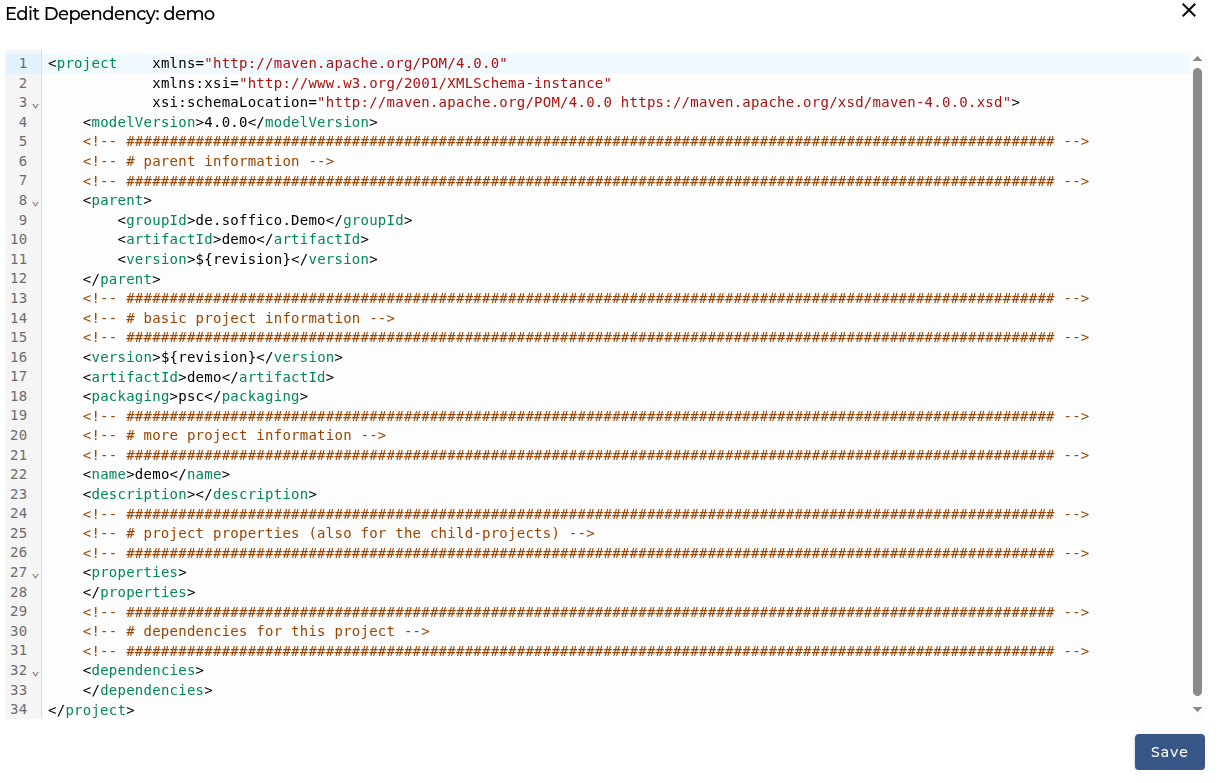
Importing Scenario Elements from Other Scenarios
To import a scenario element from another scenario, you need to define a dependency in the scenario POM.xml file.
Add the required dependency within the <dependencies> section of your scenario POM file.
The following example shows a fragment of such a POM file. In this case, two dependencies are defined:
- One for an artifact named library-a
- One for an artifact named library-b
Both dependencies belong to the same project (same groupId).
Since the child POM inherits the version from the parent POM, the version information is omitted here.
Configure Scenario Dependency
Updating Dependencies
Whenever a dependency is modified, all dependencies used in a scenario must be re-imported.
To simplify this process, select Update and execute the action.
All imported scenario elements will then be refreshed based on the dependencies defined in the POM.xml file.
Scopes
Maven scopes control when and where a dependency is available during the build lifecycle. The default scope is compile.
The most relevant scopes for Orchestra projects are:
| Scope | Availability | Packaged into artifact |
|---|---|---|
compile (default) | Compile time and runtime | Yes |
runtime | Runtime only | Yes |
test | Test execution only | No |
Test-Scoped Dependencies
Use test scope to pull in scenario support modules or test helpers without leaking them into the final artifact:
<dependency>
    <groupId>com.example</groupId>
    <artifactId>my-test-scenario</artifactId>
    <scope>test</scope>
    <type>psc</type>
</dependency>
Test-scoped scenario dependencies are deployed on the bridge automatically during testing and are never included in the final packaged artifact.
Global Dependencies via Parent POM
Orchestra uses Maven's parent POM to manage dependencies centrally. By default, all dependencies defined in the parent POM are inherited by every child scenario in the project.
You can control this inheritance behavior using the <scope> element:
| Scope | Inherited by child scenarios | Added to PSB |
|---|---|---|
compile (default) | Yes | Yes |
runtime | No | Yes |
To bundle a dependency into the PSB without exposing it to child scenarios, set the scope to runtime:
<dependency>
    <groupId>com.example</groupId>
    <artifactId>global-scenario</artifactId>
    <scope>runtime</scope>
    <type>psc</type>
</dependency>
If the <scope> element is omitted, Maven defaults to compile ? child scenarios will inherit the dependency.
Resolving Element Links to Dependencies
After declaring dependencies and making libraries available, you may need to assign or adjust which imported library element corresponds to each local scenario element. Use the Dependency Assistant from the Build Management Dep. column.