Method
Description
Methods describe the capabilities of a service; they are crucial for the service declaration.
Creation
To add a Method:
- Click on your REST Service Provider to open the configuration panel.
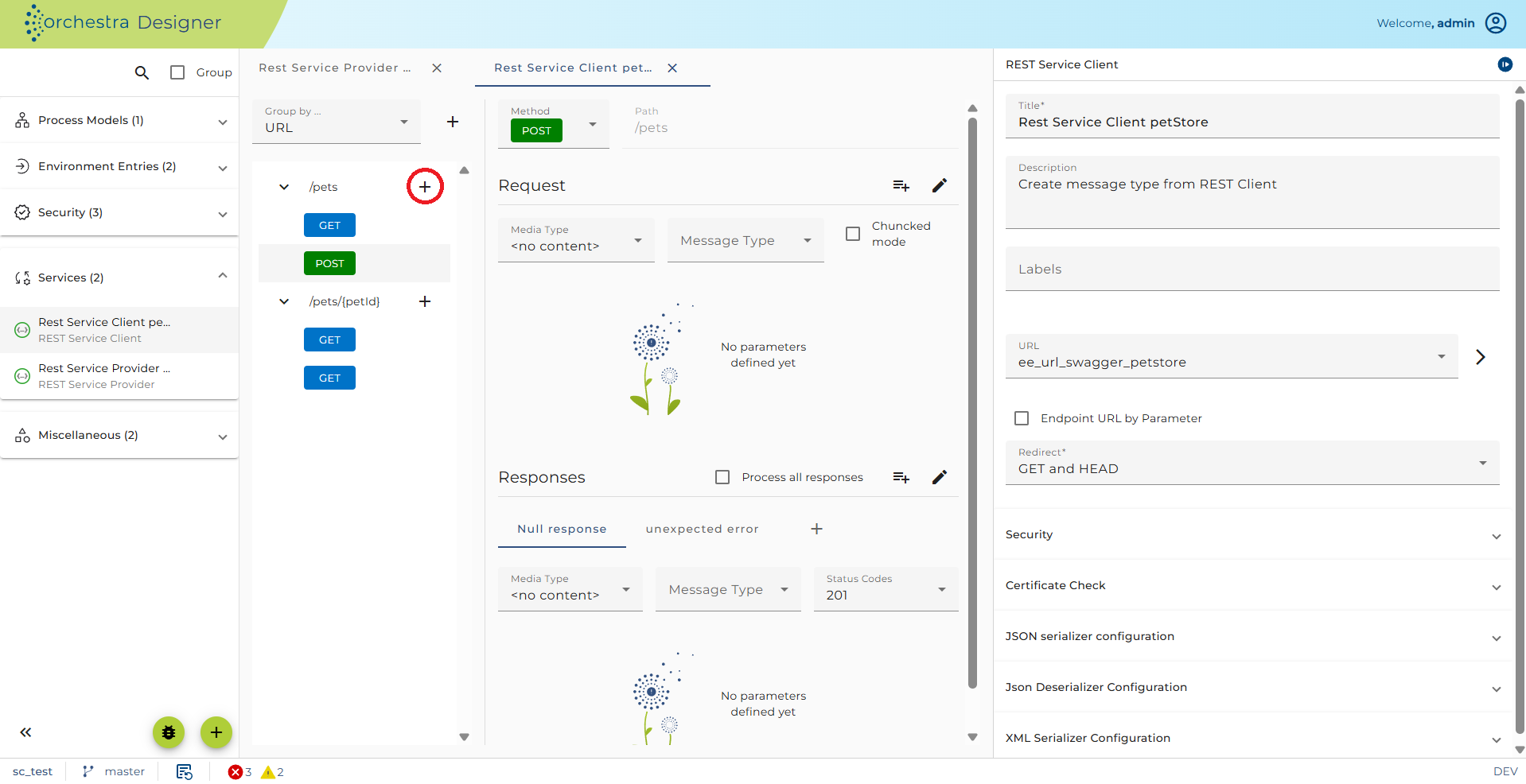
- Click the plus sign icon located next to '/default-path'
- Expand the /default-path dropdown to view the newly created method. By default, a new GET method will be created containing one request element.
Configuration
To configure a REST service method, click on the appropriate method element:
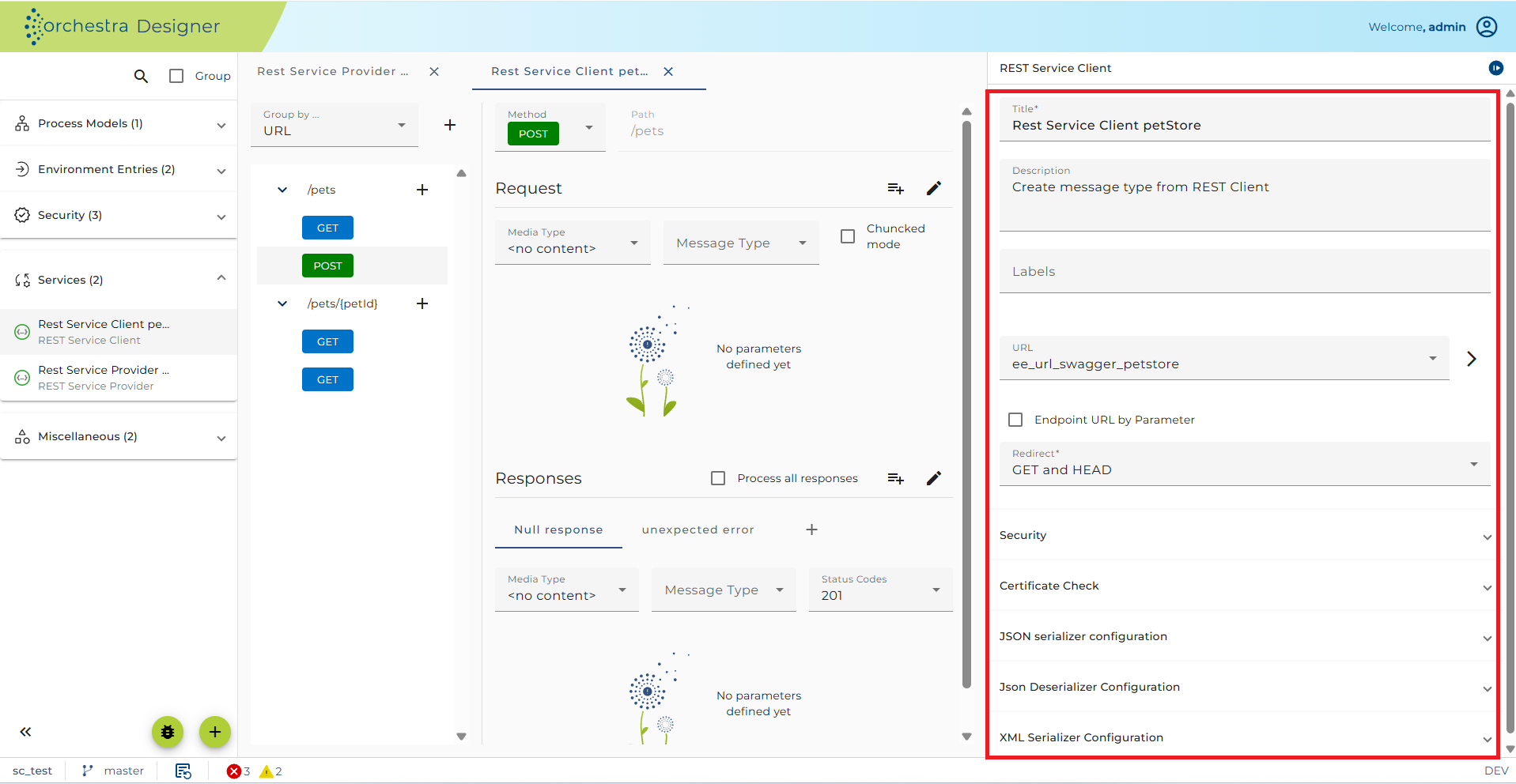
Configuration of a REST method
-
Method description: Description of the method. Using the Details button, you can add a description in Markdown, which will be contained as HTML in the OpenAPI export.
-
Method: The HTTP method which is invoked.
-
Change technical mapping: Select an Orchestra process model, assign request and response variables. On each call of the HTTP method, an instance of this model is created and provided with the REST variable values. It must create the values for the HTTP response. See section Technical mapping.
-
Implemented by: Displays the name of the selected process model implementing the selected method.
-
On error write standard HTML: If processing fails and no matching response is found, a default response handler will return an error. If selected, an HTTP 500 with appropriate HTML will always be returned in case of error.
-
Synchronous: Check box to define the method as synchronous. A service with a response (e.g., a GET method) is always synchronous.
-
Synchronous timeout: Defines a time duration. If the method is synchronous and the assigned process model is not finished after this time, an HTTP 500 (internal error) will be returned to the caller.
-
URL-Pattern: Read-only field showing an example URL of the method call based on path settings for the Resource element and the Request parameters.
-
Request media type: The format of the request content. Defined in the Request object of the method.
-
Response media type: The format of the method response. Defined in the Response object of the method.
Technical mapping
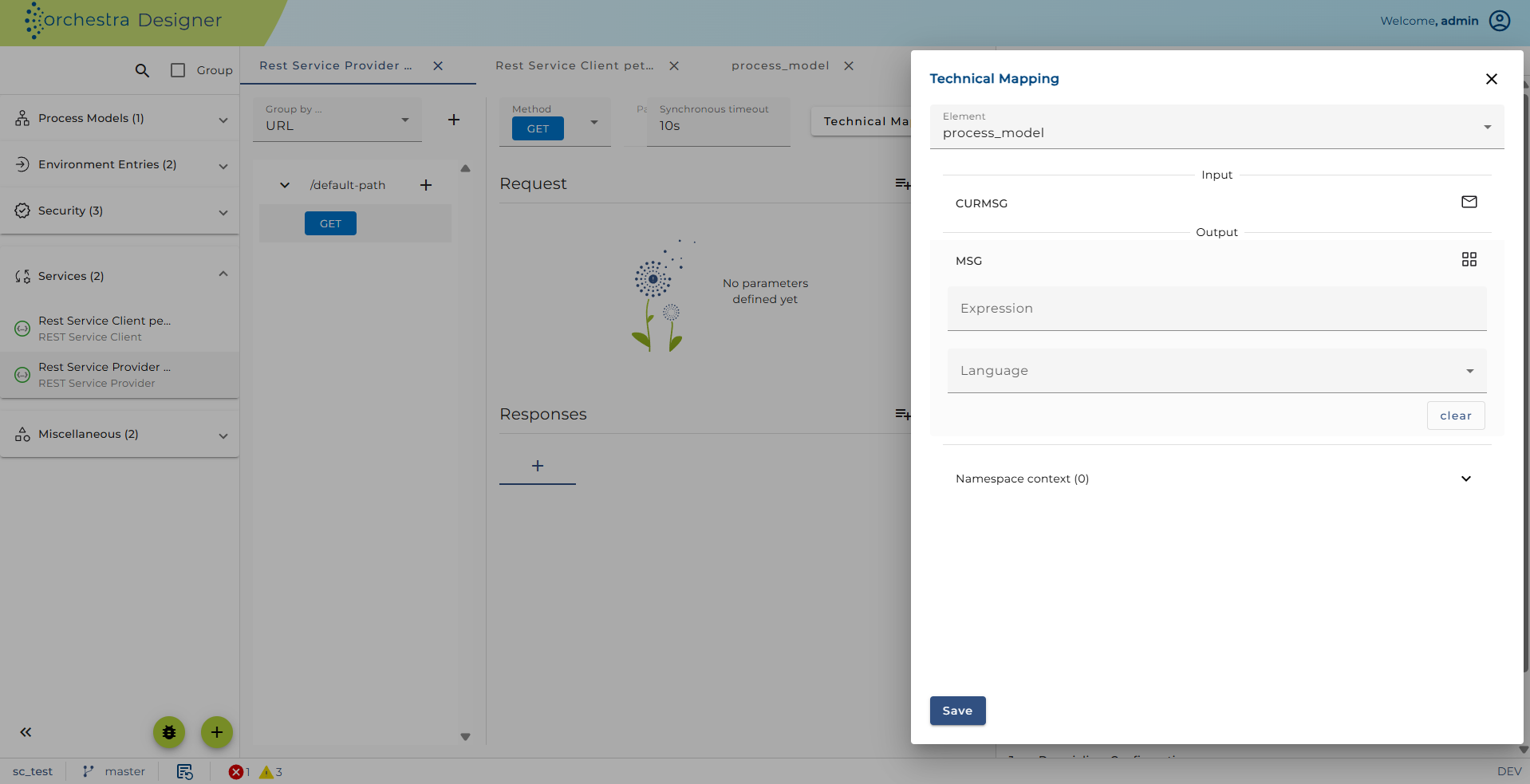
Every method must be assigned to a process model. To do this, click on the technical mapping button.
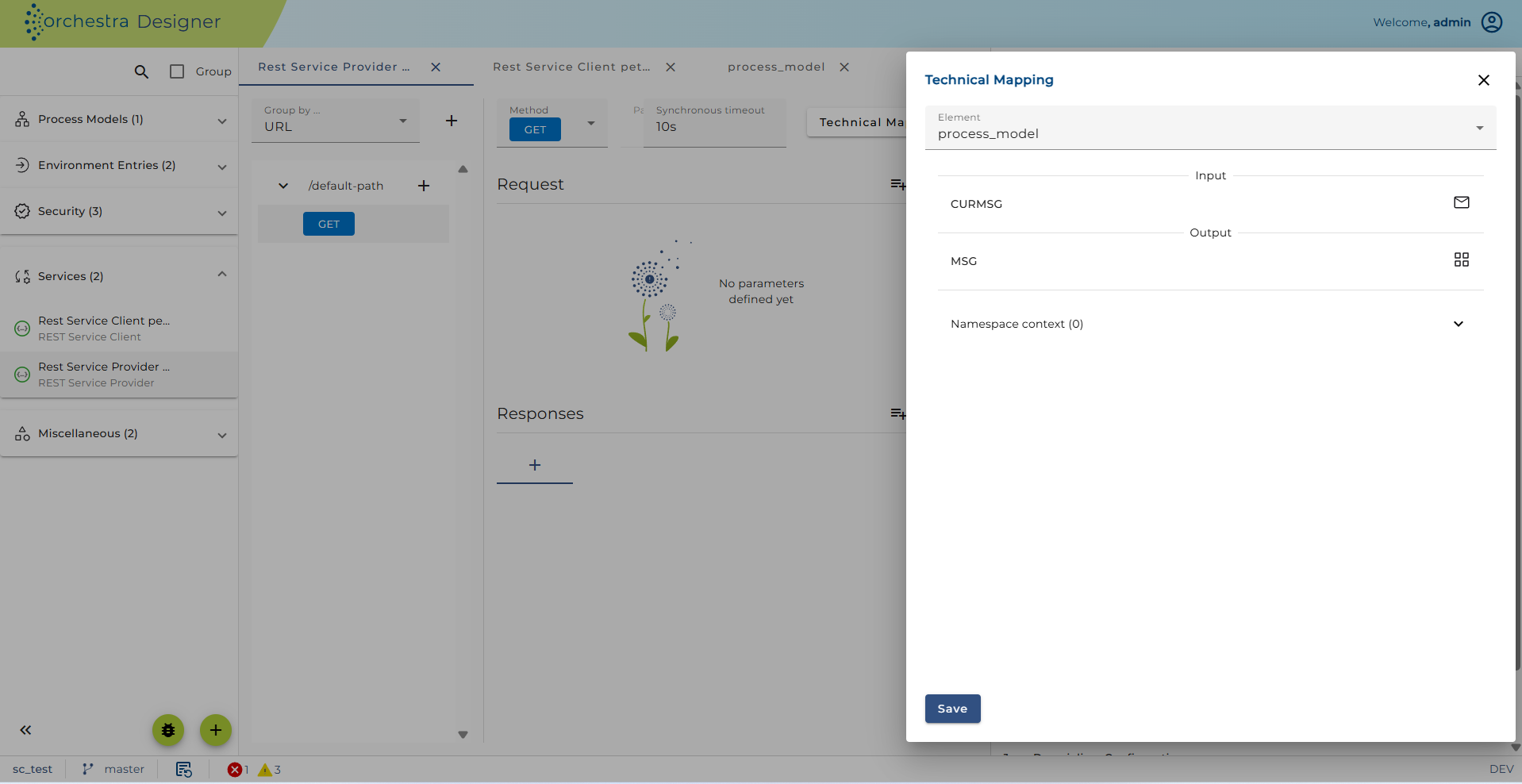
Here the user can assign a process model responsible for processing the data delivered by the REST service call and generating the response data.
Request mapping
In this tab, users assign expressions built on the parameters of the REST request to variables in the process model.
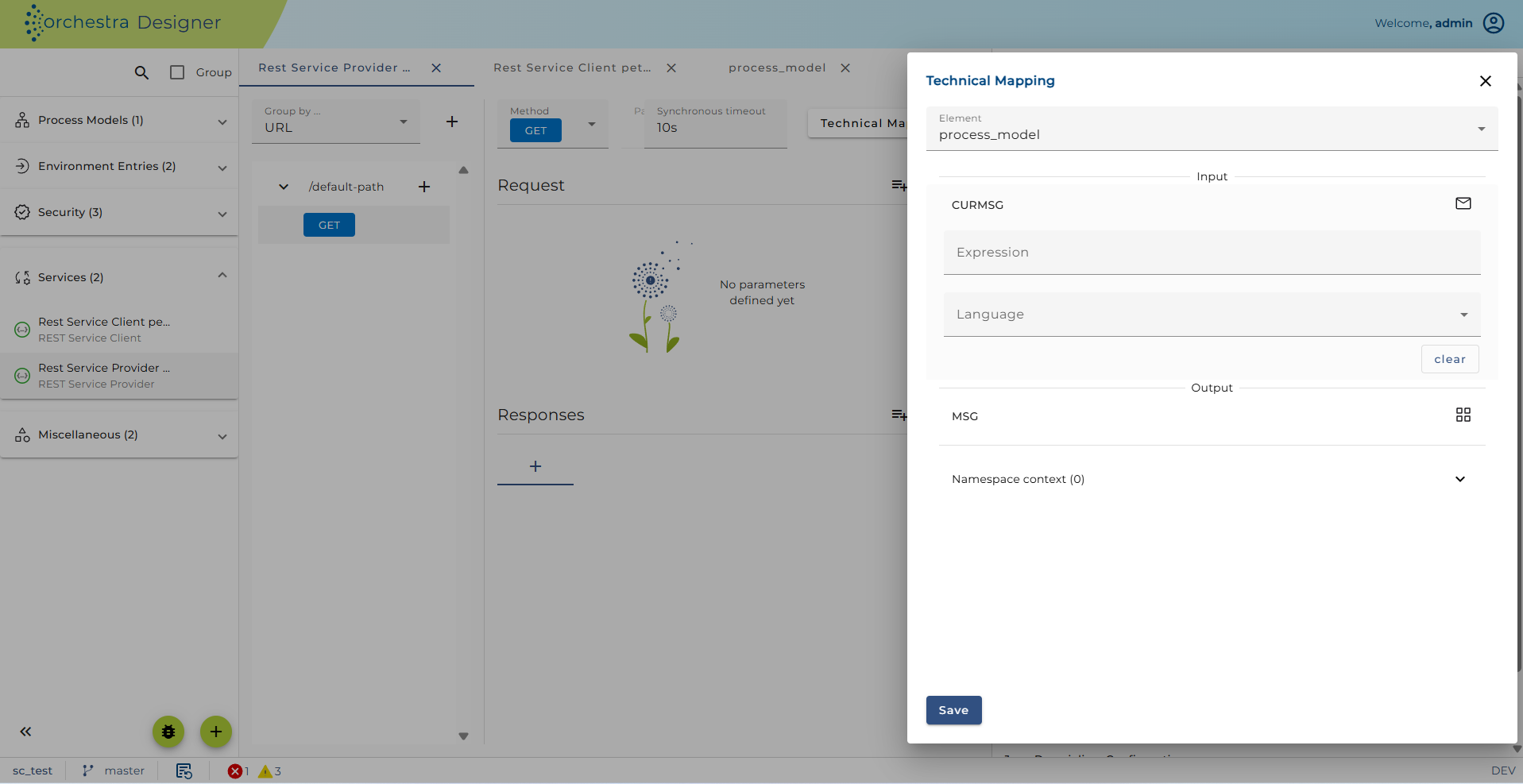
Two special parameters are always delivered from any REST call:
URL: The original URL the client invokedREMOTEADDR: The IP address of the REST caller
Response mapping
In this tab, the user assigns expressions built on process model variables to parameters of the REST response.
See also
- Implementing a REST web service
- Resource Configuration
- REST Service Provider Configuration