REST Service Provider
Description
The purpose of the REST Service Provider is to enable you to implement REST web services on your own, without a need for a specific programming language knowledge. Using REST Service Provider, Orchestra will act as an external REST web service which exposes different APIs based upon your requirements. The Rest Service Provider concept used for creating web service contains only the declaration or REST methods that the user wants to implement. The actual implementation is implemented by a process model which is assigned to a particular REST method.
REST Provider in Orchestra
In Orchestra, you can create a REST Service Provider in two different ways. You can create it manually, or you may import the description of a REST service contained in a OpenAPI specification or a WADL (Web Application Description Language) file.
Creating
In order to manually create a REST Service Provider
To manually create a REST Service Client:
- Click on the plus icon located on the bottom-left of the screen.
- Select 'Services'.
- Select 'REST Service Provider'.
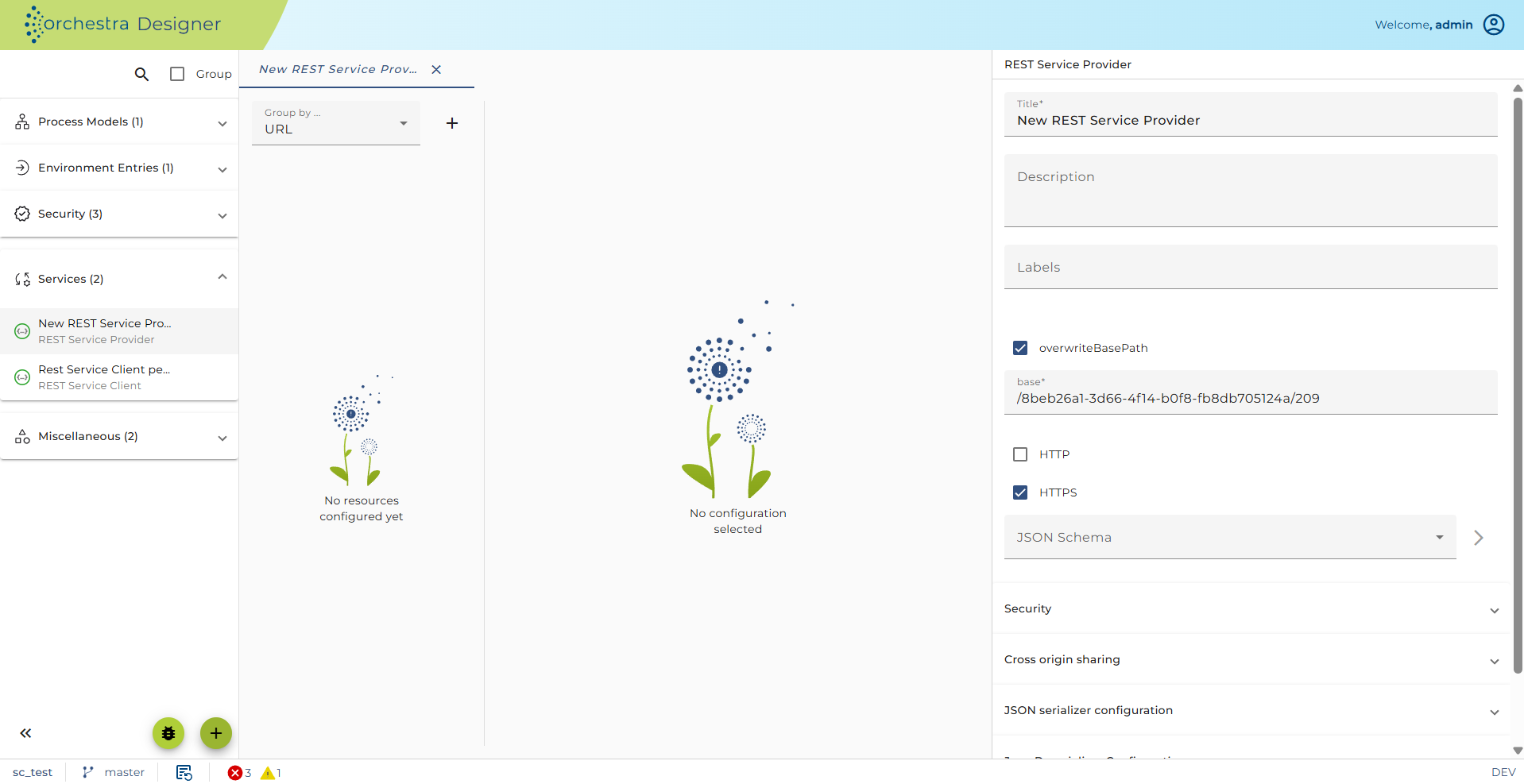
- The configuration panel for the new REST service client is available the right side.
Importing a REST provider from an OpenAPI document or a WADL file
Orchestra allows to create REST Service Providers by importing an OpenAPI specification or a WADL file.
WADL (Web Application Description Language) is an XML based language to describe REST web applications similar to WSDL which is used to describe SOAP web applications.
OpenAPI (OpenAPI Specification) is a JSON or YAML based language to describe the capabilities of a REST web service. To import:
- Click on the plus icon located on the bottom-left of the screen.
- Select 'Import'.
- Select 'Rest Service - File Import'.
- Select an OpenApi specification (file ending .json or .yaml) or a WADL description file (file ending .wadl).
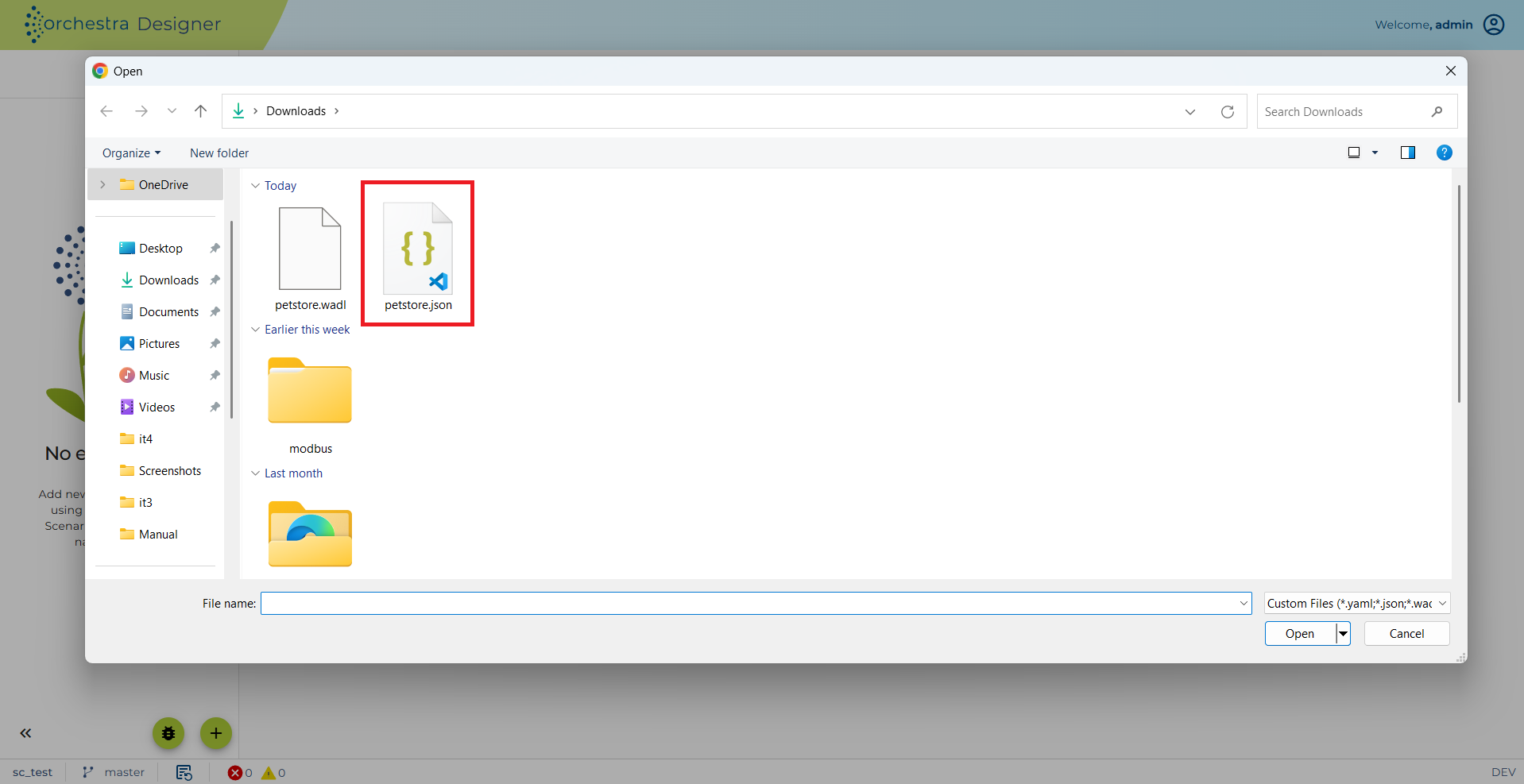
Selected file
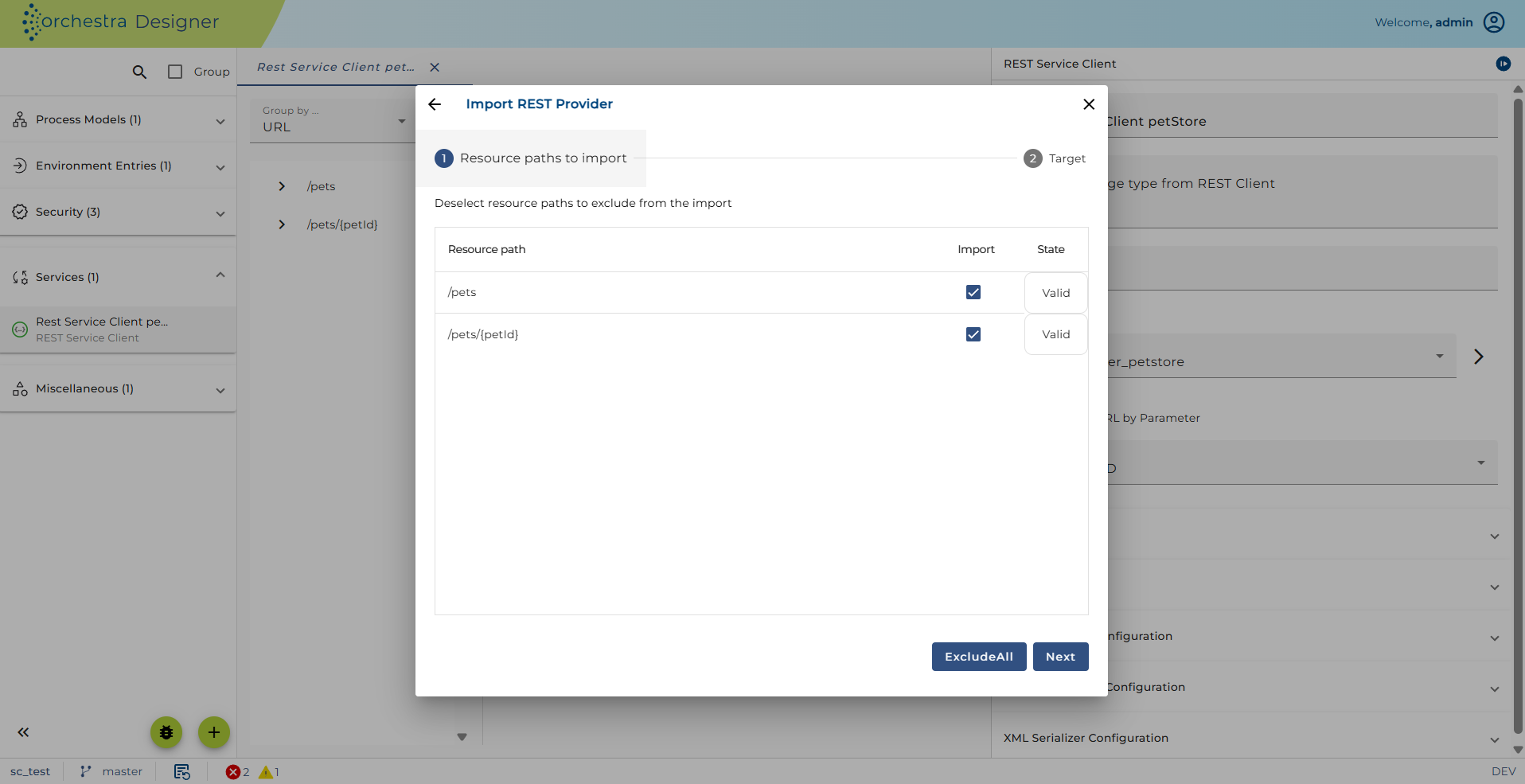
Import Rest Service Provider
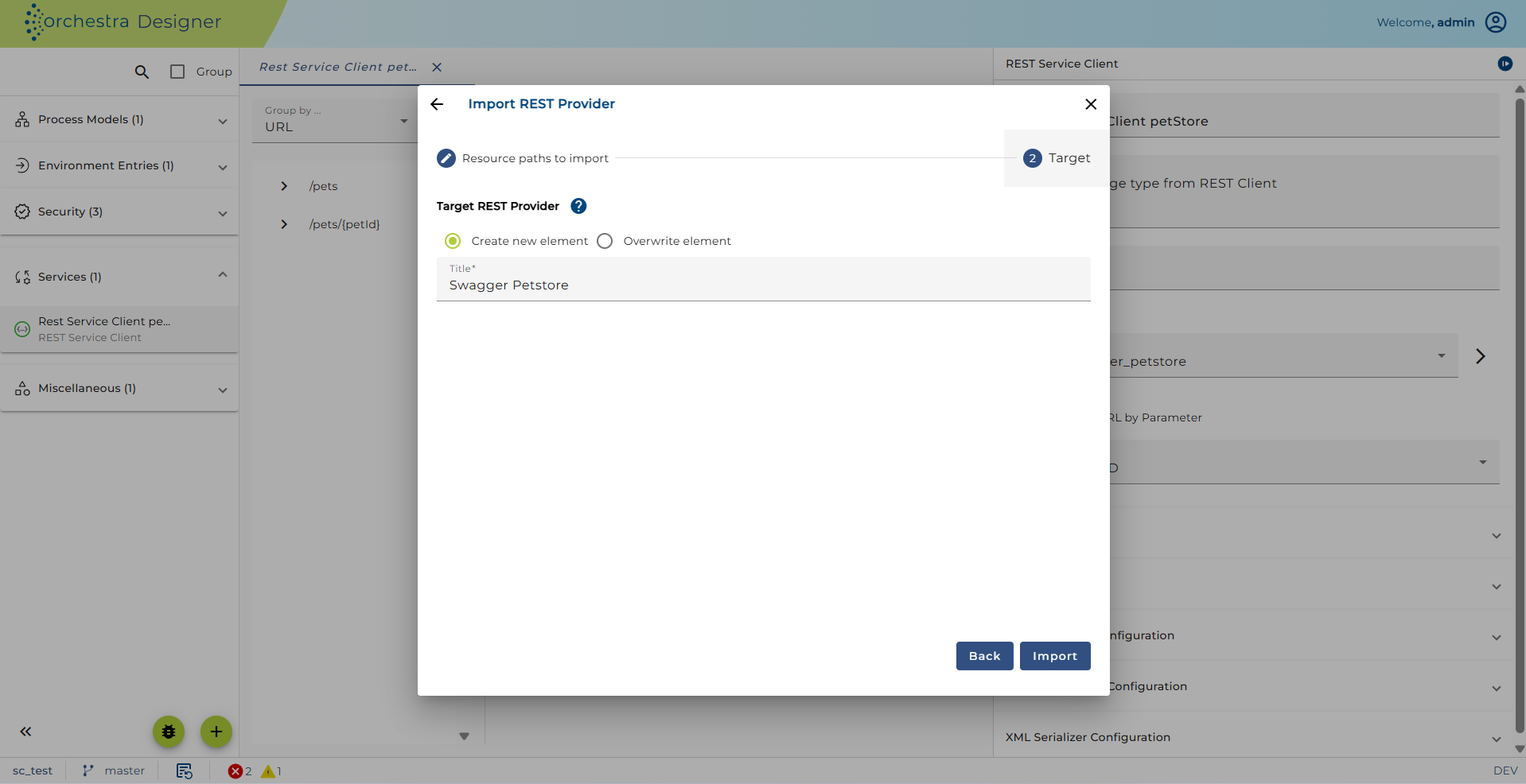
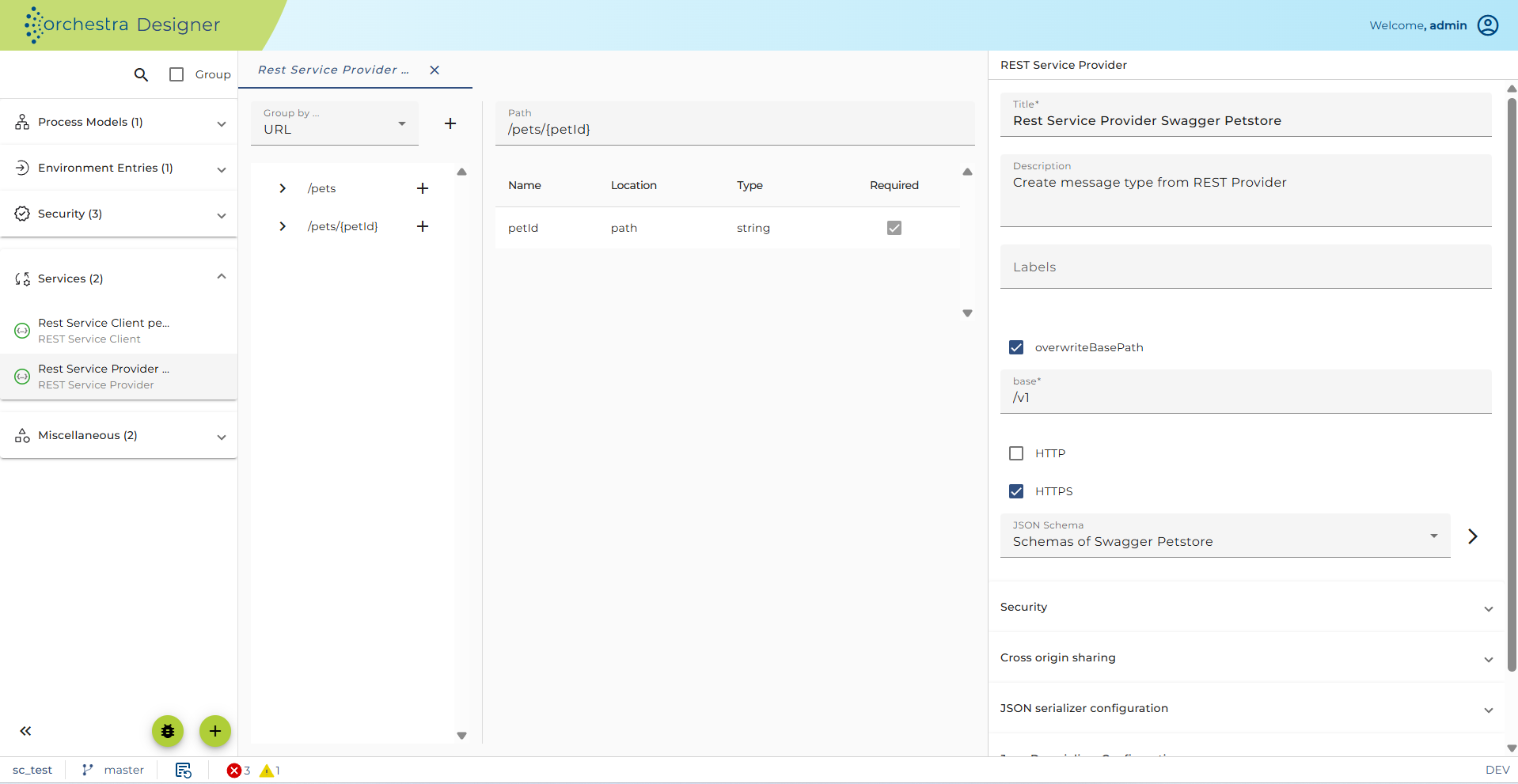
Configuration
- Click on the created REST Service Provider. The configuration panel will show up on the left-side.
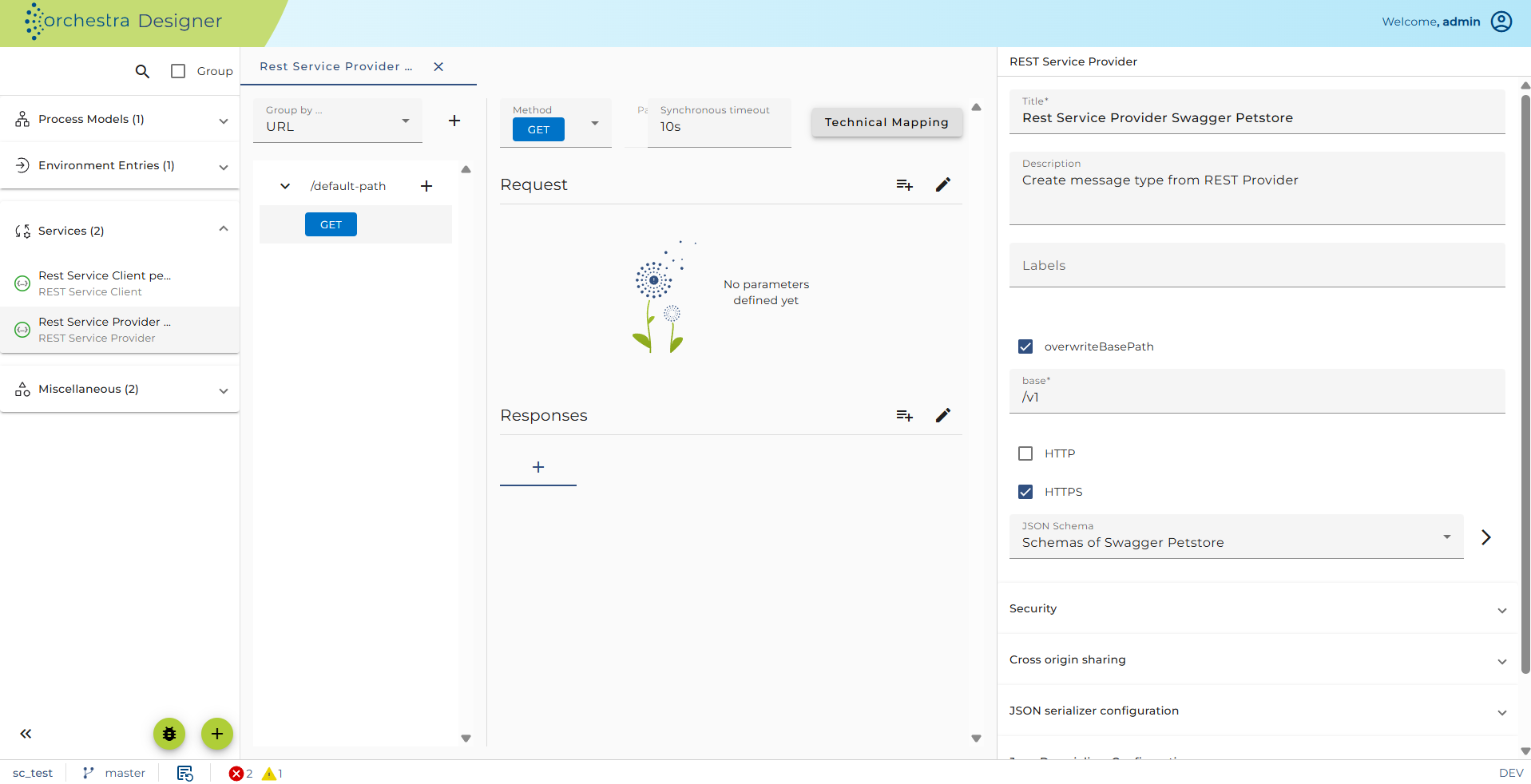
-
Security: Authentication and Authorization** of the REST service provider object determines the type of authentication you want to use for your REST method calls. For more detailed information about this configuration refer to configuring authentication.
-
You can enable or disable the HTTP and HTTPS protocols. Per default only HTTPS is allowed. You must enable at least one of the protocols.
-
Cross-origin sharing: If an Orchestra REST resource is referenced by another website the call to Orchestra is normally blocked by a browser if Orchestra works on another host than the original website. This sort of invocation is called cross-origin sharing. If you open this configuration panel you can configure Orchestra to allow such invocations from other origins.
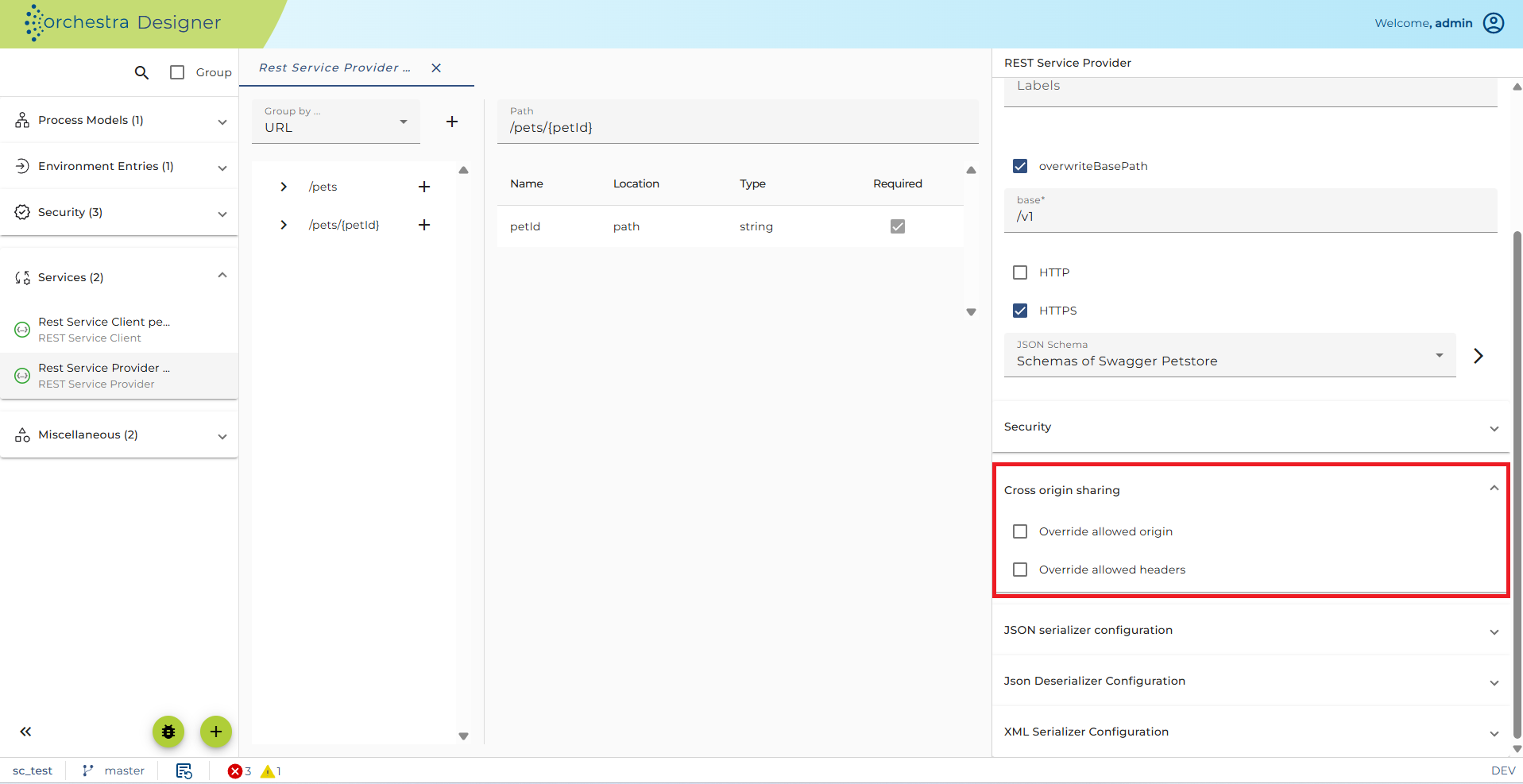
-
If you select the checkbox "Allow cross-origin sharing"
- The response header
Access-Control-Allow-Originreturns the same value as the request headerOrigin, effectively allowing all origins. - The response header
Access-Control-Allow-HeadersreturnsX-Requested-With,Content-Type,Accept,Origin.
- The response header
-
If you select the checkbox "Override allowed origin"
- You can enter a comma separated list of origins, e.g.
http://localhost:8080, https://localhost:8090. This list is returned in theAccess-Control-Allow-Originheader. - If not set or contains
*, the response header returns the value of the request headerOrigin.
- You can enter a comma separated list of origins, e.g.
-
If you select the checkbox "Override allowed headers"
- You can enter
*, allowing all headers. - Or you can enter a comma separated list, e.g.
Content-Type,Accept,Origin,Creation-Date.
- You can enter
-
If you select the checkbox "Override allowed methods"
-
Enter a list of allowed HTTP methods, e.g.
GET,POST,HEAD. If not set, the default isGET,POST,HEAD. -
Title of the REST service provider object: You can add a more detailed description in Markdown using the details button. This will be exported when exporting as OpenAPI. You can also add a version.
-
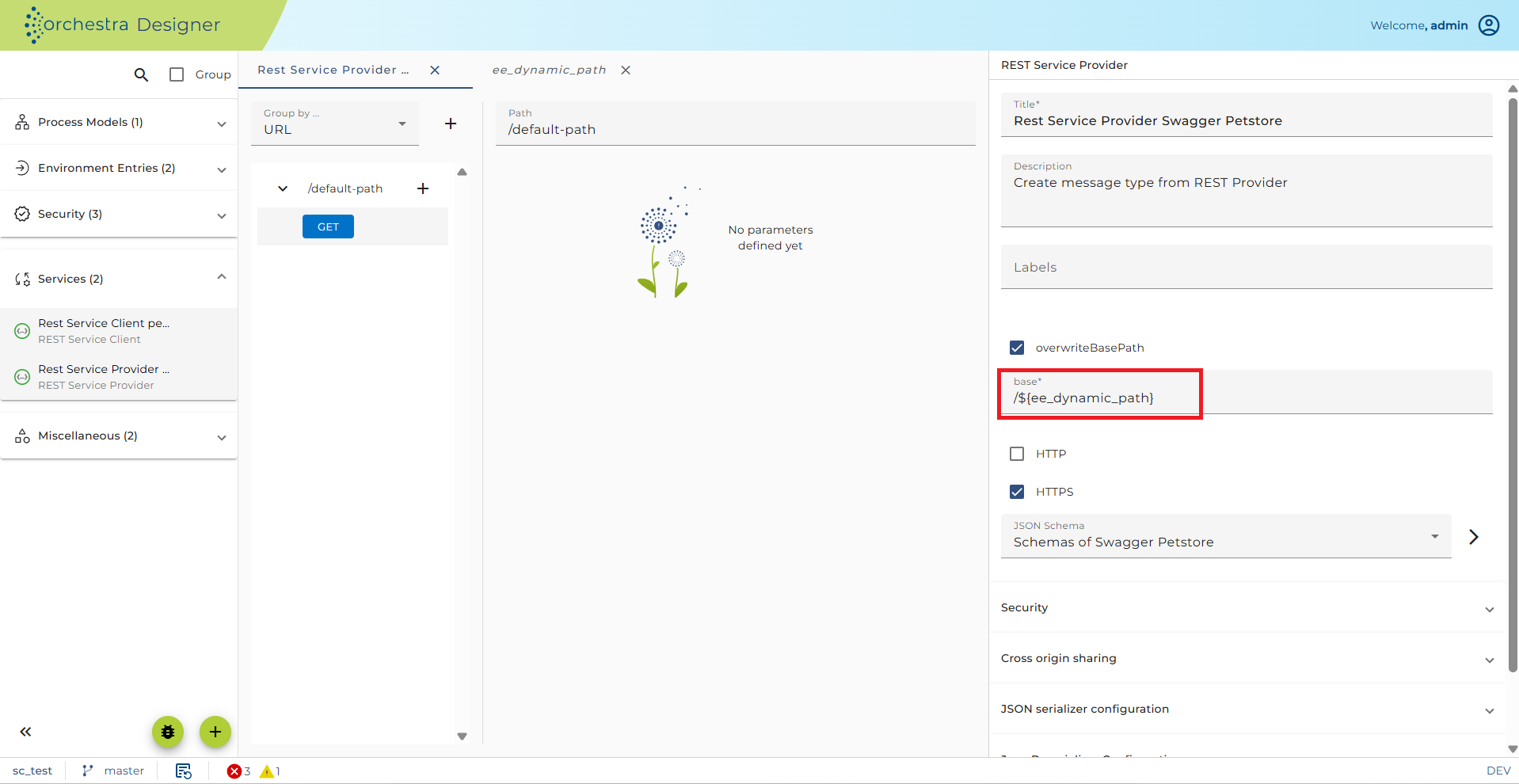
Base path value is part of the URL-Pattern and is auto-generated to be unique. Use "Overwrite default path" to enter a custom path.
-
Overwrite default path: If the base path is known to be unique, you may set your own.
infoBase path value can be static or dynamic.
- Static base path:
/test - Dynamic base path:
/$(ee_dynamic_path)
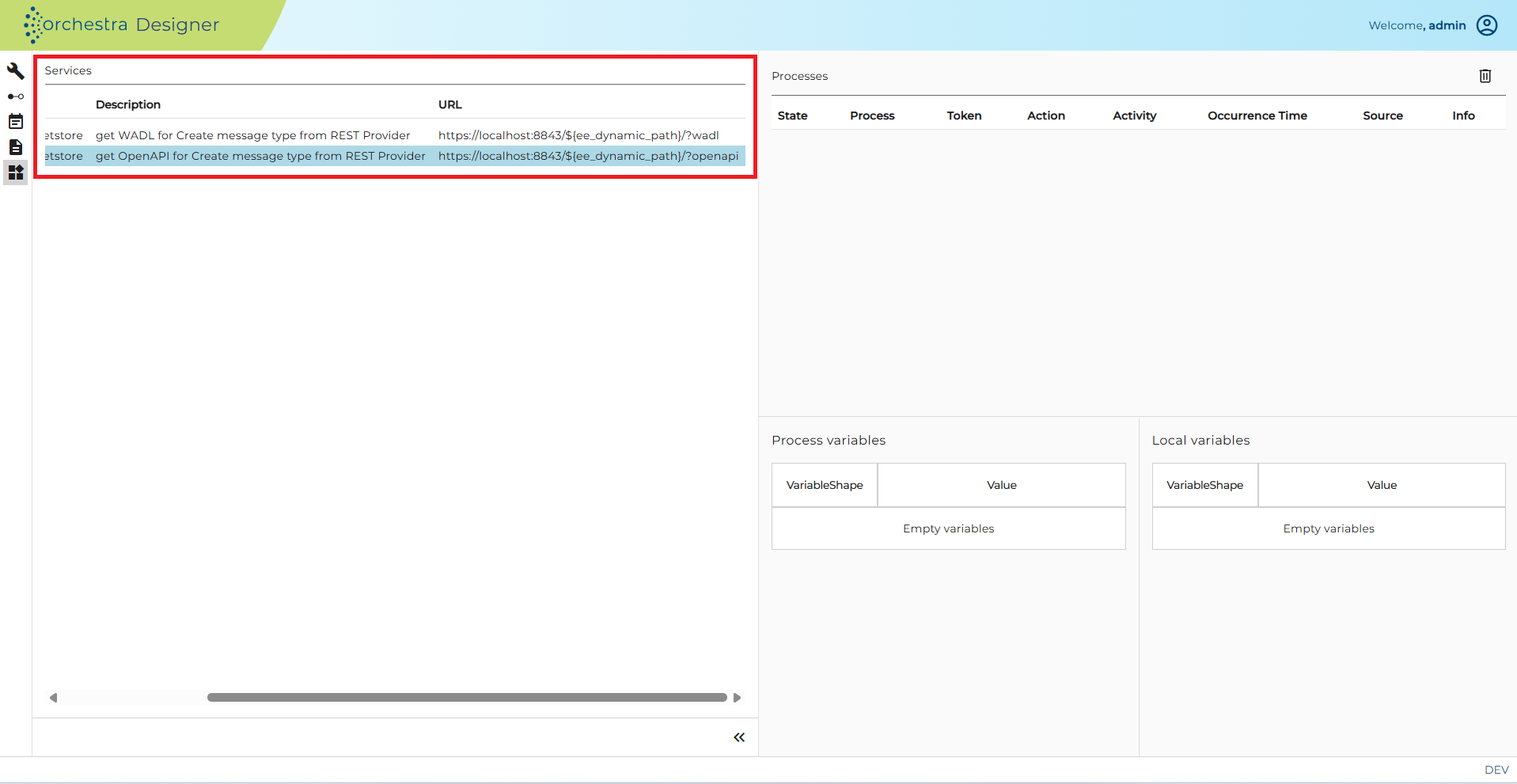
You need to create the global variable
ee_dynamic_pathin the environment entry group. The variable in the base path will be replaced by the global variable's value. See the example from the pictures below.
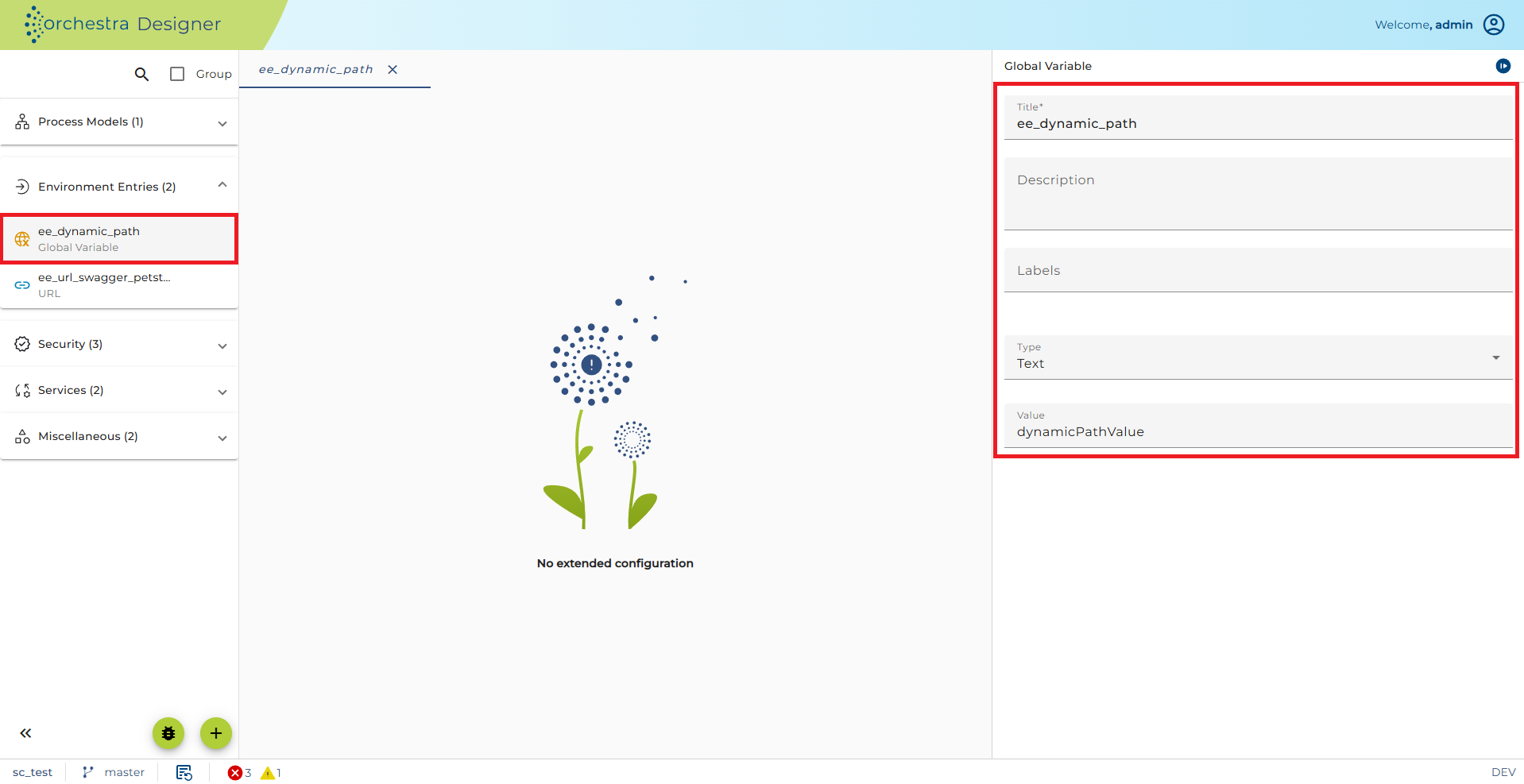
Global variable for dynamic base path
Dynamic base path for REST service provider
- configuring serializers and deserializers used within the REST service
-
With a REST service, typically JSON or XML data are sent over TCP. The serializer/deserializer is selected by the Content-Type. They are configured on the left-side panel.
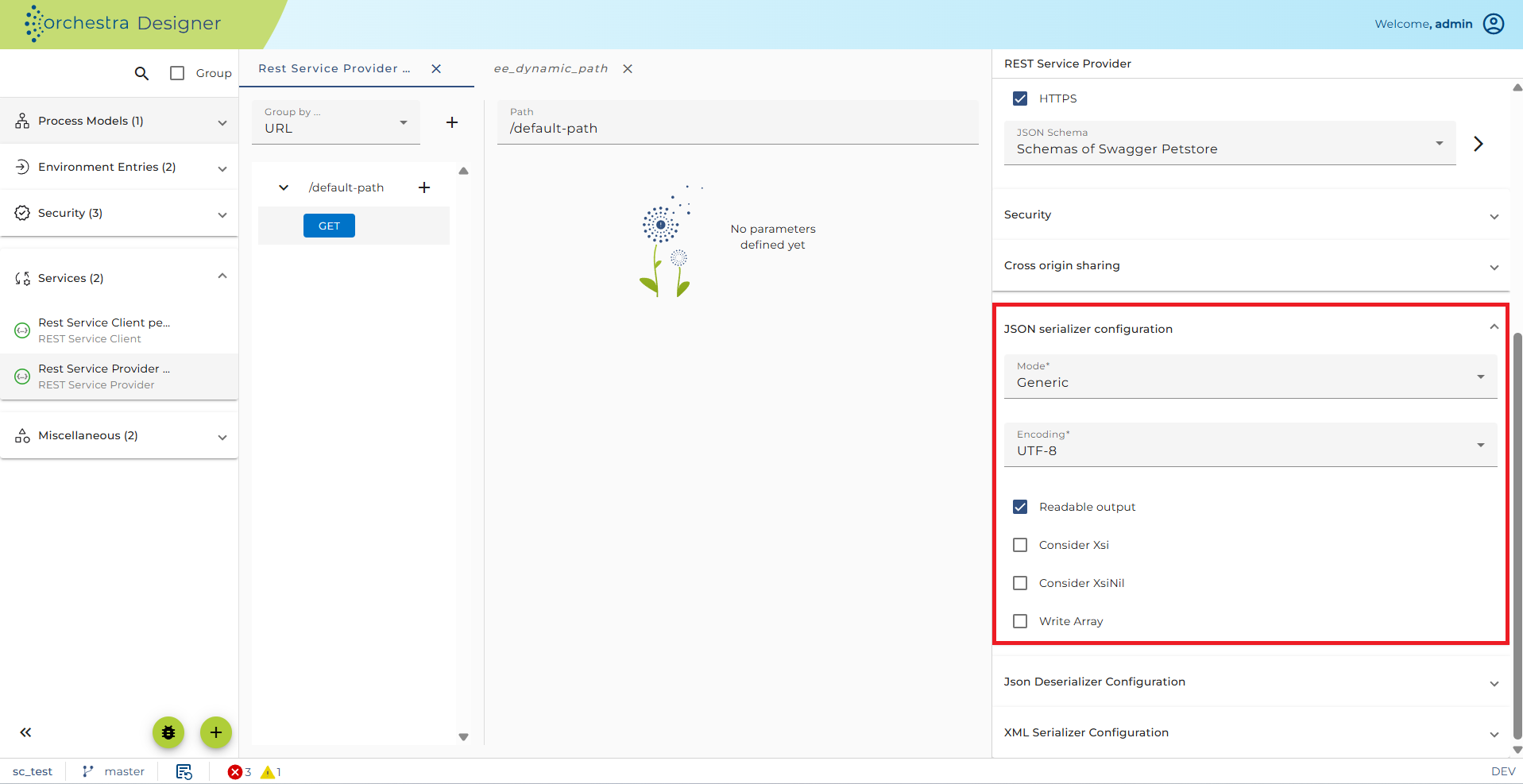
Most important is probably the JSON Serializer and the JSON Deserializer. Within the context of REST services you cannot select a specific message type in the JSON Serializer or the JSON Deserializer. Instead, you select the entry <configured type>. In this case the message type which is configured in the request of the REST service is used to configure the JSON Serializer to write JSON data and the message type which is configured in the response of the REST service is used to configure the JSON Deserializer to parse the JSON data.
After applying configuration settings for the Resources element, you will need to configure each resource element with corresponding methods. For more details see the sections Resource and Method.
Throttling
The REST service provider is supported by throttling limit feature described in chapter Throttling.
See also
- Implementing a REST web service
- Resource Configuration
- Method Configuration