LDAP Reader
Description
This channel is used to read data out of an LDAP directory.
Configuration
The dialog to configure the LDAP Reader looks like:
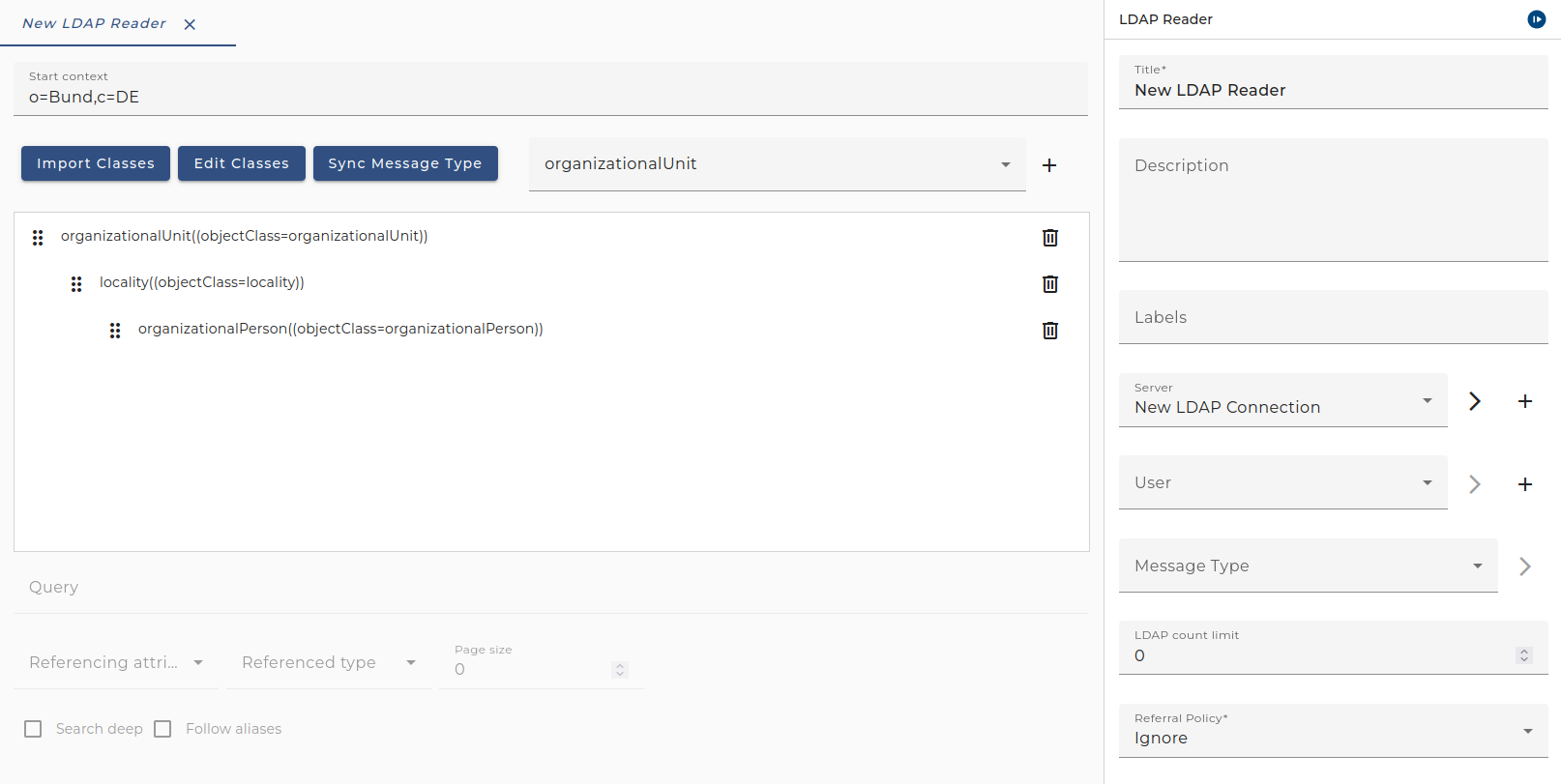
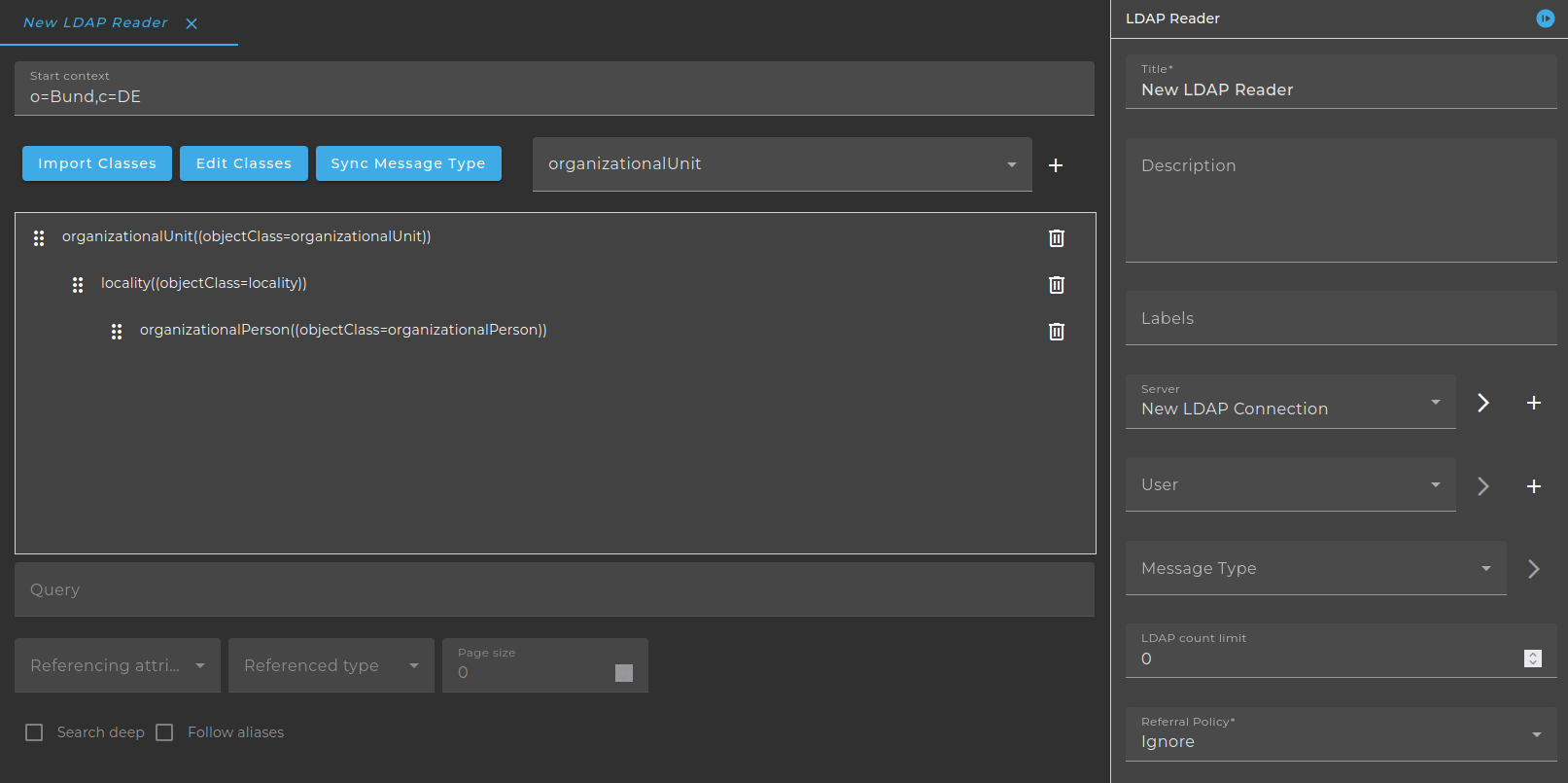
- Server: Choose an environment entry of type LDAP connection
- User: (Optional) Select a user
- LDAP count limit: Limit of returned data
- Referral policy: Choose follow, ignore or throw (ignore is set by default)
- ignore - Ignore referrals
- follow - Automatically follow any referrals
- throw - Throw a ReferralException(in the API reference documentation) for each referral
- Parameters: Variables that are sent to or returned from the channel MSG is a default parameter and can't be changed. The start context or the query can contain variable references $(parameter).
- Attributes can reference Variables in the options part, e.g. member;range=$(start)-$(end) may be replaced by member;range=0-1499. This option takes the form range=low-high where low is the zero-based index of the first value of the attribute to retrieve, and high is the zero-based index of the last value of the attribute to retrieve. You will receive the first 3 URLs from the multivalued attribute URL.
- Object classes(Table): Available LDAP object classes and attributes.
- Query: request
- Search deep: search sub nodes
- Referenced type: With this feature it is possible to insert an additional class for an attribute of type DN to the result message. For the reference attribute a new search for the class from referenced type is done.
- Referencing attribute: Choose attribute to resolve distinguished names (with this attribute a new search is done for the selected class (referenced type)).
For an attribute to appear in this drop down box, it must either be of the type (Syntax name) "DN", or exactly the name "member" or "uniqueMember".
return this.name.equals ("member") || name.equals("uniqueMember") || "DN".equals(syntaxName);
- Paged size: Query with limited quantity of data. For more information please see LDAP Count Limit
Import Classes
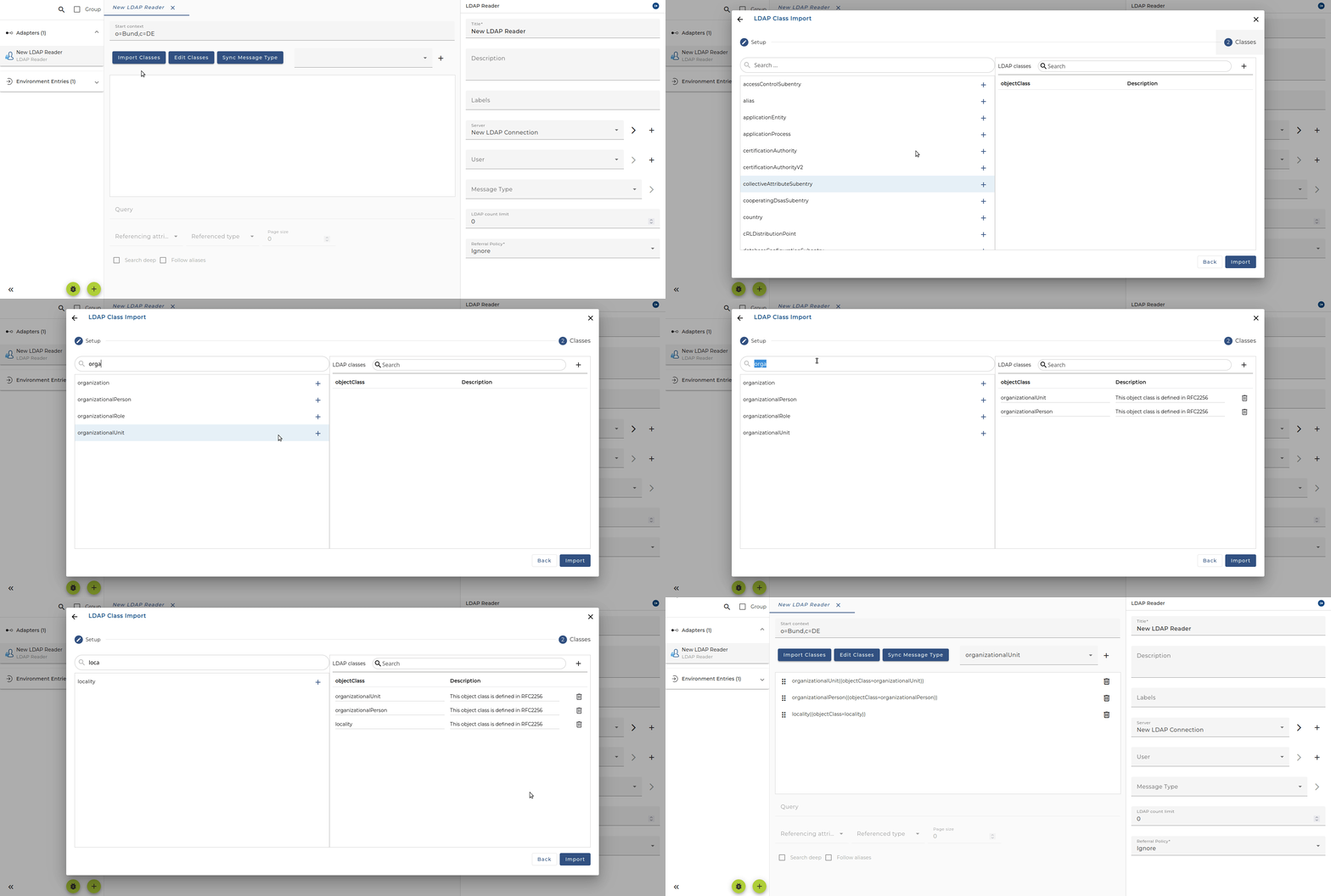
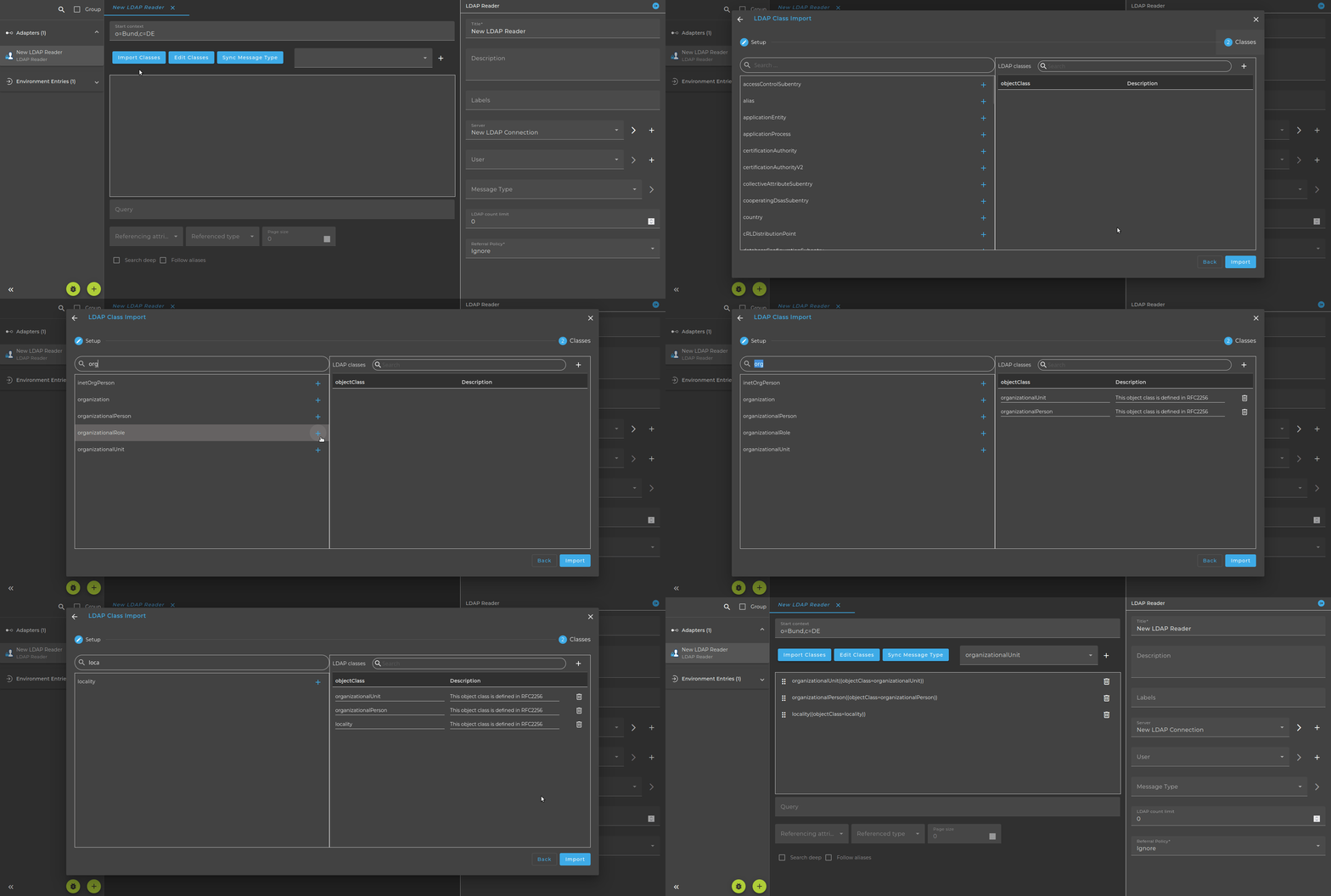
Edit Classes
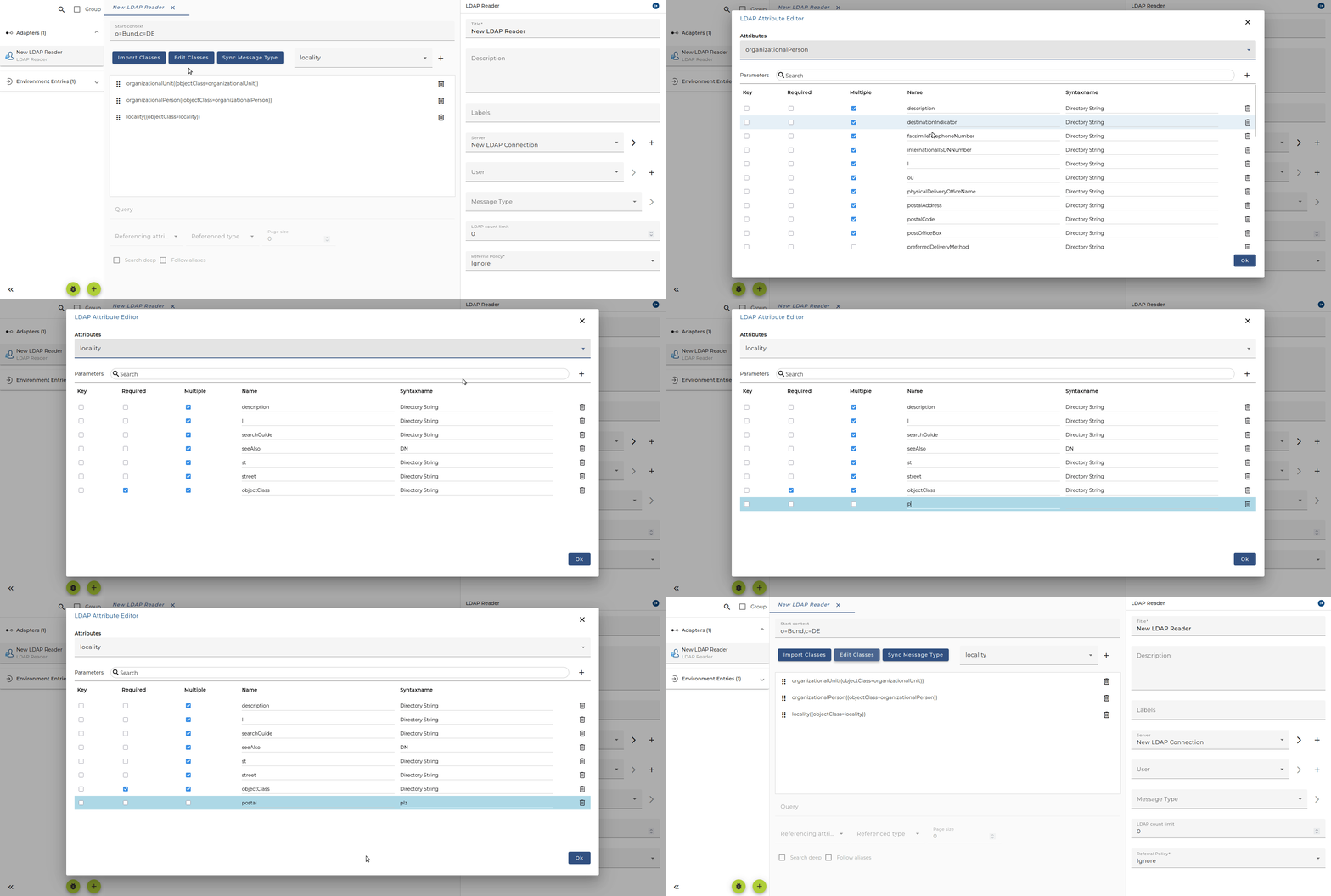
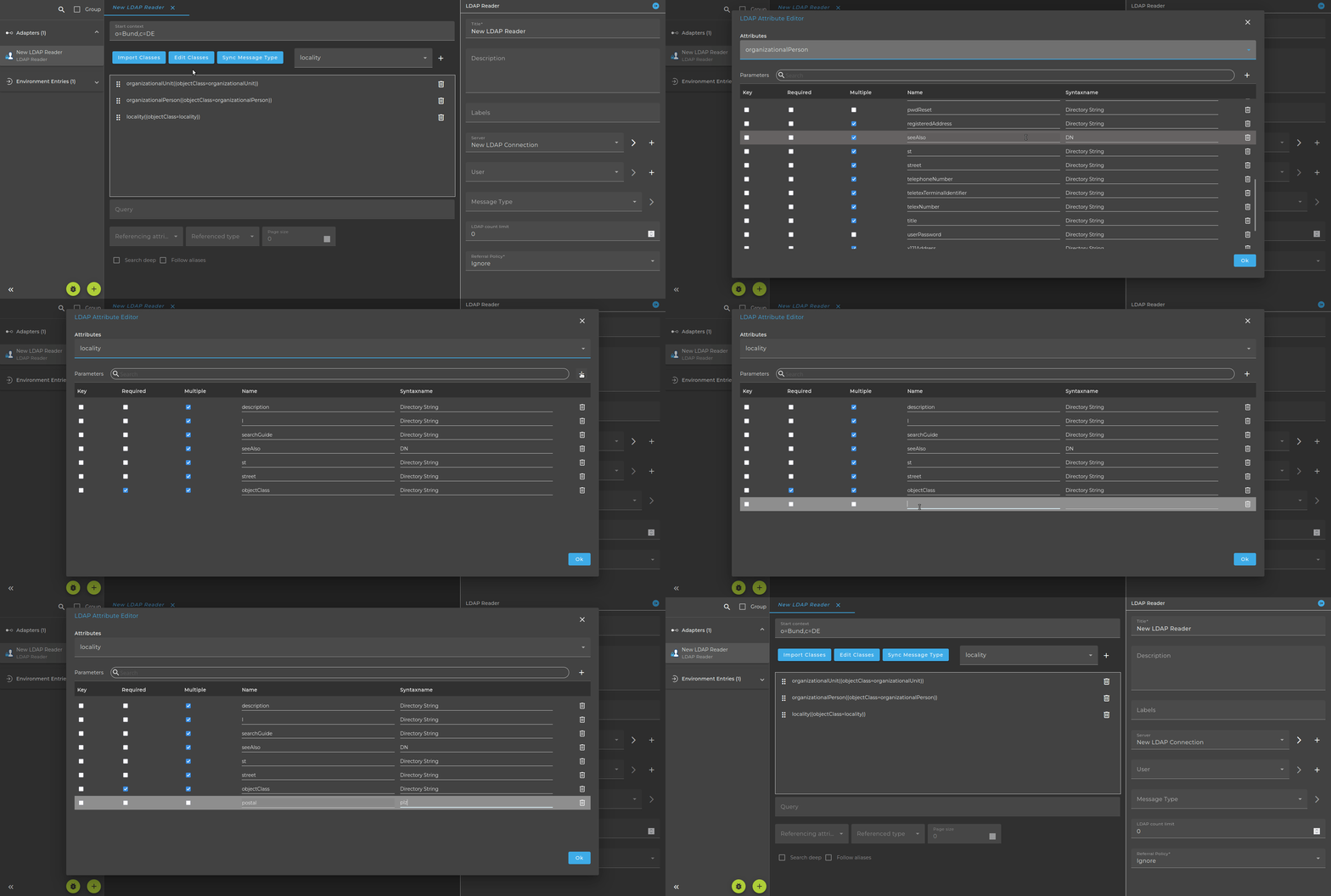
To add the same class from the class hierarchy multiple times, use the dropdown field to select the desired class and click the "+" button. You can then drag and drop it to the correct position.
It is possible to change the Syntax name from "Directory String" to "DN" (uppercase is important!). This is necessary for an attribute to be visible in the drop-down box "Ref attribute"! This is especially necessary in older Orchestra versions, since only "Directory String" is used as type.
Even if it doesn't fit your naming scheme, it is better to keep that name. If the message type is renamed and an update is necessary later, Orchestra knows nothing about the renamed message type and simply creates a new one. An existing message type will be overwritten.
Sync Message Type
The generated class hierarchy can be stored in a message type using the Sync Message Type option. If no message type is currently selected, a new one will be created; otherwise, the existing one will be updated.
How to disable certificate check?
If the LDAP server provides an invalid certificate you will get an exception like this:
javax.naming.CommunicationException: 192.168.5.12:636 [Root exception is javax.net.ssl.SSLHandshakeException: java.security.cert.CertificateException: No subject alternative names matching IP address 192.168.5.12 found]
With this parameter it is possible to disable the certificate check:
-Dcom.sun.jndi.ldap.object.disableEndpointIdentification=true
Add this parameter to the Designer (designer.cmd) or in Tomcat (as java options).