Service Provider
Concept
In Orchestra, you have the possibility to place a web service available for the external use. A Service-Provider implements a service interface by each operation which is mapped with a technical Orchestra component. The individual service methods will be mapped with specific technical Orchestra components such as channel, process models or mappings.
Service Provider Context Menu
In the area of Service Provider of the Scenario Elements, all service providers which belong to this scenario can be found. You can open a menu by a right click on the element as below figure. In this menu, you have the possibility to create a new service provider or new documentation and to group the service provider elements within the tree structure. If you have a right click on an existing service provider, you will additionally have the possibility to open service provider, to edit or delete the properties of the element.
Create a web service provider
To add a web service provider in Orchestra:
-
Click on the plus icon located on the bottom-left of the screen.
-
Select Services.
-
Select Service Provider.
-
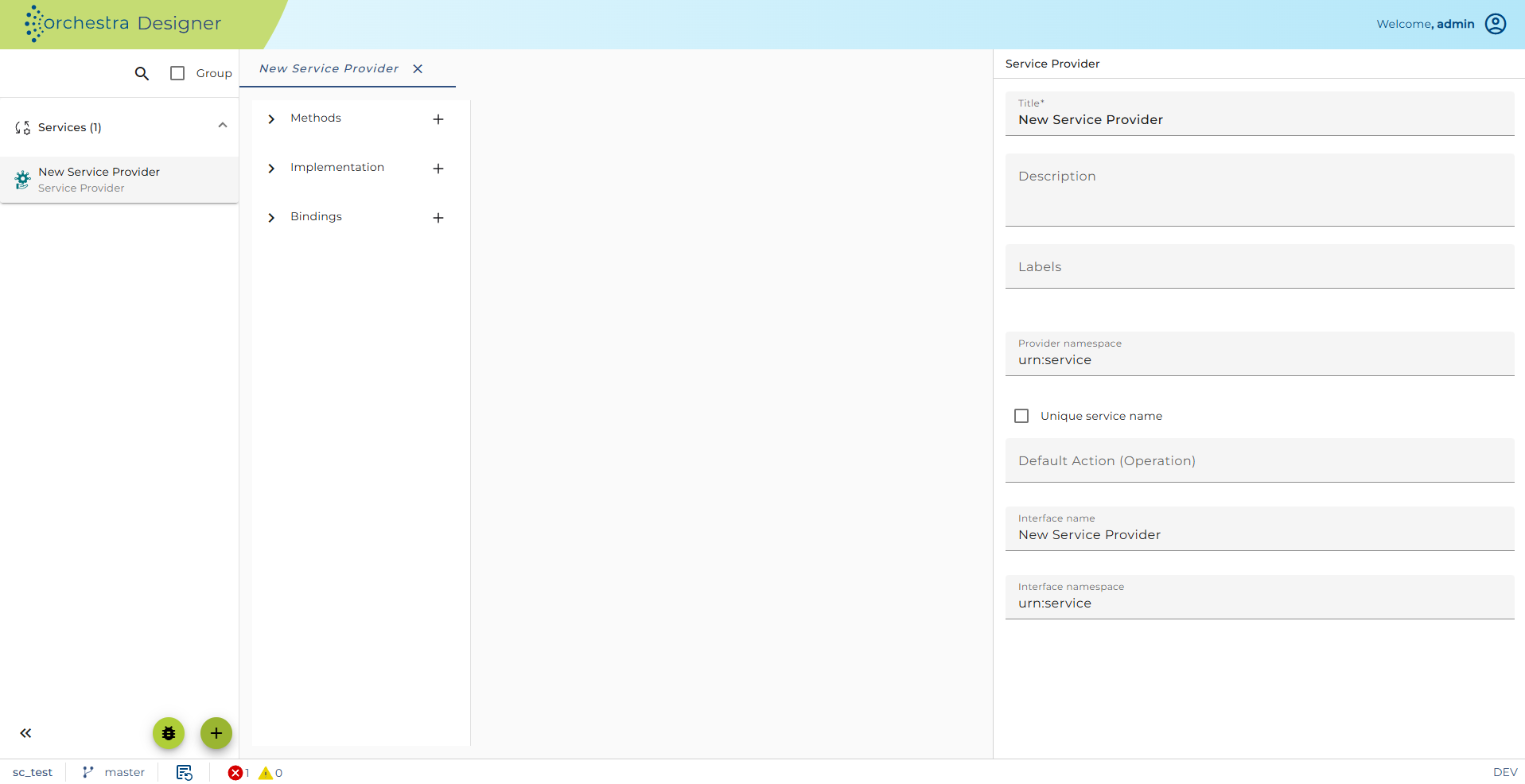
The configuration panel for the new service provider is available on the right side.
Importing WSDL
An alternative and more convenient way to create a service provider (compared to manual creating) is to import a WSDL file. Importing WSDL will not only create the service provider, but will also create message types and XML Schema based on the WSDL. Additionally, methods and bindings that are defined within WSDL will be created with settings you choose.
To import WSDL:
-
Click on the plus icon located on the bottom-left of the screen.
-
Select 'Import'.
-
Select 'Service Provider - WSDL Import'.
-
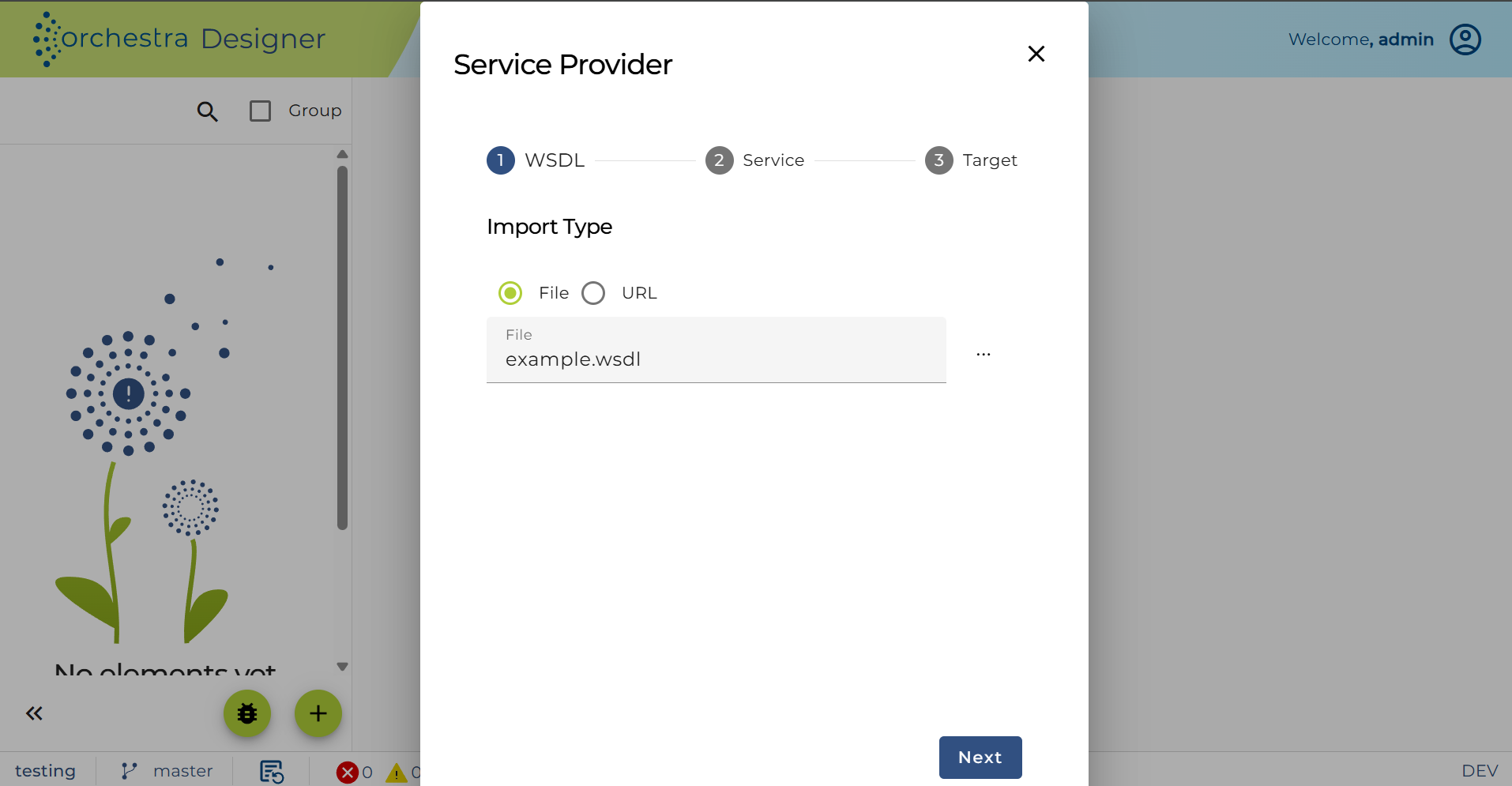
Select a WSDL file.
Note: that WSDL import can be done both from file and from URL
-
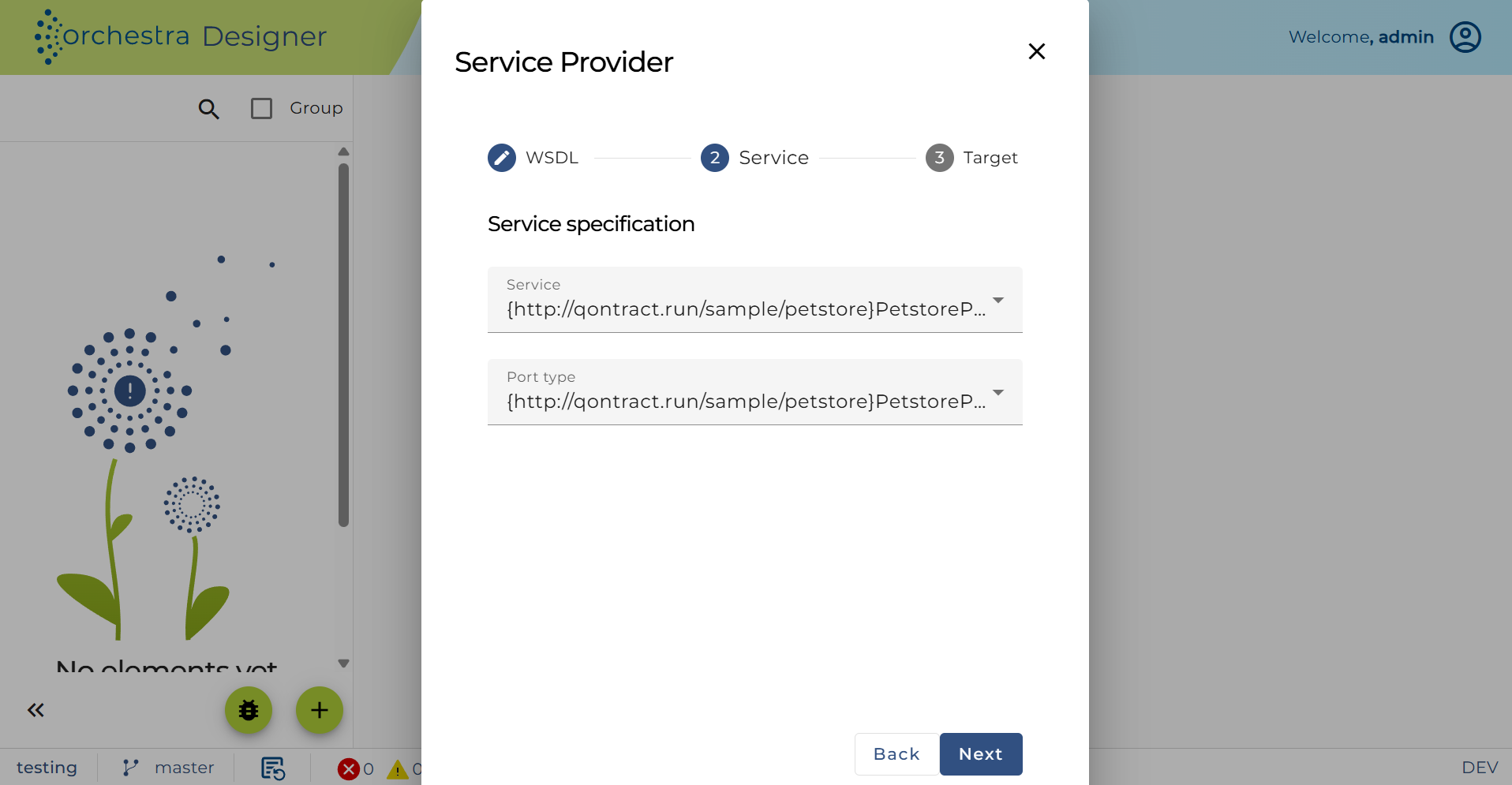
In 'Service', users can specify Service and Port type to be used:
-
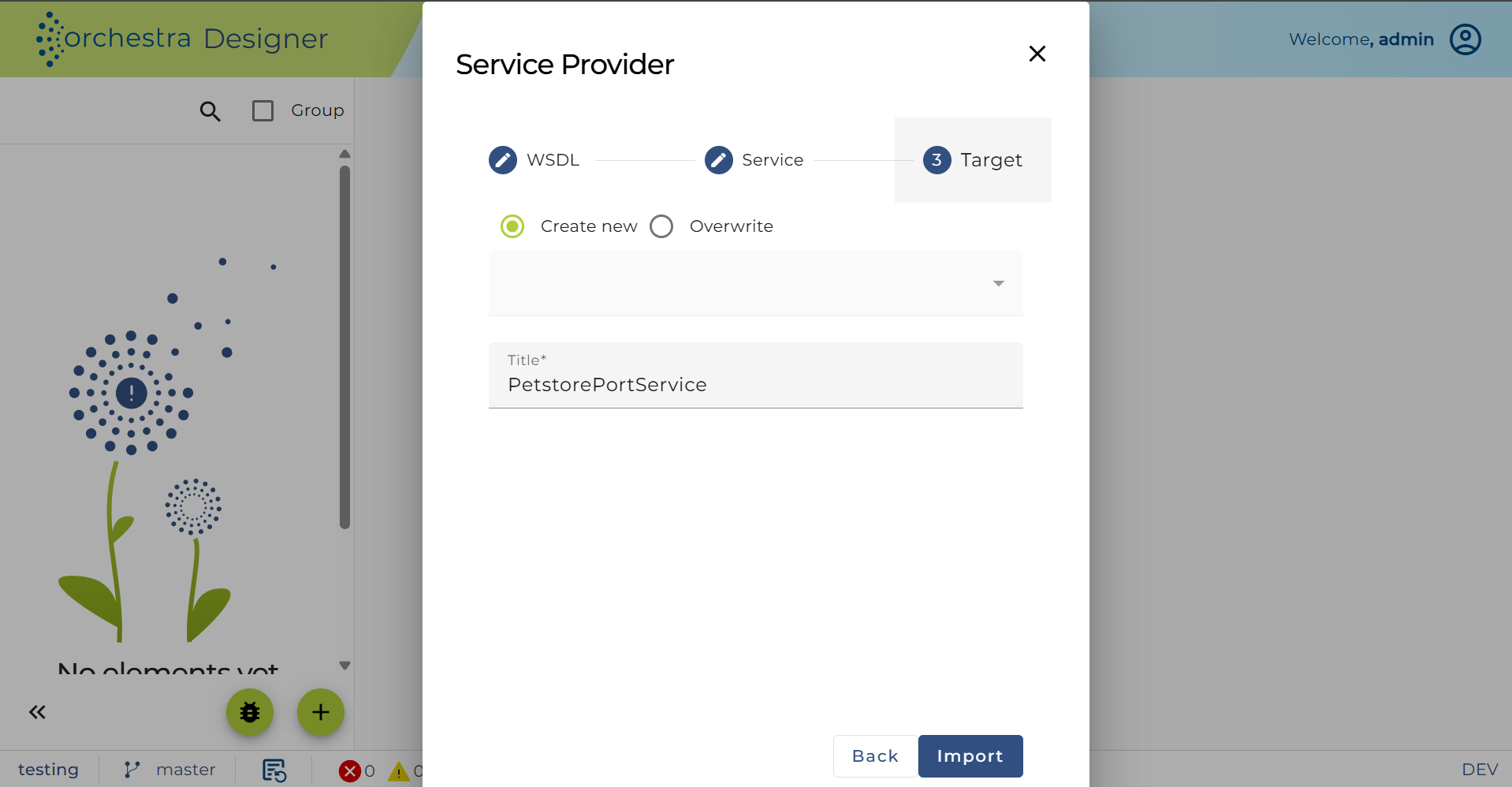
Add the title of the Service provider, select 'Create new' and click import.
Creation of message types, XML Schema, and environment entries is done automatically. If you look on the left-side panel, the following is shown:
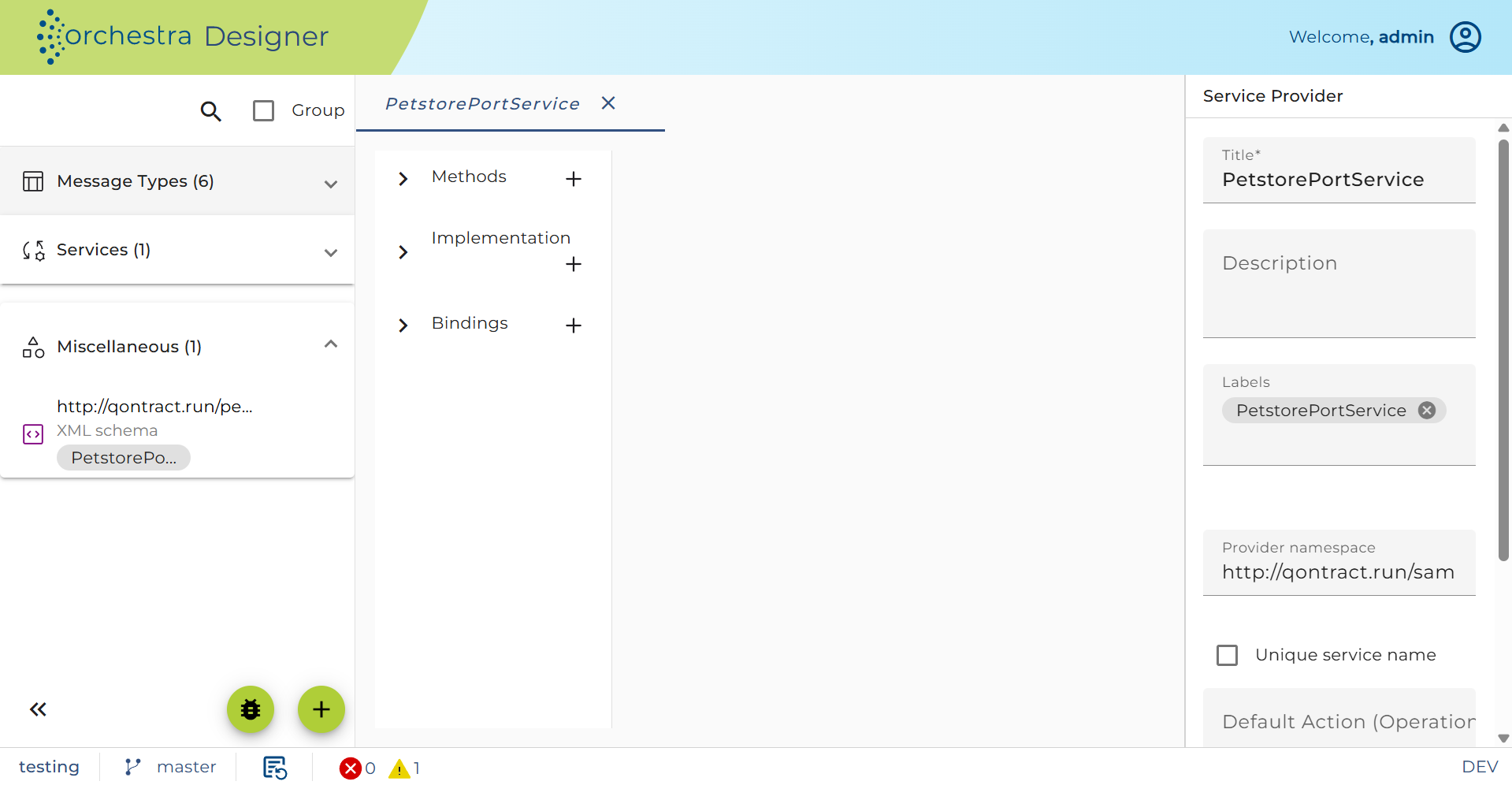
All methods defined in WSDL are created and also bindings that use the methods. Details can be found in Methods and Bindings sections.
Overwriting an existing WSDL
To overwrite an existing WSDL:
-
Click on the plus icon located on the bottom-left of the screen.
-
Select 'Import'.
-
Select 'Service Provider - WSDL Import'.
-
Select a WSDL file.
Note: that WSDL import can be done both from file and from URL
-
In 'Service', users can specify Service and Port type to be used:
-
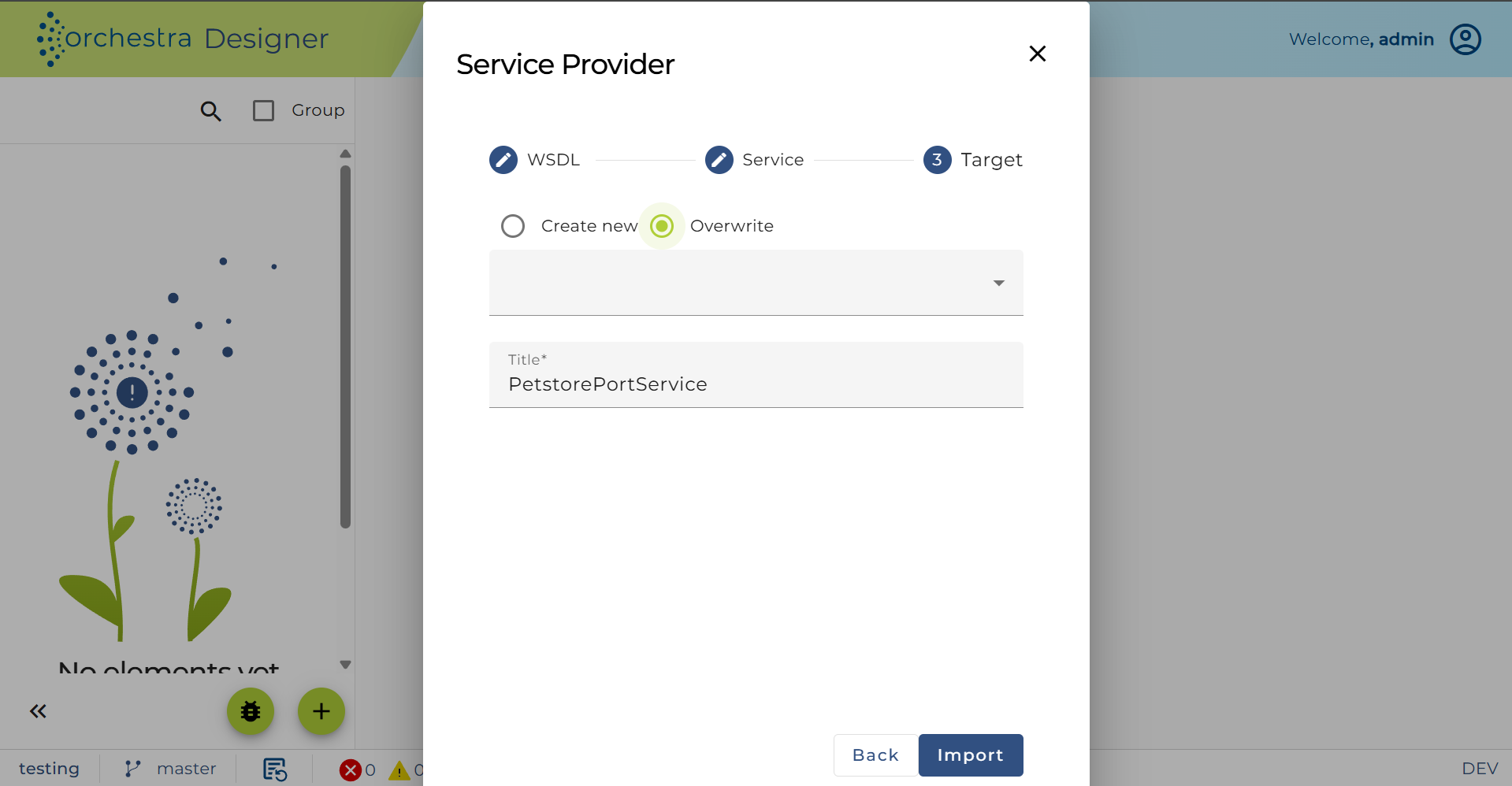
Enter a title for the Service provider, check Overwrite, expand the dropdown menu, and select the Service provider to be overwritten.
-
Click Import.
Throttling
The service provider is supported by throttling limit feature that is described in chapter Throttling designer.