Reusable Process Activity
Description
Unlike pre-built scriplets which are limited to backend XML files, Reusable Process Activity is a scenario element that enables users to create customize, and reuse scripts across multiple process models, enhancing flexibility and functionality.
Creation
To create a Reusable Process Activity, click on the plus icon located on the bottom-left of the screen and select Miscellaneous. Next, select Reusable Process Activity.
Configuration
The dialog to configure the Reusable Process Activity looks like this:
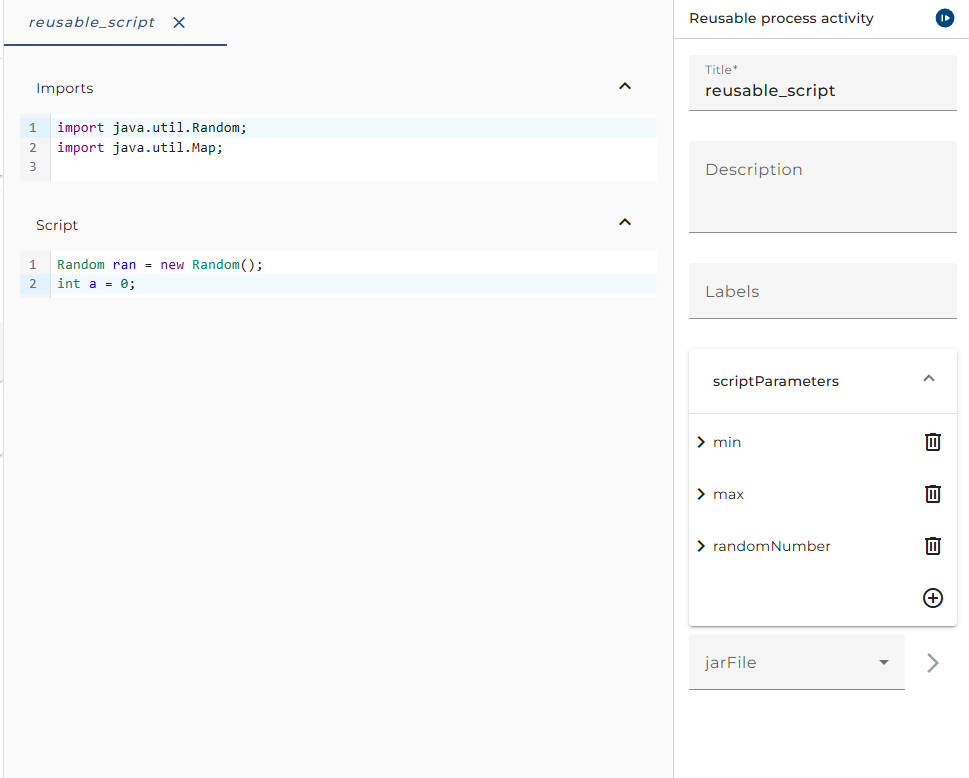
Script Variables: declare variables to receive data from external sources, send data outside, or use them within the scenario element.
External Archive: select the External Archive scenario element if available to access external resources or data.
Import Declaration: use this area to import necessary Java libraries.
Script: write your own custom Java script in this section according to your needs.
Usage
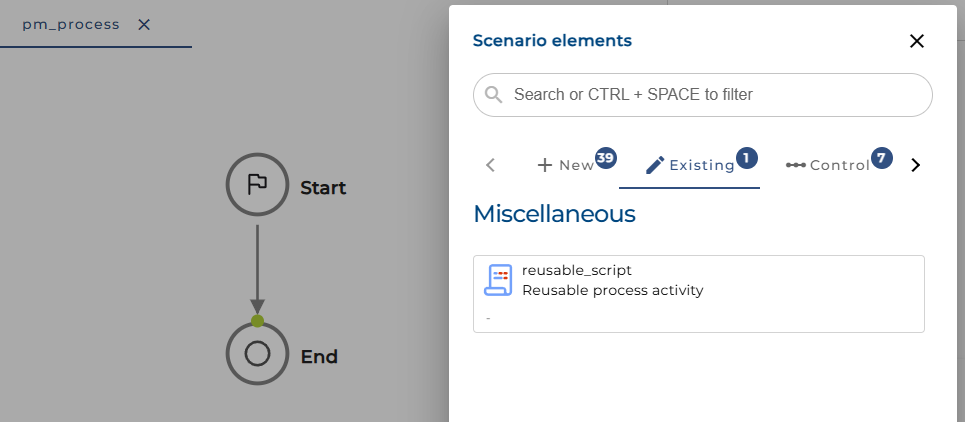
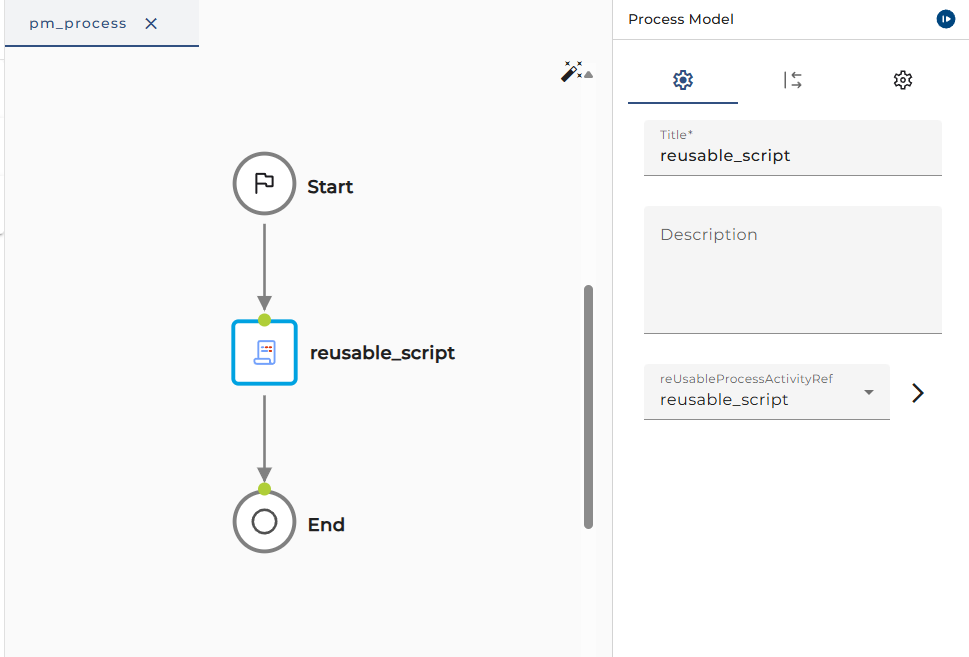
To use the Reusable Process Activity, go to the process model, click on a line in the process to insert an element, then select Existing and choose the Reusable Process Activity that you have created.