Message Queue Sender
Description
This channel is used to transfer messages with a message oriented middleware(MOM). The Orchestra standard API JMS is used for that.
Creation
To create a Message Queue Sender follow the steps described in the general description of Channels.
Configuration
The dialog to configure the Message Queue Sender looks like:
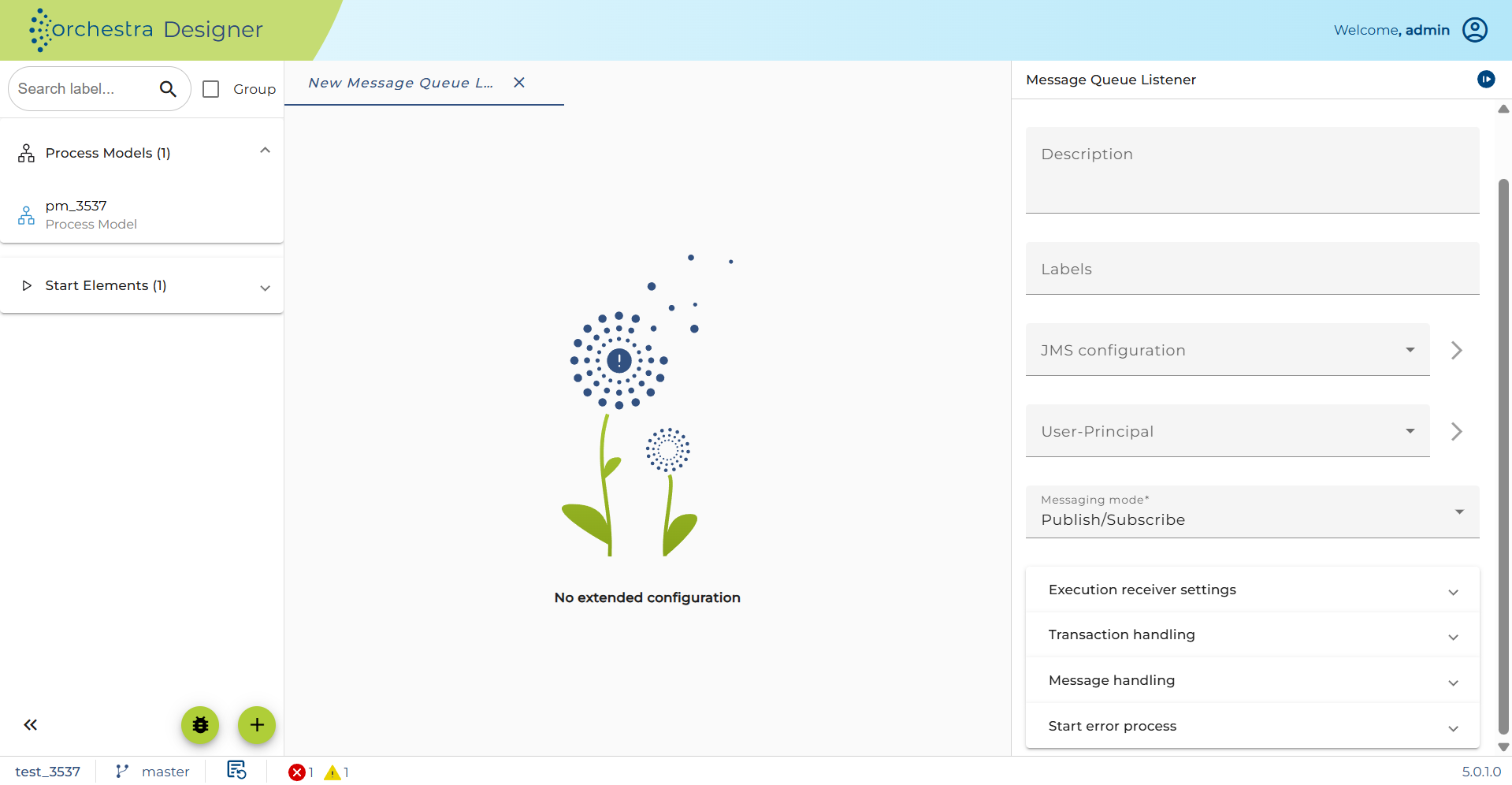
JMS-Configuration: Choose an appropriate environment entry.
User-Principal: (Optional) Choose a user.
Message mode: Choose Publish/Subscribe to register at publisher or Point to point to have only one receiver.
Message priority: Define the priority of the message.
Time to live: Define the duration, the messages are valid.
Delivery mode: Choose volatile, to work with the memory or persistent to work with the database
Message type: Choose a JMS message type.
Serializer: Choose an appropriate serializer.
Channel-Parameters
| Parameter | Direction | Type | Description |
|---|---|---|---|
| JMSCorrelationID | Input | String | Correlation of asynchronous messages when this JMS message is sent as a response to a message received by a JMS receiver. |
| JMSType | Input | String | Defines an additional message type name that may be used by an external system to interpret the content of the JMS message. |
| JMSProperties | Input | PropertyMap | Additional JMS message properties that are appended to the JMS message as message properties. Note: When the name of a property is not compatible with the JMS specification, invalid characters are automatically substituted with an underscore character. |
| object | Input | Any | Content of the JMS message is defined by an arbitrary, serializable Java object. |
| MSG | Input | Message | Content of the JMS message is defined by an Orchestra message that will be serialized by a message serializer. |
| JMSMessageID | Output | String | JMS message identifier that uniquely identifies the message that was sent. |
See also
To set up a user, go to Credentials.