Environment Entry Builder
Description
In certain scenarios, a single channel may need to work with multiple environment configurations. Instead of creating several separate environment entries, you can use the Environment Entry Builder to dynamically override specific properties within an existing entry, allowing you to reuse the same channel setup.
This tool leverages default property mechanisms, enabling you to customize only the values that need to change. By doing so, the Environment Entry Builder ensures efficient and flexible channel management.
Display of a channel that supports dynamic environment entry:
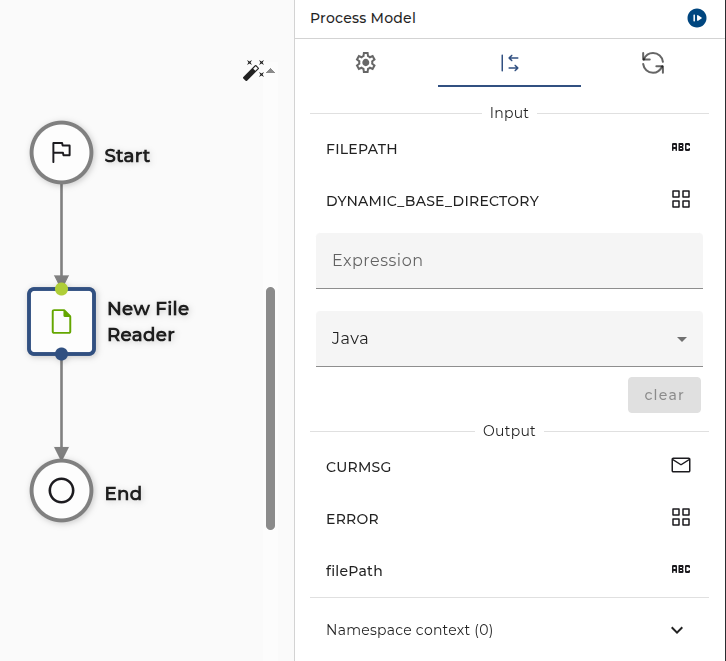
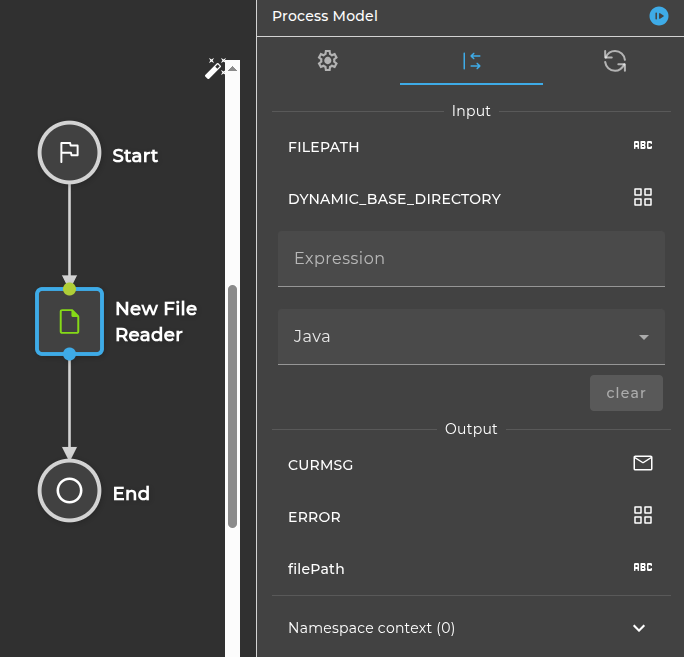
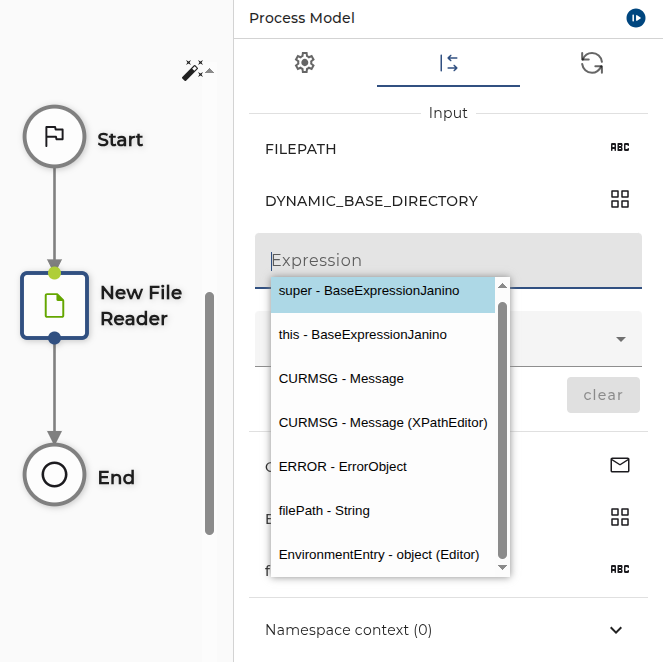
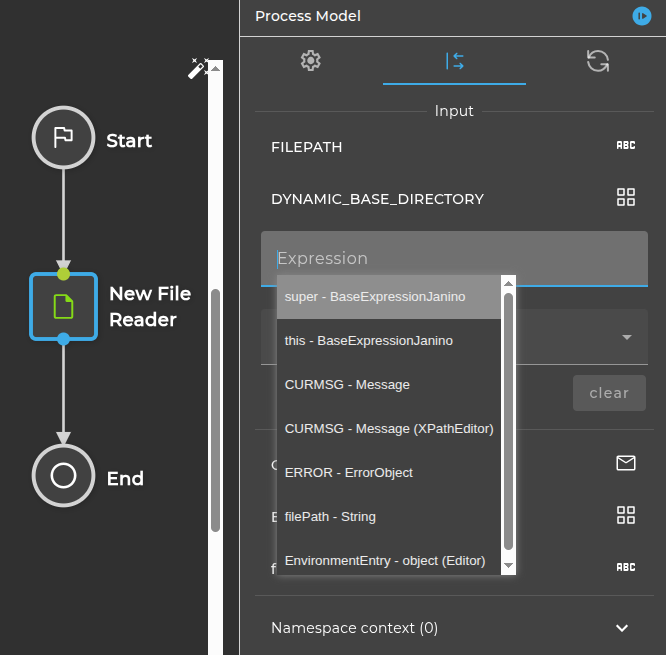
You can open the Environment Entry Builder Editor by right-clicking on the field expression and selecting the EnvironmentEntry - object(Editor) option.
Usage
To use this tool, the following steps are necessary:
Step 1: Select the environment entry that you would like to overwrite:
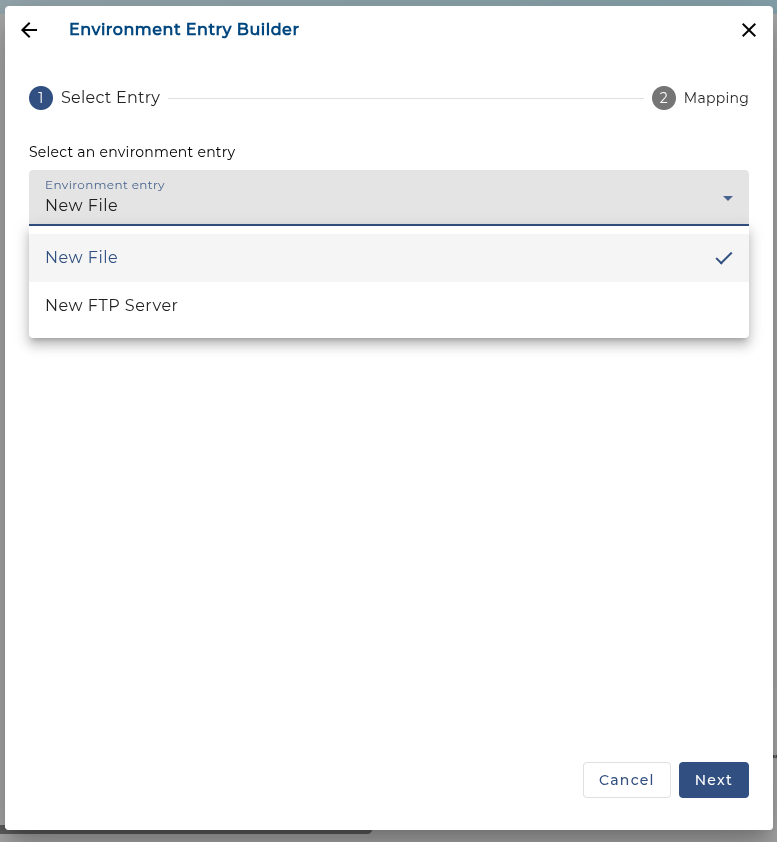
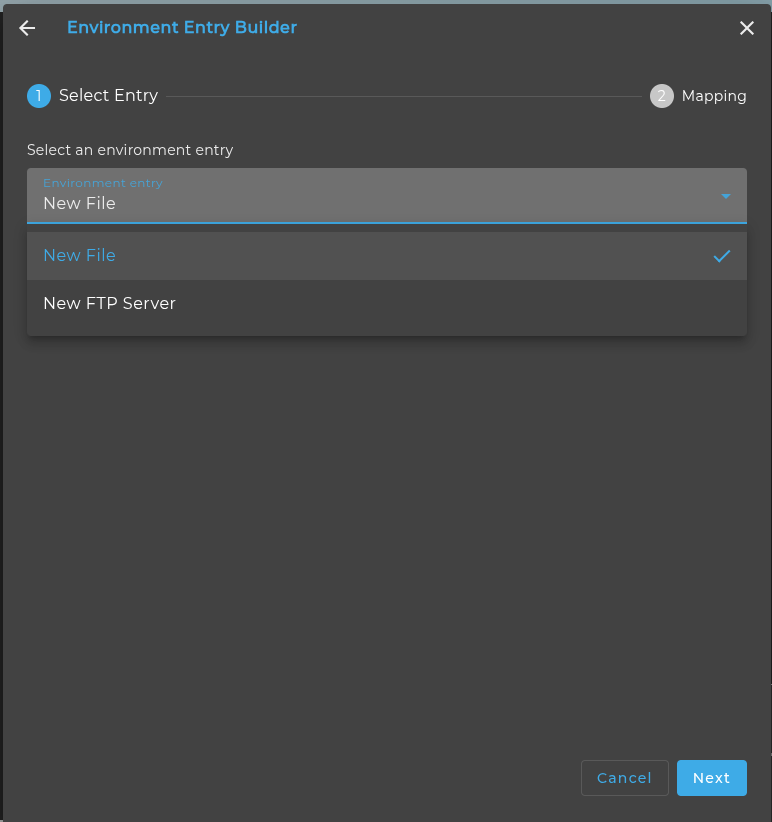
Step 2: The parameters that you can overwrite will be displayed:
:::warning Note: If the parameters are not modified, the default values from the selected environment entry will be used. :::
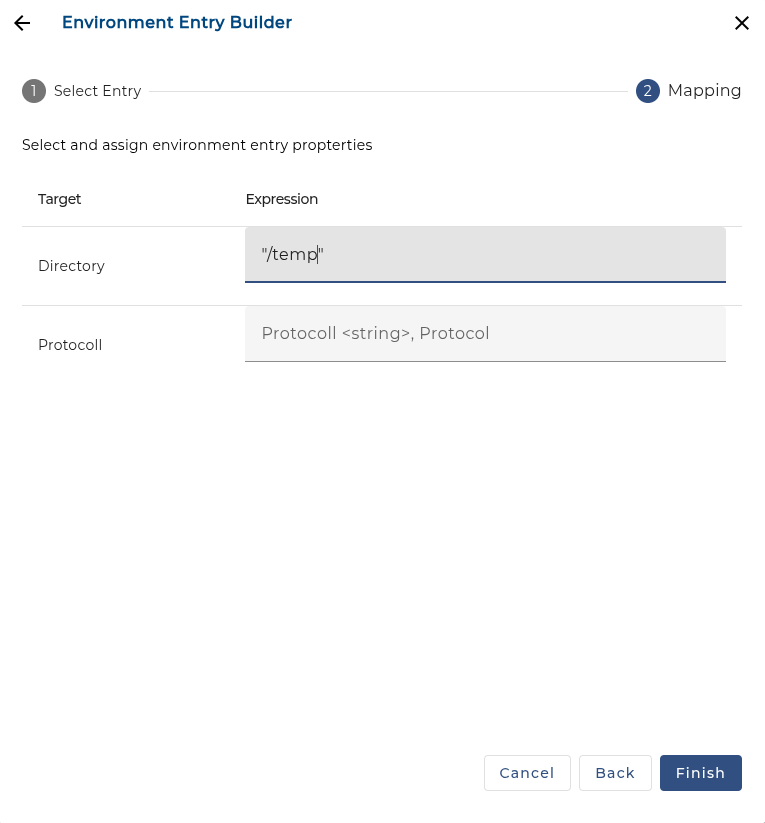
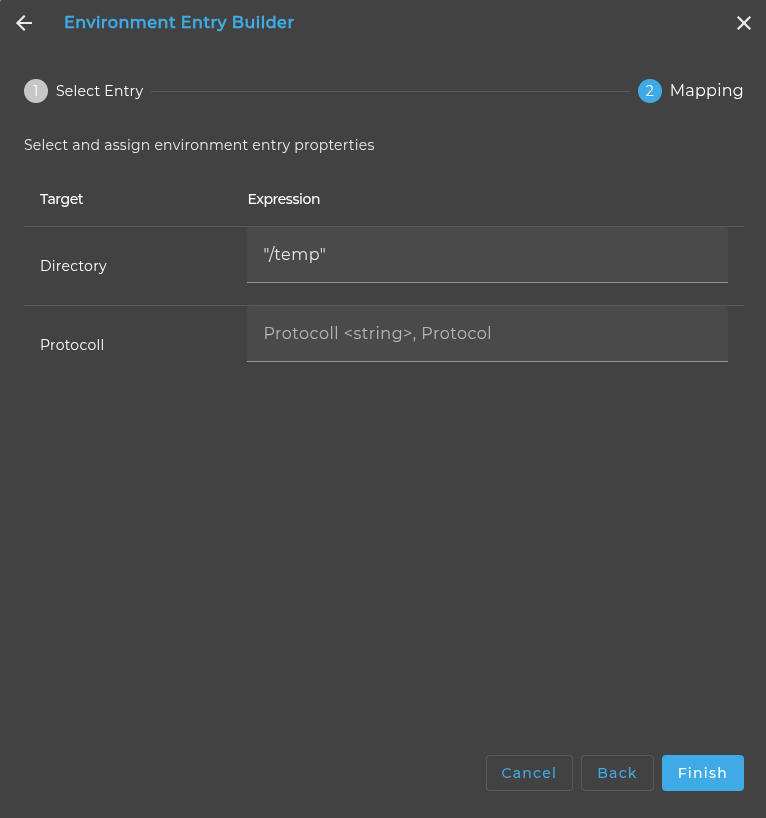
Step 3: After making the modifications, click the Finish button. The builder will generate the overwrite statement in the expression field.
Supported Adapters
| Environment Entry | Adapter |
|---|---|
| File environment entry | File Reader |
| File Writer | |
| File Writer Mass-mapper | |
| File operations | |
| Multi File Reader | |
| Azure IoT-Device Publisher | |
| OS process executor | |
| PGP Crypter | |
| HTTP file streaming client | |
| URL | HTTP Caller |
| HTTP POST Sender | |
| HTTP Sender (Parameter) | |
| Orchestra Parameter Sender | |
| FTP/SFTP | FTP outbound channel |