System requirements
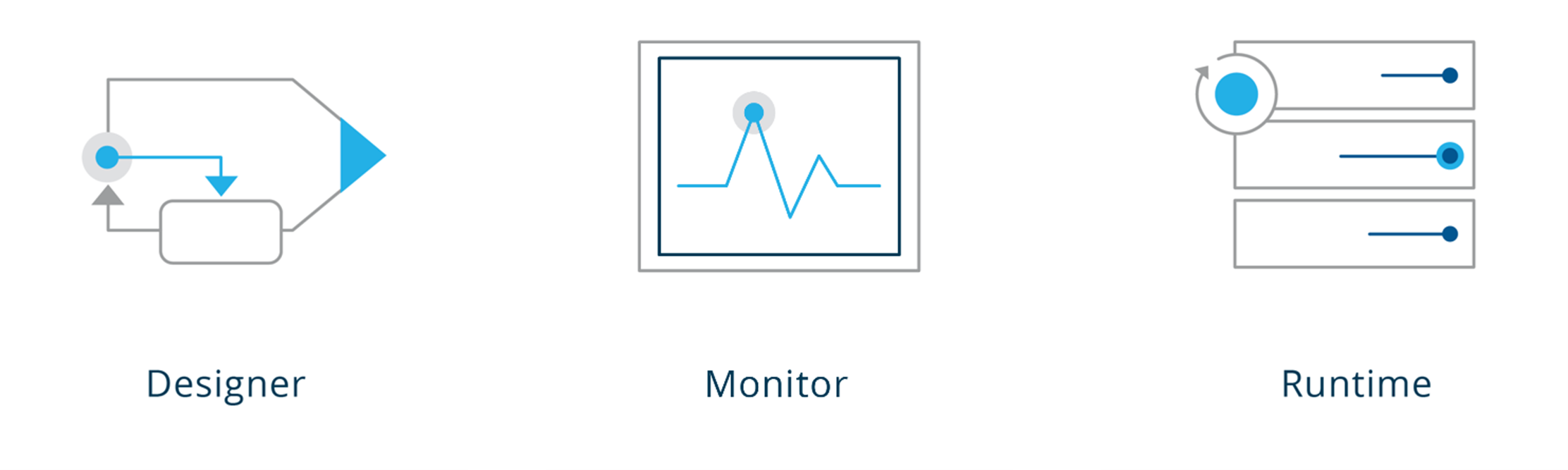
1. Architectural Overview
2. Hardware Requirements
The following list shows the minimal requirements for running Orchestra.
2.1 Orchestra Designer
-
Processor type: Single / Dual-Core x86, AMD or similar
-
Processor speed: >= 2 GHz
-
RAM: >= 2 GB
-
Disk space: 1 GB
2.2 Orchestra Web Designer
-
Processor: 4 Cores
-
RAM: >= 4 GB
-
Disk space: 20 GB
2.3 Orchestra Runtime
Minimal requirements for test and development systems:
-
Processor type: Dual-Core x86, AMD or similar
-
Processor speed: >= 2 GHz
-
RAM: >= 4 GB
-
Disk space – only Orchestra: 1 GB
-
Disk space – Database: >10 GB
Minimal requirements for production systems:
-
Processor type: Quad-Core x86, AMD or similar
-
Processor speed: >= 2 GHz
-
RAM: >= 6 GB
-
Disk space – only Orchestra: 1 GB
-
Disk space – Database: >80 GB
-
Disk space – Archive-/Protocol files: >50 GB
The best hardware settings depend on the specific application context and should be evaluated with a system architect or a consultant from Soffico GmbH.
3. Software Requirements
3.1 Introduction, Predecessor Versions
The current version of Orchestra is tested with specific software environments.
-
Supported configurations: Verified and tested by Soffico GmbH. Issues are documented and communicated.
-
Compatible configurations: Usable, but not fully supported or tested. Issues may arise, and updates on restrictions are not actively communicated.
3.2 Java Versions
Orchestra is designed for Java 21 with the following JVM distributions:
-
Supported:
-
Oracle JDK 21.0.3
-
Amazon Corretto JDK 21.0.3.9.1
-
-
Compatible:
-
All JDKs based on OpenJDK 21, e.g.:
-
Amazon Corretto JDK
-
Eclipse Adoptium Temurin JDK
-
Microsoft OpenJDK
-
-
Ensure Java 32-bit is used on 32-bit operating systems, and Java 64-bit on 64-bit systems.
3.3 Operating Systems
Windows
-
Supported:
- Windows 10
-
Compatible:
-
Windows Server 2016 (Desktop experience)
-
Windows Server 2019 (Desktop experience)
-
Windows Server 2022 (Desktop experience)
-
Linux
-
Supported:
-
Ubuntu 22.04.3 LTS
-
Amazon Linux 2
-
Debian GNU/Linux 9, 10
-
-
Compatible:
-
Alma Linux 8.3
-
Windows 11
-
Ubuntu 20.04, 22.04, 24.04
-
Alpine Linux 3.12.1
-
SUSE Linux Enterprise Server 12, 15
-
Red Hat Enterprise Linux 8, 9
-
Debian GNU/Linux 11
-
3.4 Databases
Supported:
-
MySQL 8.0.17, 5.7.27
-
MariaDB 10.5
-
MSSQLServer 2017 (14.0.3030.27)
-
Oracle 18.3.0-ee
-
PostgreSQL 13
Compatible:
-
MS SQL Server 2019, 2022 (+ Express versions)
-
MySQL 8.3
-
Oracle 19c
-
PostgreSQL 14.1
Supported SQL data types adhere to the latest ISO/IEC 9075-2 standard.
3.5 Servlet Container
Supported:
-
Jetty 9.4.53
-
JBOSS 23.01 (Deprecated, will be removed)
Compatible:
- Apache Tomcat 8.5.100, 9.0.89, 10.1.24 (workaround required for package changes)
3.6 Web Browser
Supported:
-
Microsoft Edge
-
Firefox
-
Chrome (since version 55, with constraints)
Compatible:
- Internet Explorer 11 (with layout constraints)
3.7 Virus Scanner
There are no negative experiences with virus scanners, but performance issues may arise based on settings. To avoid degradation:
Exclude these directories from scanning:
-
Orchestra log directory
-
Tomcat log directory
-
Orchestra Long Time Archive directory
-
Archive directories of external archive logger
4. Important Information for Backward Compatibility
Soffico ensures backward compatibility using the Orchestra Customer API.
-
Direct access to internal functions bypasses this API and may cause issues with upgrades.
-
Proper testing in a controlled environment is recommended for version upgrades.
For additional functionality requests, contact Soffico GmbH.