Resource
Description
In the context of REST services, a Resource defines the URL path to a certain Entity. The path may contain variables. For each Resource, a set of different REST methods can be defined. Each method is connected with a specific process model. If an external caller invokes an HTTP method on one of the REST service URLs, an instance of the assigned process model is started.
You can define many Resource elements to implement a certain REST API.
Creation
To create a new Resource:
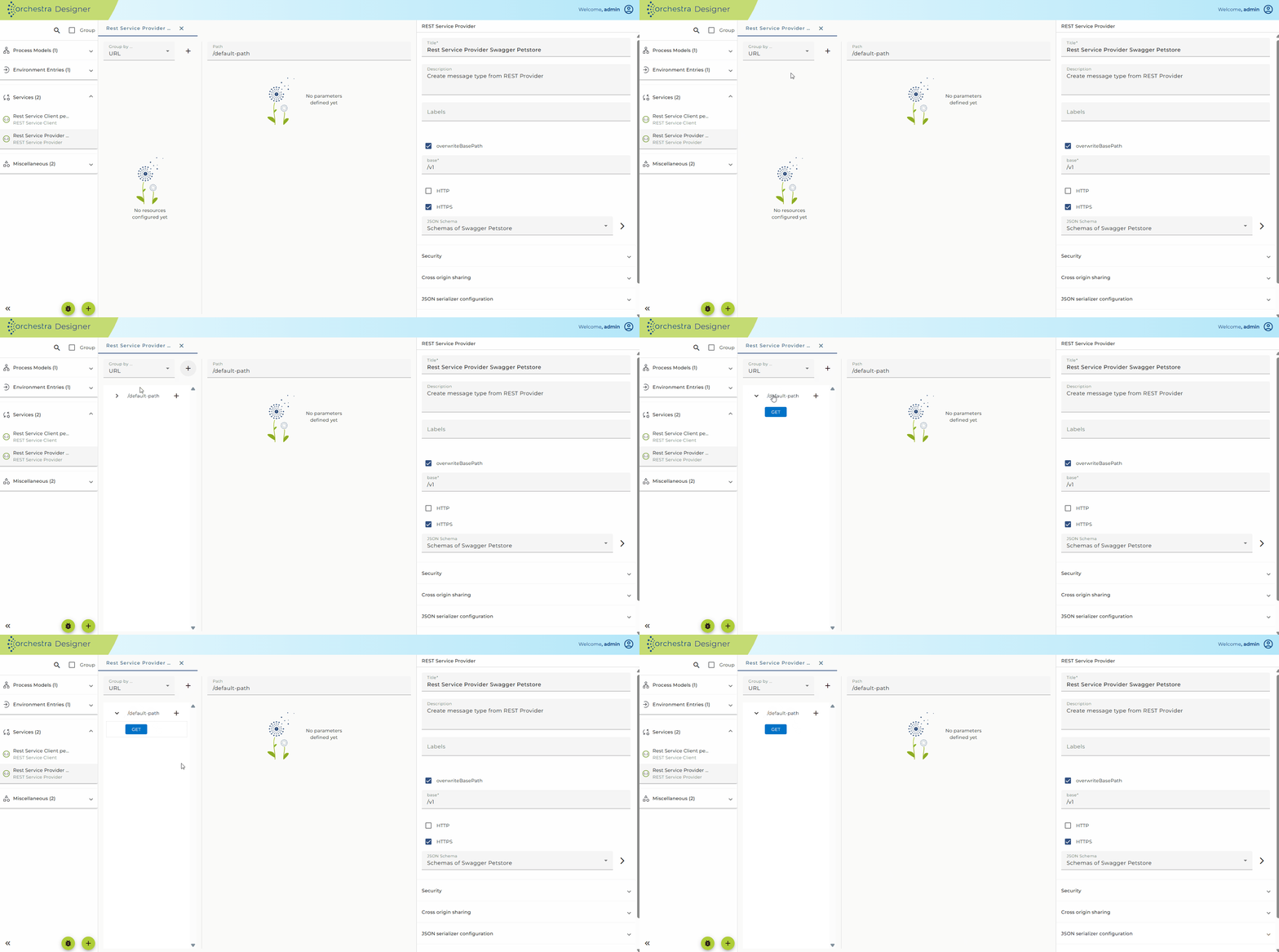
- Click on your REST Service Provider to open the configuration panel.
- Click on the previously created Resource element.
- The configuration panel for the selected Resource element will be shown.
Configuration
- Click on your REST Service Provider to open the configuration panel.
- Click on a Resource element.
- The configuration panel for the selected Resource element will appear on the right side.
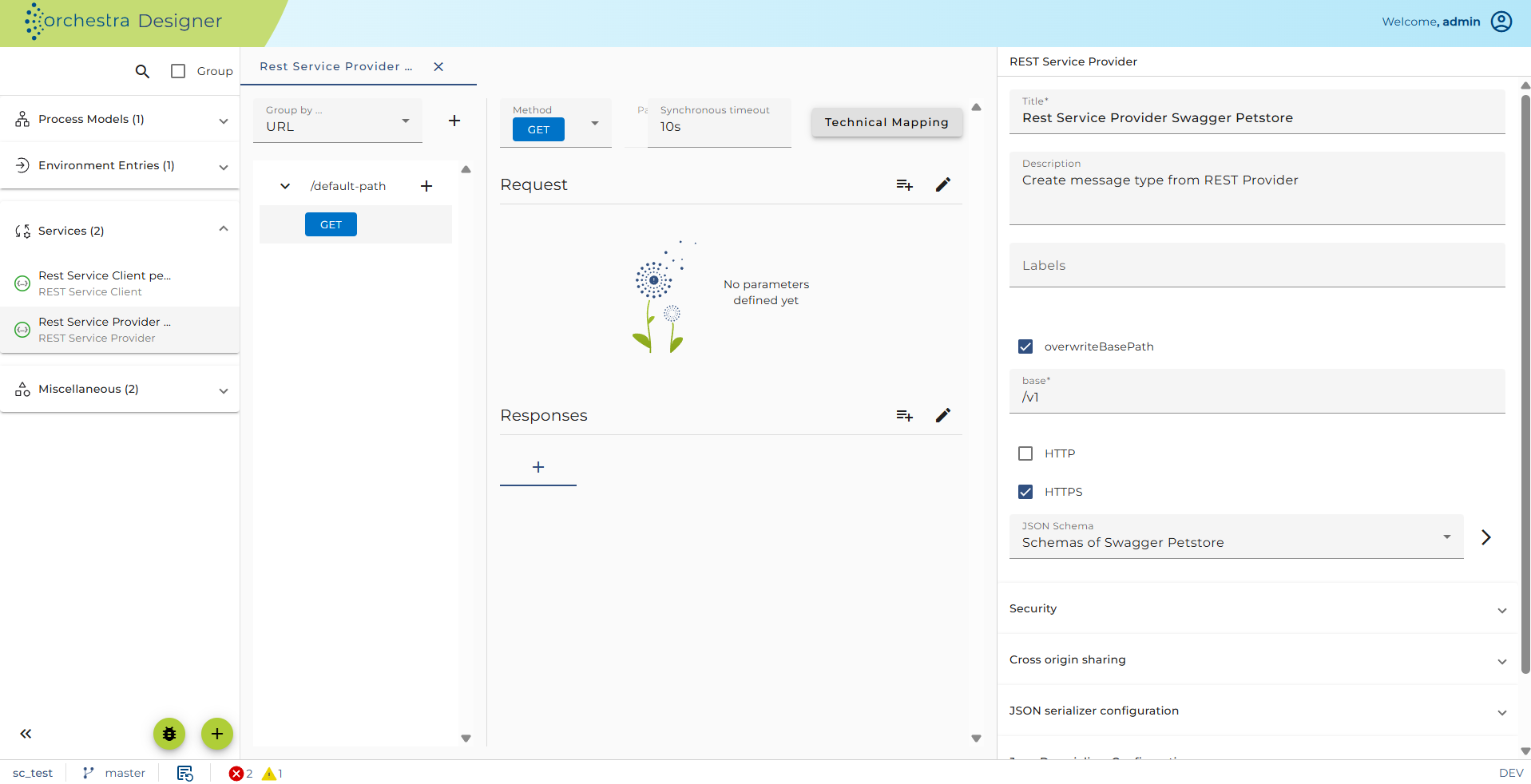
In addition to the values of the parent element Resources, here you can find the following configuration settings:
-
Resource description: The description of the Resource object. You can add a more detailed description in Markdown using the Details button. This text will then be exported when exporting the service as OpenAPI specification.
-
Path: The value of the request URL. You can define parameters of your web service request using curly brackets inside the path value. Orchestra and OpenAPI use the standard URI Template (RFC6570) to describe the embedded variables.
Example: entering a path like/file/{filename}
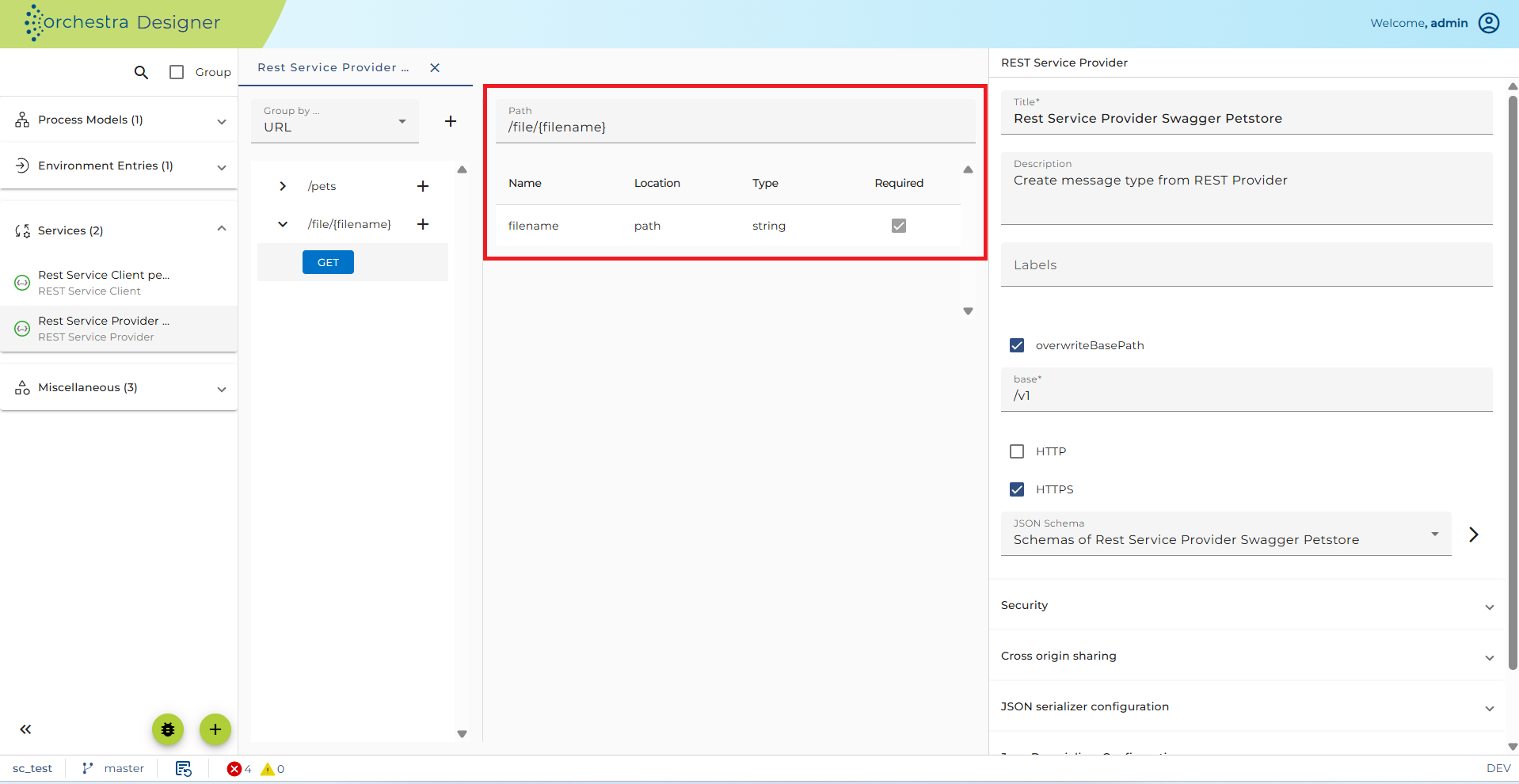 Then, in the parameter table, a template parameter with the given name appears automatically.
Note: You cannot add Resource parameters manually in the table; they must be entered in the URI template.A resource might also be identified by query parameters. For example:
/file/{?filename}denotes a query parameter.If you Click on the Type of the parameter within the parameter table, the parameter editor is opened, allowing you to change the type of the parameter:
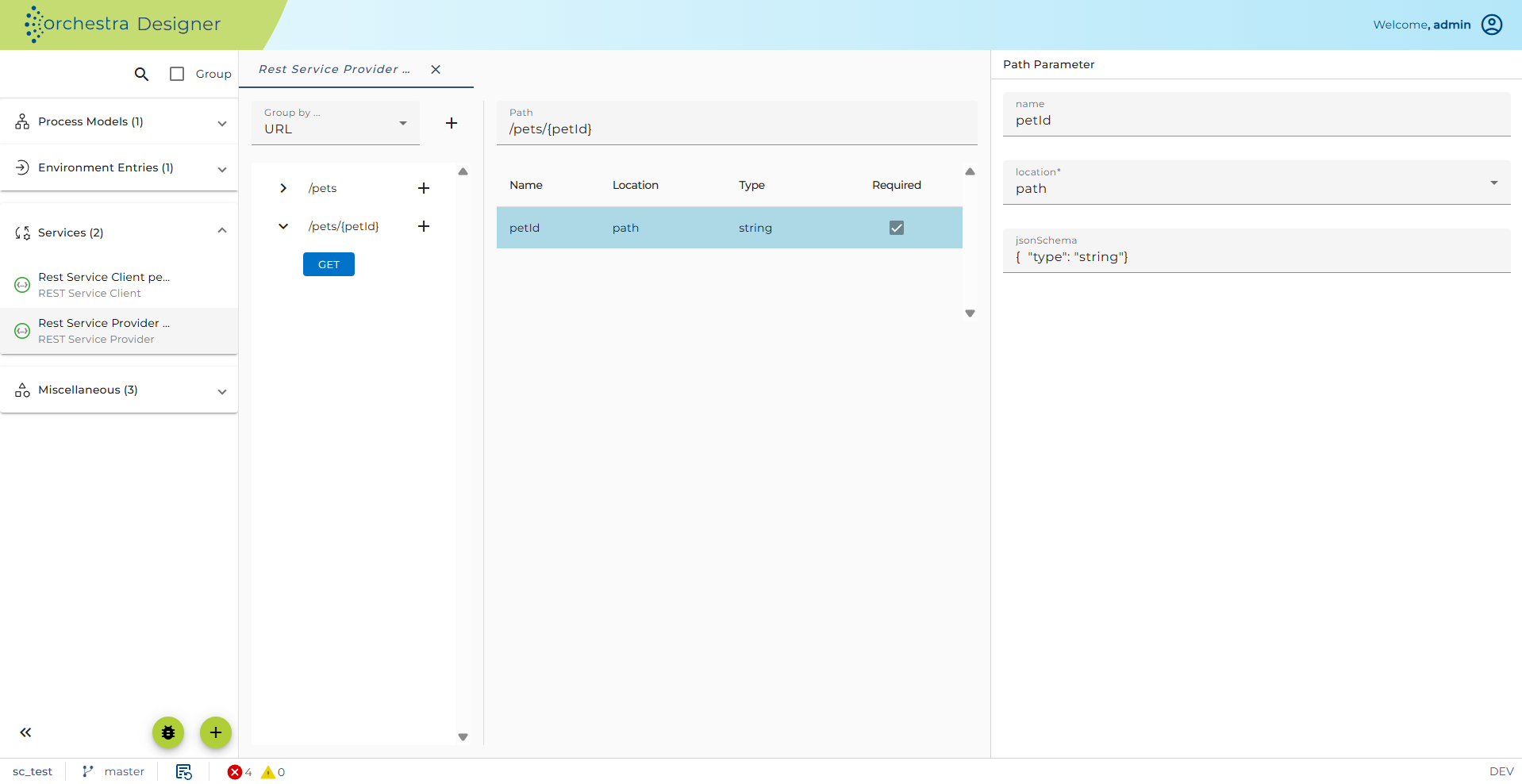
- You cannot edit the style or the explode flag because these are set in the URI template.
- Example: matrix parameter →
{;petId}
There are two views for the parameter:
-
Simple view: shows the three basic Type properties.
-
JSON schema view: synchronized with the simple view.
If the JSON schema contains more properties than the simple view, the simple view becomes uneditable.
After setting up the Resource element, you will need to add a method object to configure actual REST request method calls.
See also
- Implementing a REST web service
- Method Configuration
- REST Service Provider Configuration