Resources
Resources
You can import arbitrary Text files into a Scenario. The content of these files is represented as scenario elements of type Resource.
In Orchestra, Resources will be used to contain JSON schema files and other meta information. You can also use it to store HTML files or other text files which you want to use within a scenario.
Creation
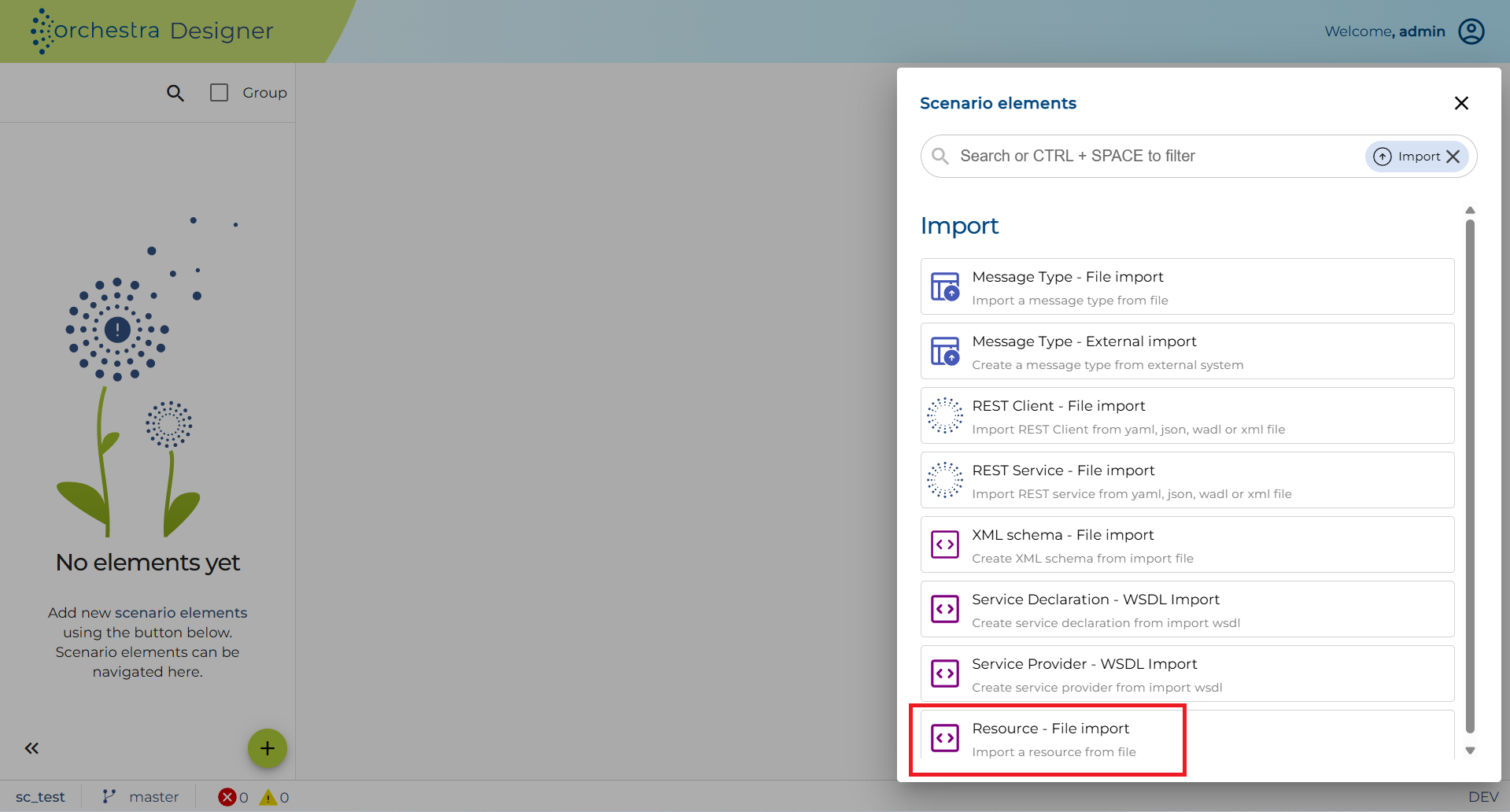
Instead of directly creating a Resource we import them from files. Please navigate to the Resources element in the scenario elements tree and from the context menu select the Import from file option:
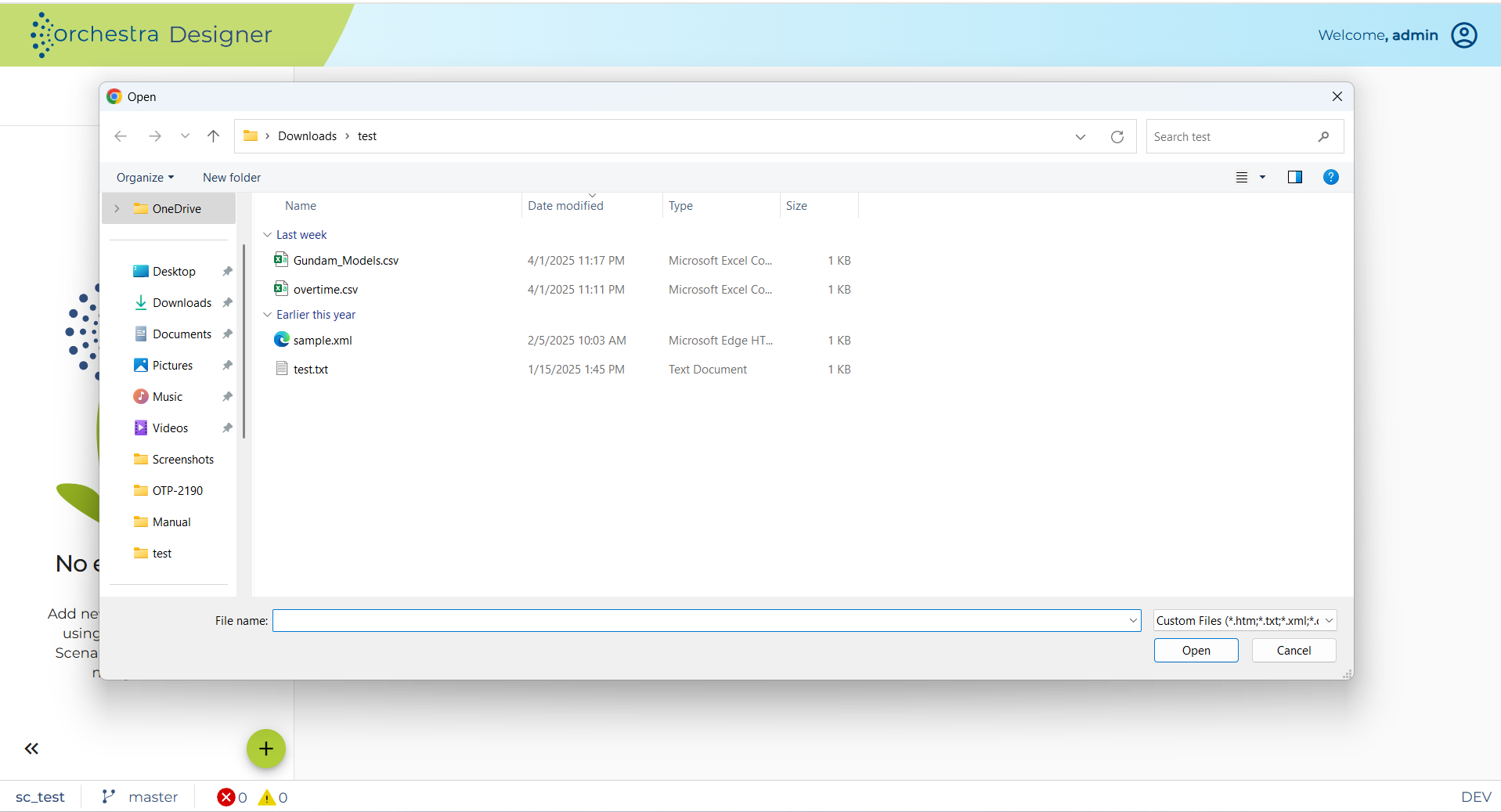
A file select dialog will be shown where you have to select one or more text files:
If one of your selected files contains a JSON schema document, then the Next dialog page will ask you if you want to load files containing referenced schemas too:
JSON schema documents may reference other schemas contained in other files. If these referenced resources are not yet contained in the scenario nor in the selected file set, the Importer will try to find the resources in the current directory if the import option is selected in this dialog. If you click Next the files are searched recursively.
If some referenced resources are not found, a dialog page will appear where the missing resources are shown. You have to click next to accept that not all referenced resources are imported or you can go Back to select other files manually. If you click Next the final dialog page shows all files which shall be imported:
After clicking on Finish the files are imported as scenario elements of type Resource.
If you double click on a Resource it will be displayed in a text panel.
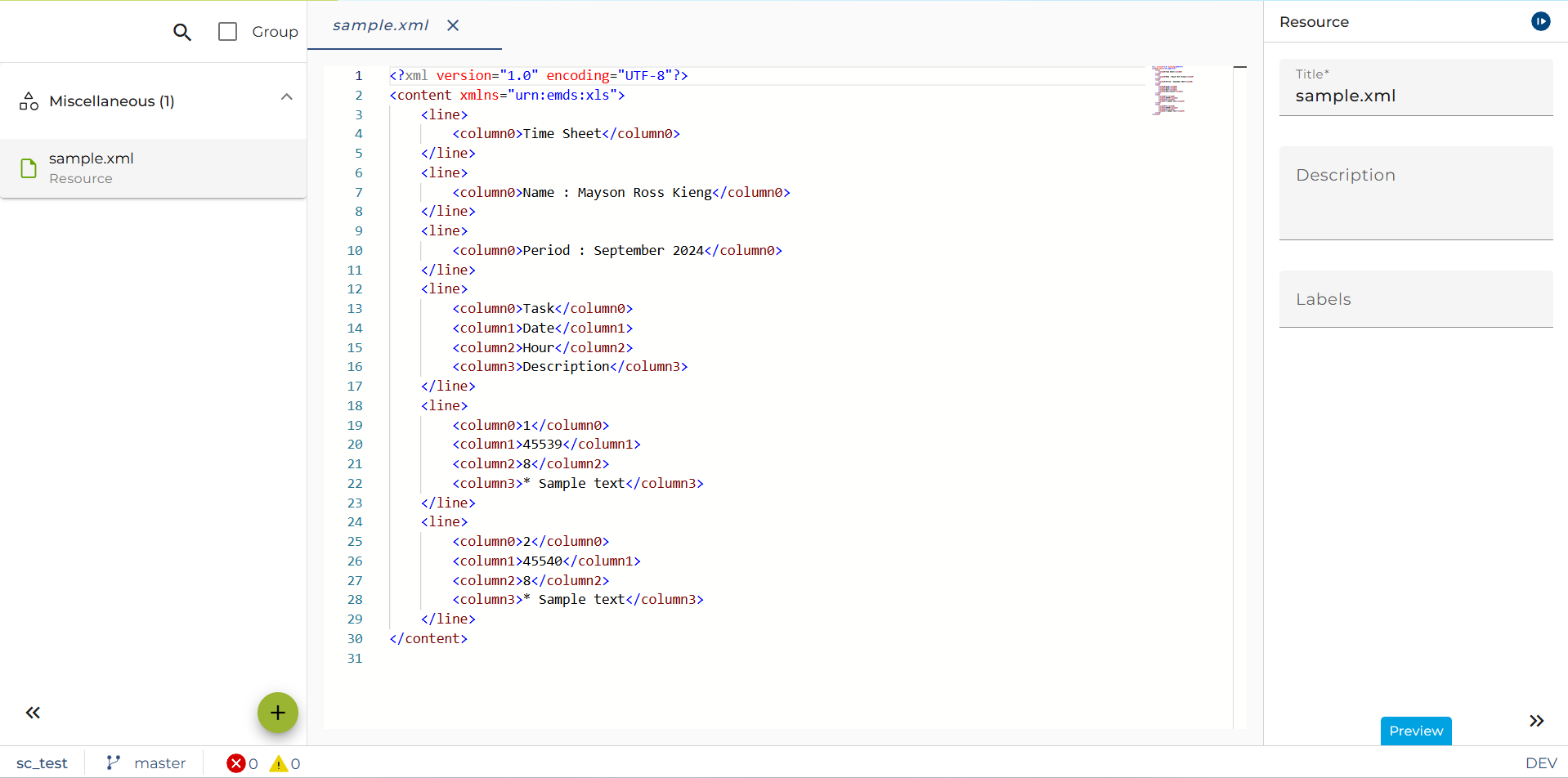
Currently Resources are not editable.
If you right click on a Resource and select Settings a dialog is opened showing the properties of the resource namely its original file name and its Media type.