Azure IoT Device Publisher
Description
Azure IoT Device Publisher is an Outbound Channel providing publishing support.
The IoT hub connection is configured in a reusable Azure ioT Hub Connection landscape entry. The structure of the sent data is specified in a message type instance.
Creation
To create an Azure IoT Device Publisher follow the steps described in the general description of Channels.
Edit an Azure IoT Device Publisher
The editor for an Azure IoT Device Publisher entry provides control to assign the related and referenced scenario entries.
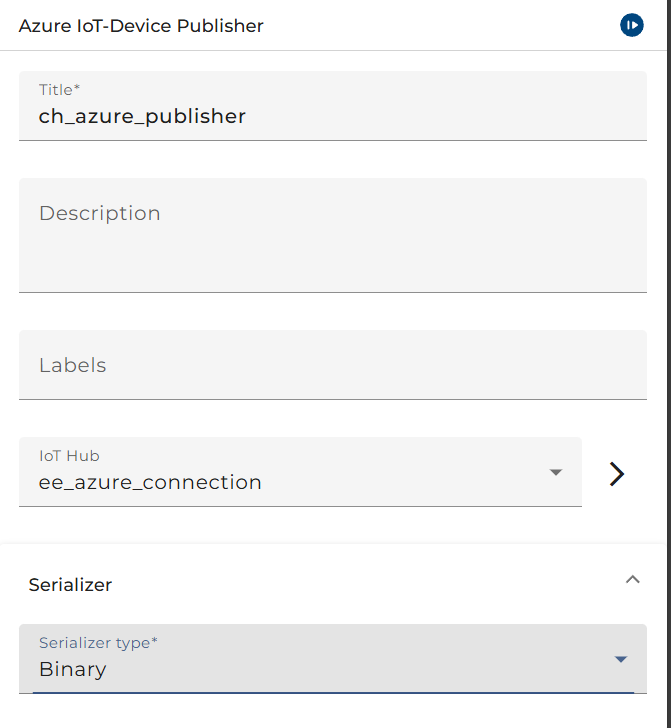
The combo-box labeled Publisher settings allows for selection of one of the existing Azure ioT Hub Connection landscape entries.
In section Message serialization, an existing message type can be selected along with, for instance, an XML writer to publish XML data on the IoT hub.
Parameters
| Parameter name | Direction | Description |
|---|---|---|
| MSG | Ingoing | Request message. |
| DeviceId | Ingoing | Device identifier. |
| DYNAMIC_REPOSITORY | Ingoing | Directory environment entry. |
Test an Azure IoT Device Publisher
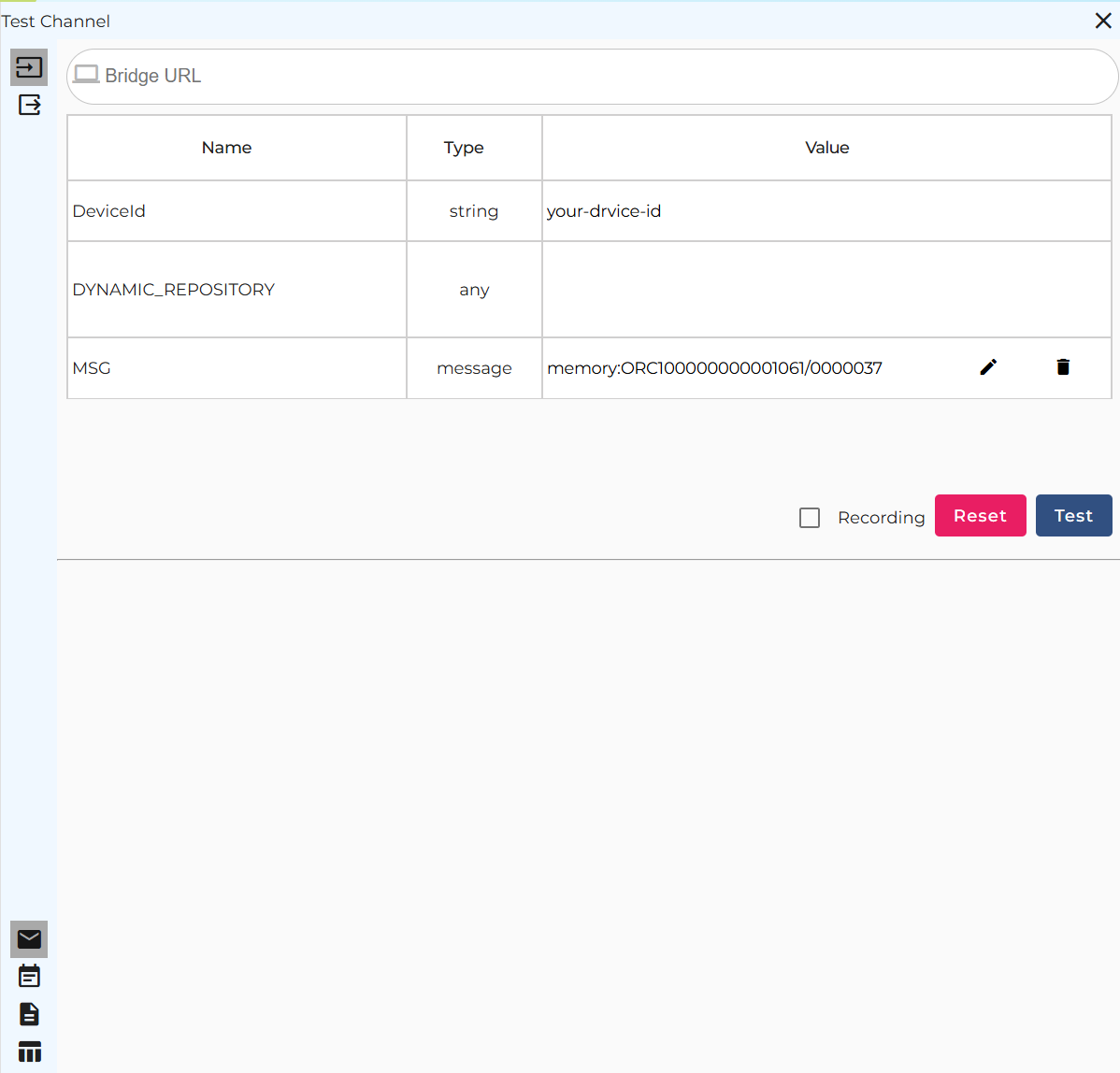
Enter the identifier of the targeted IoT device into the Request parameters field under the column Value for the field DeviceId of the column Name.
Before pressing the button titled Test, the message to write needs to be provided in the Request parameters field under the column Value for field MSG of the column Name. By double-clicking on that field, a file selection dialog gets opened. A message can be opened and handed to the publisher.
The tabs Logging and State show the log entries of the channel invocation and the current state, respectively.