Signal
Description
A signal is a start process activity that starts processes by receiving a signal of the specified type.
Purpose of object
This event triggers process instances.
Initiate as a separate start element
-
Click on the + icon on the edge between node element.
-
Scroll to the right and click on Start Element to see its content.
-
Click on the Start Element type you want to create.
-
Click on the icon of the Start Element on the process model. The configuration panel will show up on the right side.
Icon

Configuration
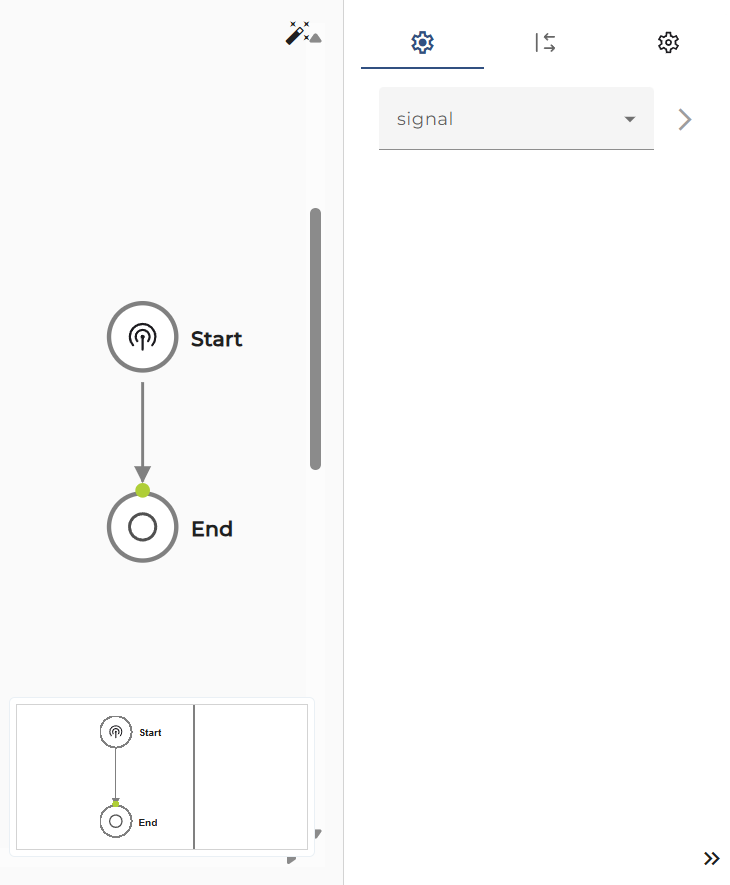
Process signal: Choose an appropriate signal