Throw
Description
End event by define the signal to handler throwing.
Purpose of object
To complete process with throwing a process signal to the ESB (Enterprise Service Bus).
Create
-
Create process model.
-
Then point the mouse on "process", as default, this field is in the middle of the Orchestra window.
-
Click on "throw".
-
Click on any place in your process model.
-
Connect it to other process model items, by clicking on the activity icon and drag and drop the arrow to the to be connected item.
Icon

Configuration
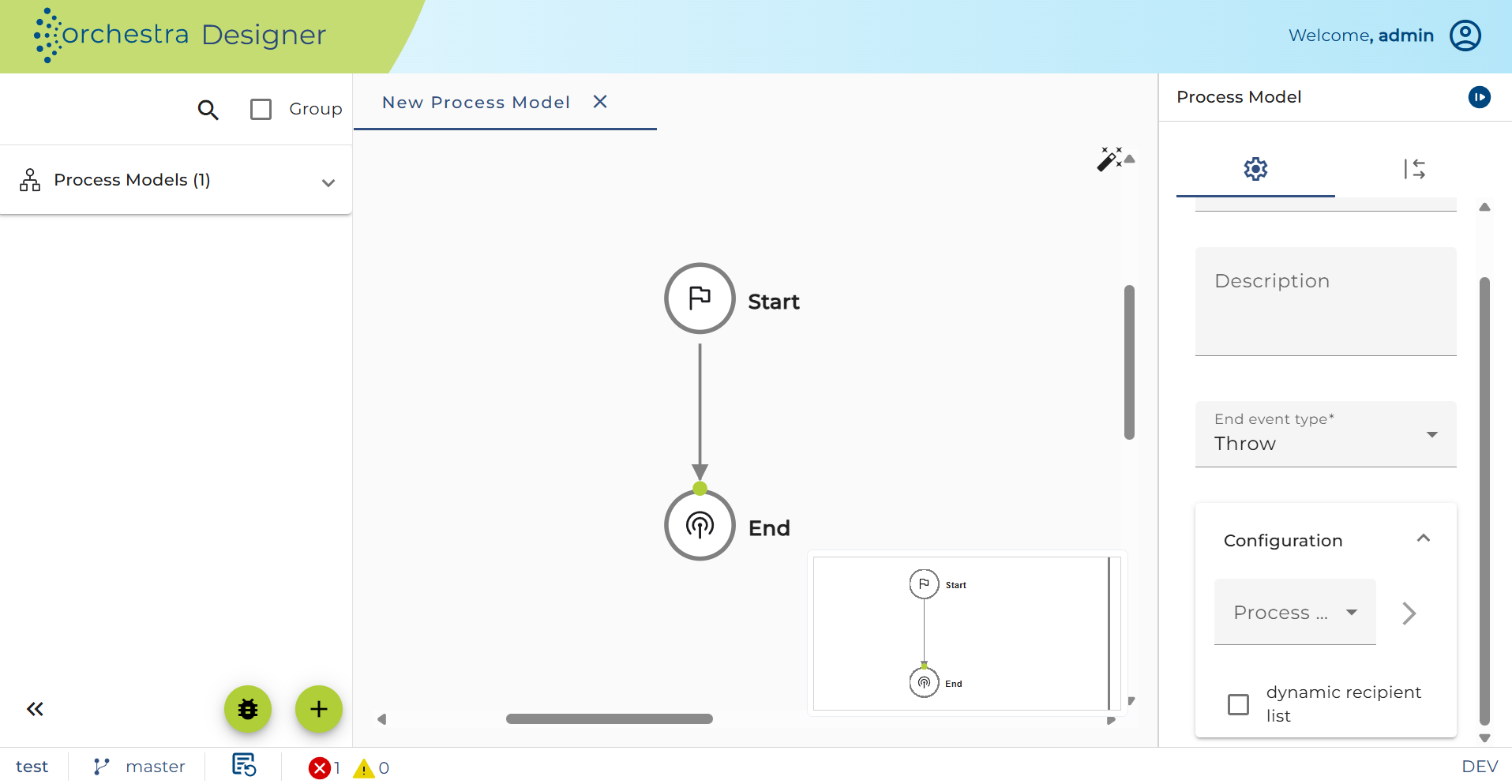
Process signal: Choose an appropriate signal
dynamic recipient list: Check the box to use a dynamic recipient list, or uncheck the box to send signals to all recipient.