Introduction
As of Version 5.0.0 our system integration software Orchestra is now available in a web-based format, designed to enhance collaboration and streamline workflows across teams.
This section provides a general overview of the web-based solution and its capabilities.
The web-based version of our system integration software maintains the core functionalities of the desktop application while offering the flexibility of access from any location with an internet connection. This shift to a web-based platform enables teams to collaborate more effectively, regardless of their physical locations.
Key Features
- Accessibility: Users can access the software through any modern web browser, eliminating the need for local installations. This allows for greater flexibility in how and where work is conducted.
- Collaboration: The platform supports real-time collaboration, enabling multiple users to work on integration projects simultaneously. This feature fosters teamwork and enhances communication among team members.
- Data Management: The software facilitates the management of integration projects and data transformations in a centralized environment. Users can easily share and modify project components, ensuring that everyone is working with the most current information.
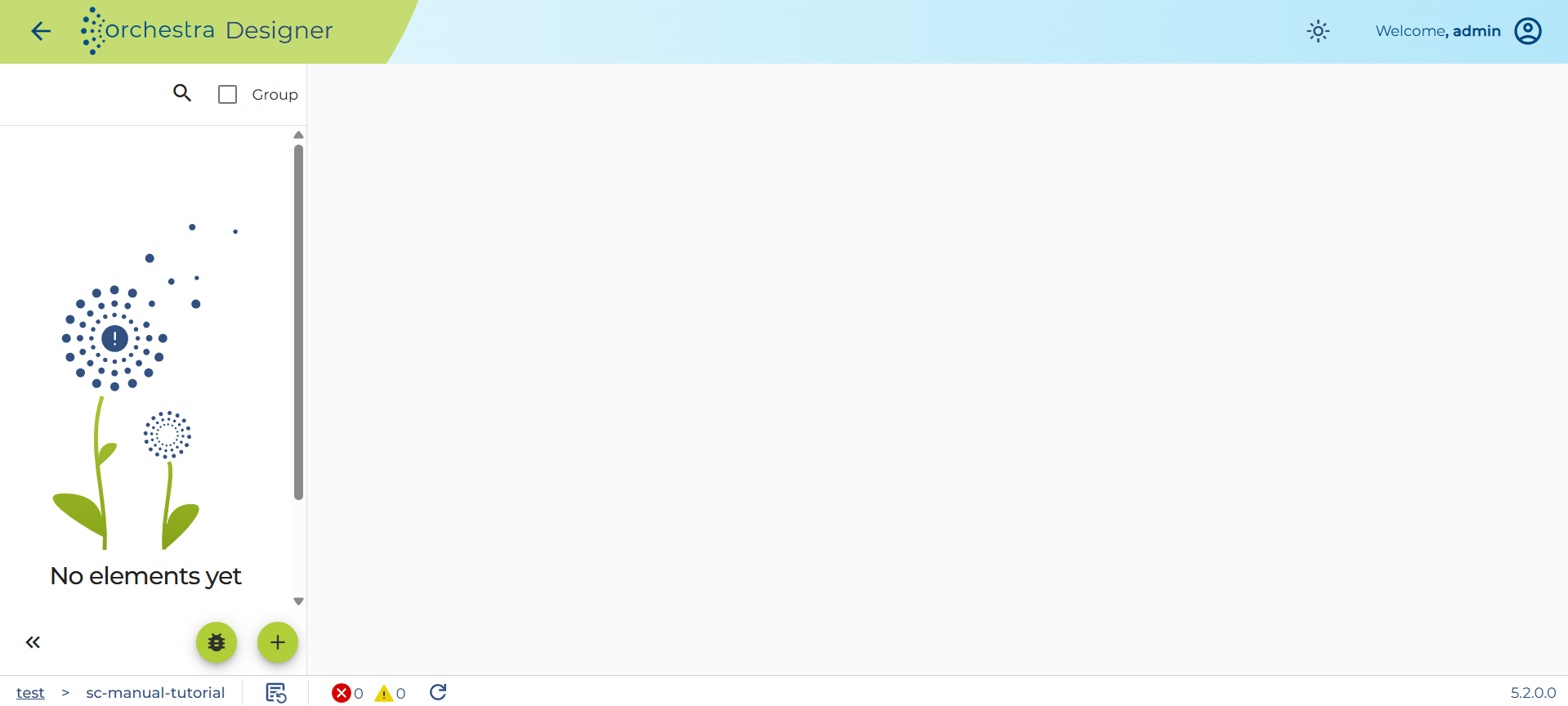
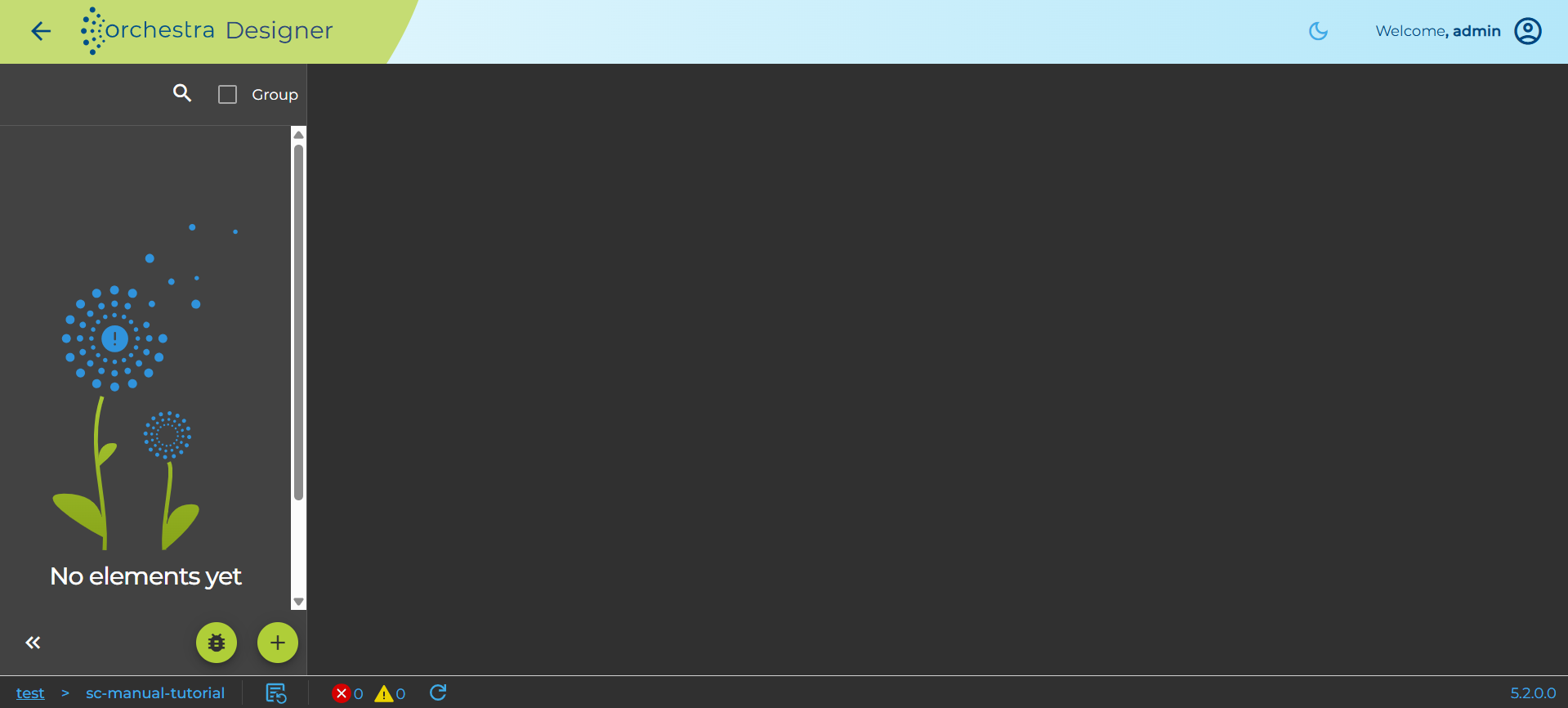
- User-Friendly Interface: The web-based solution is designed with an intuitive interface that simplifies navigation and reduces the learning curve for new users.
Security and Compliance
Security is a top priority in our web-based solution. The platform incorporates various measures to protect user data and ensure compliance with industry standards. Regular updates and security protocols safeguard against potential threats.
Getting Started
To begin using the web-based system integration software, users simply need to log in through their web browser. A guided design workflow will help familiarize them with the key functionalities and layout of the platform. For further details on specific features or processes, please consult the relevant sections of this manual.
Important Backward Compatibility Note
Soffico attaches great importance to backward compatibility in the development of Orchestra. To ensure this, the Orchestra Customer API is available. This API encapsulates the access to internal functions and thus ensures backwards compatibility when using direct Java API calls.
If users - for whatever reason - have implemented direct access to internal functions in their own Java classes, mappings, adapters, Java activities, etc., this function is naturally bypassed. Therefore, the backward compatibility for scenarios enabled by the Orchestra Customer API may no longer work when using older or newer Orchestra variants.
Such a case is neither a malfunction nor a defect. Therefore, ensure through appropriate quality measures that the correct functioning is guaranteed in the case of a version upgrade. This includes a test environment in which the functionality of Orchestra and the installed scenarios can be tested during a version upgrade.
If you need specific functionalities that are not yet available in the Customer API, please feel free to contact us.