MySQL
Adding the mysql-connector-java-x.x.x.jar
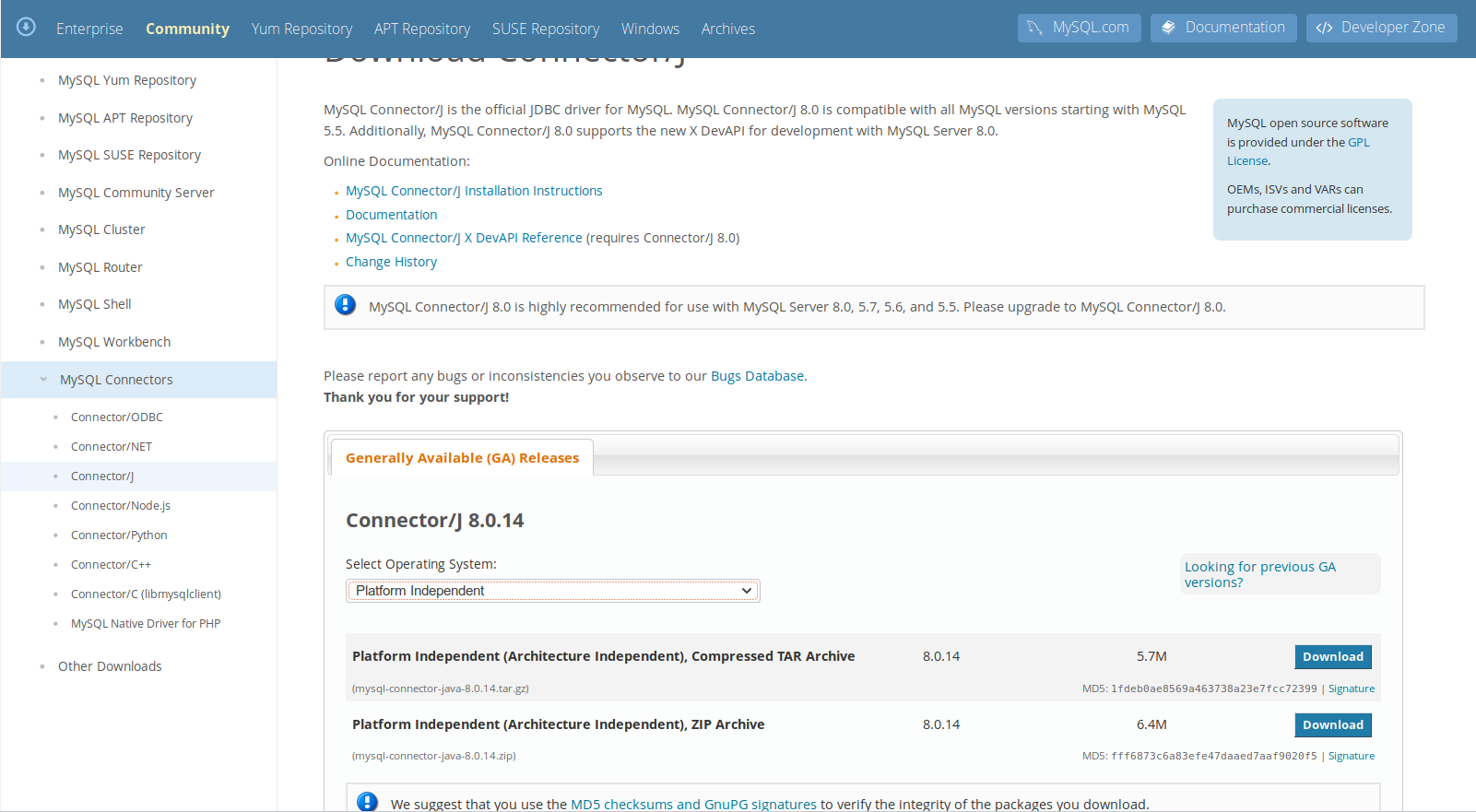
Please be aware that we are not allowed to deliver the mysql-connector-x.x.x.jar due to licensing restrictions. When you want to use MySQL database as a repository, please download the .jar file from the MySQL-Website. The .jar can be found inside the "Platform Independent.zip" file from the MySQL website https://dev.mysql.com/downloads/connector/j/.
:::info Important when using MySQL 5.6 or 5.7:
Please be aware that for the database user the password expiration is disabled!
See also https://dev.mysql.com/doc/refman/5.7/en/password-management.html.
:::
Adaption of MySQL configuration
To configure your database to run Solution Hub, you need to change the MySQL configurations. To do so, open the my.ini or my.cnf (e.g. in /etc/mysql or C:\Programme\MySQL\MySQL Server X.X) in a text editor. Sometimes the my.ini can be found in the hidden folder ProgramData (e.g. C:\ProgramData\MySQL\MySQL Server 8.0). Change the settings as shown below:
[client]
default-character-set=latin1

[mysqld]
collation-server = latin1_german1_ci
init-connect='SET NAMES latin1'
character-set-server = latin1
wait_timeout = 28800
transaction-isolation=READ-COMMITTED
lower_case_table_names = 1
max_allowed_packet = 100M
default-storage-engine=INNODB
In MySQL 8.0.25, the binary logging is enabled per default. This means that all events that changes the database state are logged to an external, binary log file.
When a recovery is needed, this binary log can be used to re-construct the state of the database by replaying all changes starting from the last backup.
If you do not need binary logging, you have to disable, since disk space is allocated that is not freed automatically.
Binary logging can be disabled by putting the following statement to your my.ini file:
[mysqld]
disable_log_bin
If binary logging is used but not needed, disk space is allocated but never freed.
Restart the MySQL Server afterwards. This can be done in the MySQL console, the MySQL System Tray Monitor or directly in Control Panel>Administrative Tools>Services.
Parameters can be displayed on the console with the SQL statement: SHOW VARIABLES like 'lower%';
Creation of Database
-
Start the MySQL console as root:
mysql -h localhost -u root -p -
Create a database:
CREATE DATABASE SOLUTIONHUB; -
Create a user for the database
The password of the database user should be changed for security reasons!CREATE USER SOLUTION_HUB@localhost IDENTIFIED BY 'SOLUTIONHUB'; -
Grant all rights of the database to the user:
GRANT ALL PRIVILEGES ON SOLUTIONHUB.* TO SOLUTIONHUB@localhost; -
Log out as root:
\q -
Log in as the created user:
mysql -h localhost -u SOLUTIONHUB -p -
Log off from the database.
-
Set up the database by following the steps described in Flyway database setup.