Logfiles
Orchestra generates logfiles in a dedicated directory configured during the installation process.
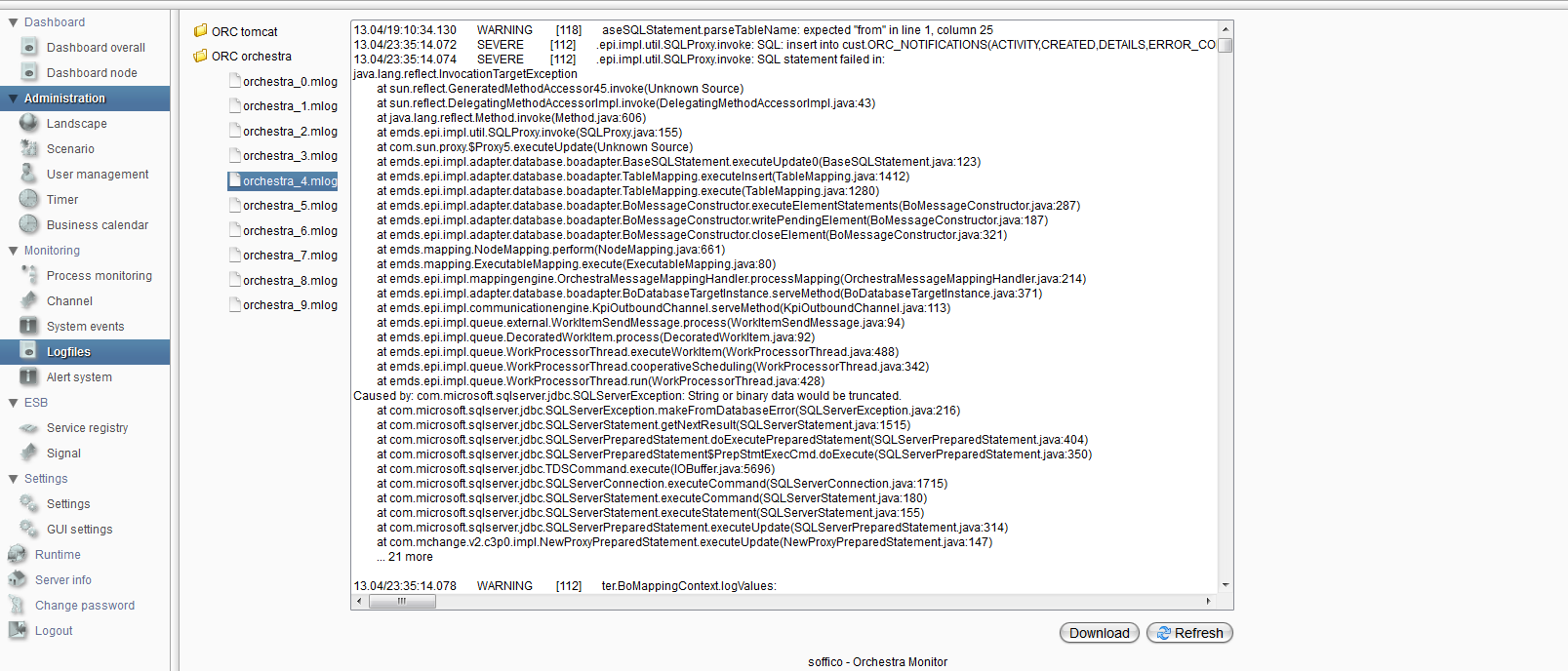
As shown in the following figure, viewing logfiles is not limited to Orchestra logfiles. It is possible to specify different logging groups to display logfiles from other tools, such as Tomcat, or from project-specific logs.
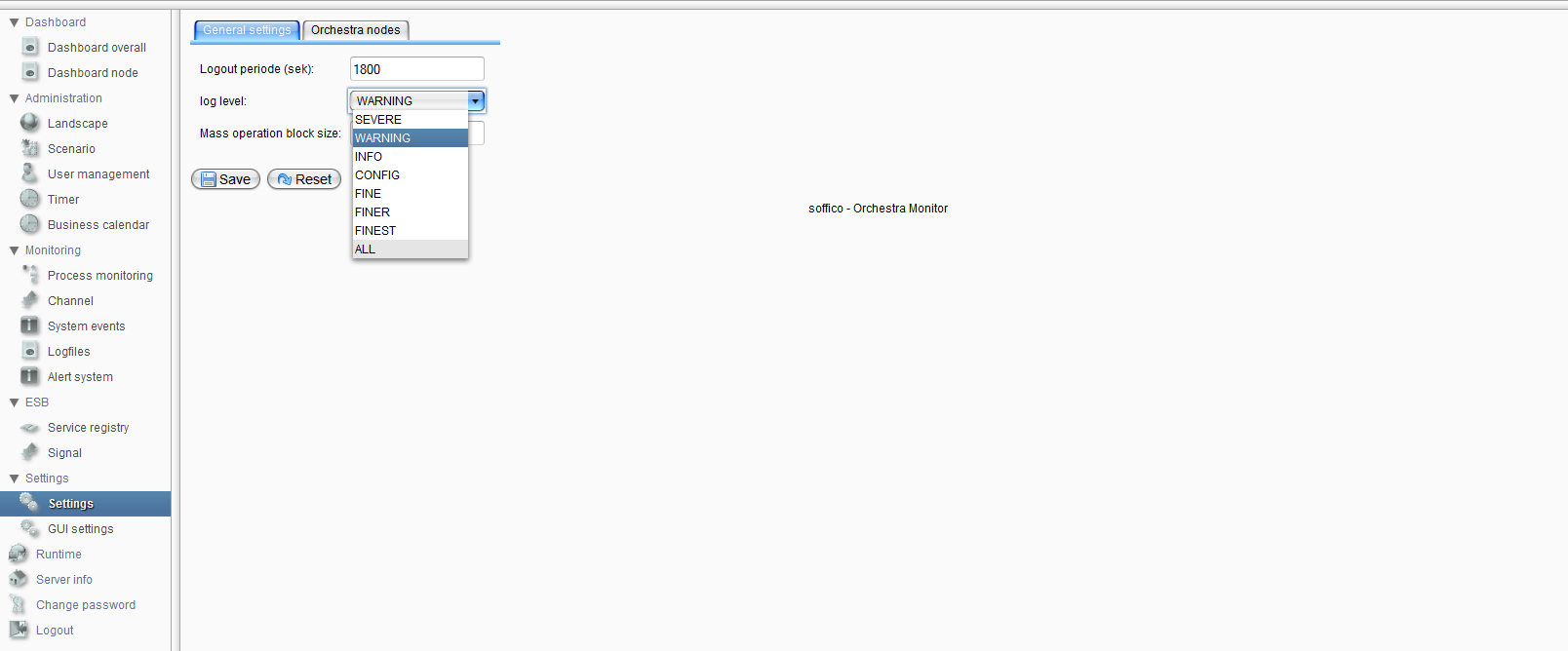
You can change the log level for Orchestra runtime in the server settings under the "General Settings" tab. The supported log levels, in descending order, are:
- SEVERE
- WARNING
- INFO
- CONFIG
- FINE
- FINER
- FINEST
- ALL