Lookup Table
Lookup tables are a valuable mechanism that allows the translation between keys and associated values. Since the configuration of a lookup table may change during its lifetime, the Orchestra monitor allows the adjustment of a lookup table configuration without the need to redeploy the underlying scenario.
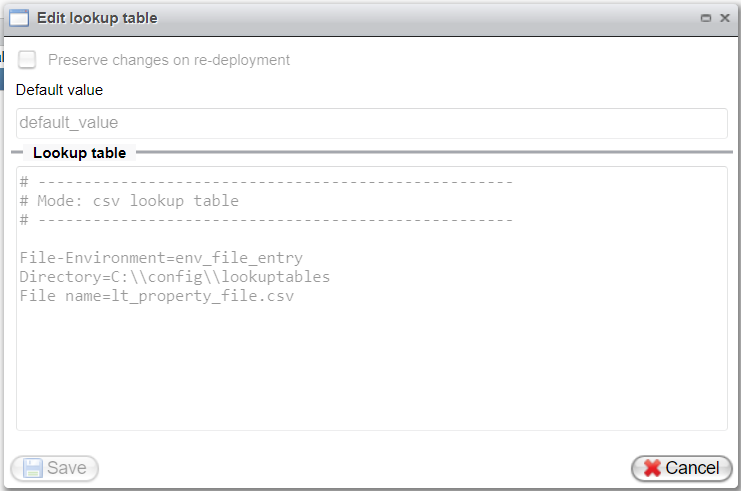
Only lookup tables of the "internal" type may be modified directly in the monitor. Modifications for all other types will be prevented by the system.
The Lookup Table section can be accessed in the Orchestra Monitor (Web interface) on the left-hand side as a subitem of the Administration category. After selecting the corresponding scenario, a list of all available lookup tables will be displayed. This list might resemble the following screenshot:

When clicking on an entry in the list, a detail dialog titled "Edit lookup table" will open, showing the configuration of the selected lookup table.
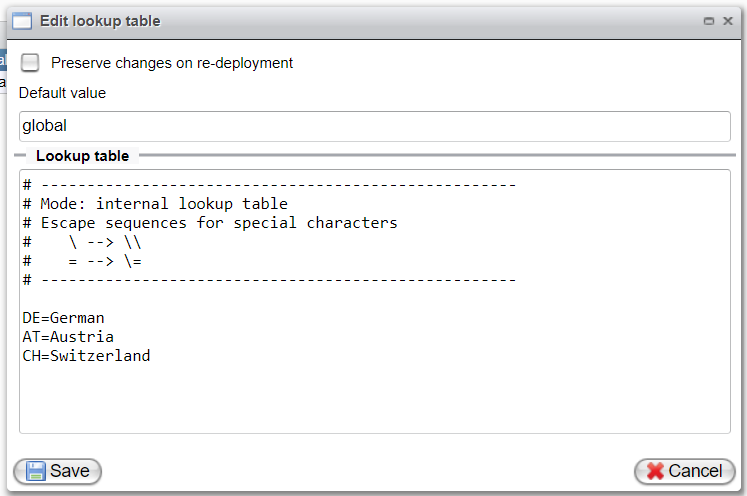
In this dialog, the configuration of the lookup table can be changed. The configuration is presented in a textual format, and modification involves editing this textual representation. A new record can be added by inserting a new line containing a key-value pair in the following format:
key=value (e.g., IT=Italy)
Since a textual representation is used, special treatment of the characters = and \ is necessary. Whenever these characters are included in a key or a value, they must be properly escaped. For example, the key-value mapping for key: "N\A" and value: "Not available" should be denoted as follows: N\\A=Not available.
-
Default Value:
The default value may also be updated and will be used whenever the given key cannot be found in the lookup table (only if the default mode is configured as "Use default on missing value").
-
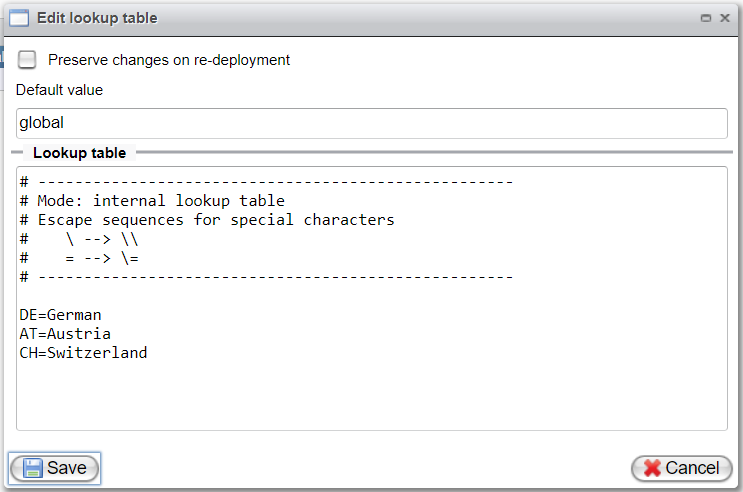
Preserve Changes on Redeployment:
If changes to the lookup table should be retained despite a redeployment, the checkbox "Preserve changes on redeployment" must be checked. Otherwise, upon redeployment, any previously saved changes will be overwritten.
Once changes to a lookup table are saved, they become active immediately. Orchestra will ensure that all internal structures are reconfigured accordingly.
The following diagram illustrates a lookup table that is not editable (due to its type):