General Usage Information
In general, left clicks are used for navigating through the menus, while right clicks open context menus at specific points.
Table Settings
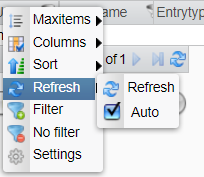
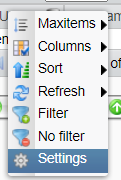
The header of each table provides a context menu for modifying the table via right-clicking on it.
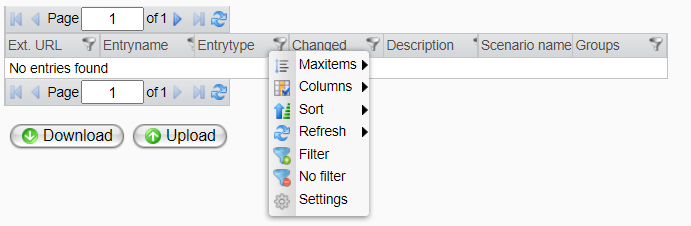
The following options are available:
-
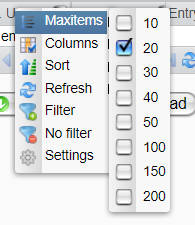
Maxitems: Edit the number of entries displayed on one table page
-
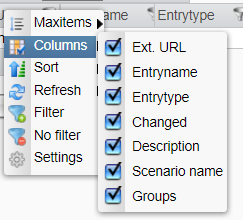
Columns: Select the columns displayed in the table
-
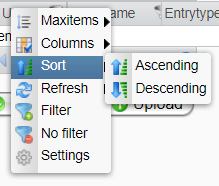
Sort: Choose the sorting criteria for a column (ascending or descending)
-
Refresh: Update table entries (manually or automatically)
-
Filtering:
For details on using the filtering mechanism, refer to the topic Filtering.
-
Settings:
To configure table settings permanently, see the topic Setting.
Additionally, some tables provide special functions that can be accessed by right-clicking within the table body:
-
Scenario

-
User Management

-
Timer

-
Process Monitoring

-
Channel

-
System Events

-
Runtime

Additional information about the tables can be found in the corresponding sections.