Landscape Settings
Landscape settings serve to maintain the technical infrastructure. At this point, the specific environment settings of a scenario can be configured (e.g., database connections or file paths).
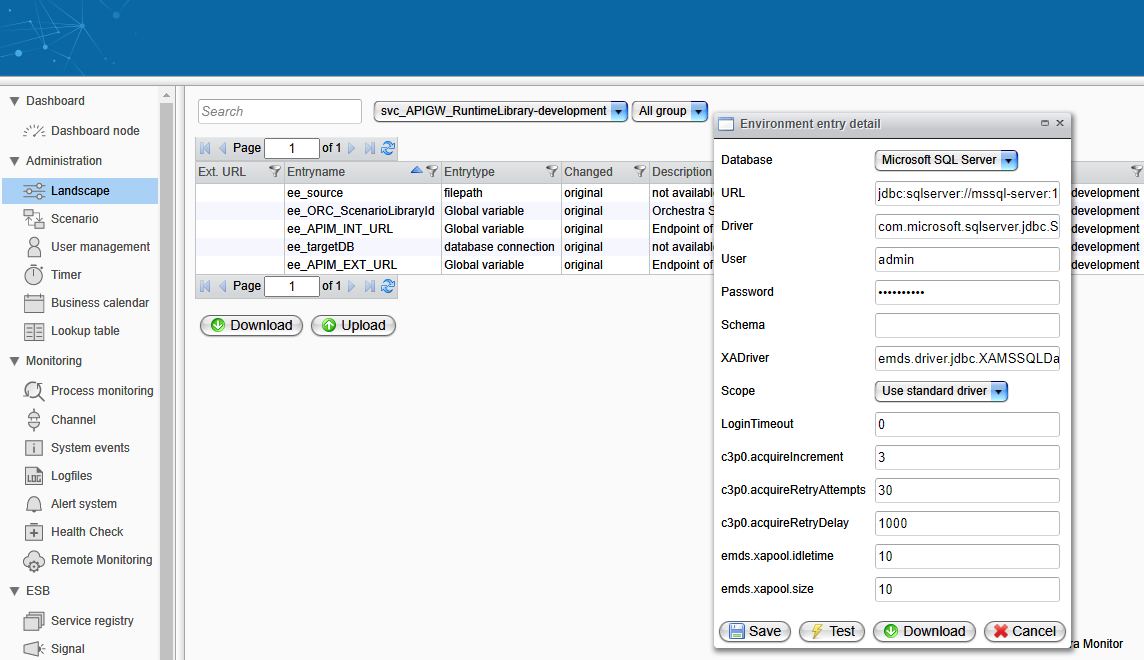
To configure environment settings, select the desired scenario and double-click on the appropriate environment entry. A form will appear, allowing you to adjust the contained parameters. A test is available for many environment entries.
Some environment entries will attempt to establish a connection (e.g., email, FTP, SMB) that requires credentials. In this case, an additional field labeled "Test-Credential" will be displayed. The selected credential will be used for testing the environment entry only.
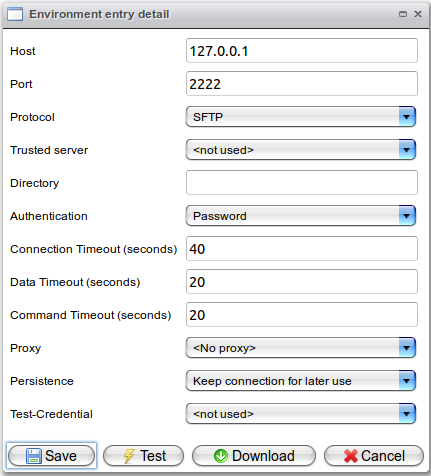
When the user confirms the changes by selecting save, the documentation of the scenario is updated automatically. This process occurs asynchronously in a background task.