Read Only Mode
When opening scenarios, there is a 'Read Only' mode checkbox that can be selected:
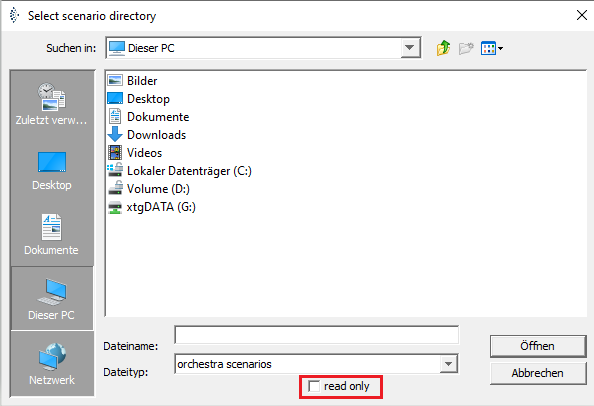
A scenario opened in read only mode can be recognized by its title bar:

Important Notes for Read only mode
- The transformer is disabled in this mode; if you open a scenario from an older Orchestra version, the scenario will not be converted, which can lead to problems if the version is very, very old
- If you have made changes in read only mode and want to save them in a copy via "Save as", they will not be saved. Only the originally opened version is saved as a new copy.
- If the scenario is already opened by another user, the lock file is ignored.
- You can create and modify elements, but it is never saved.
- You can start the test engine without problems.
- It is also possible to create a deployment file.