Throttling
Module description — Throttling, from Orchestra 4.16.
Description
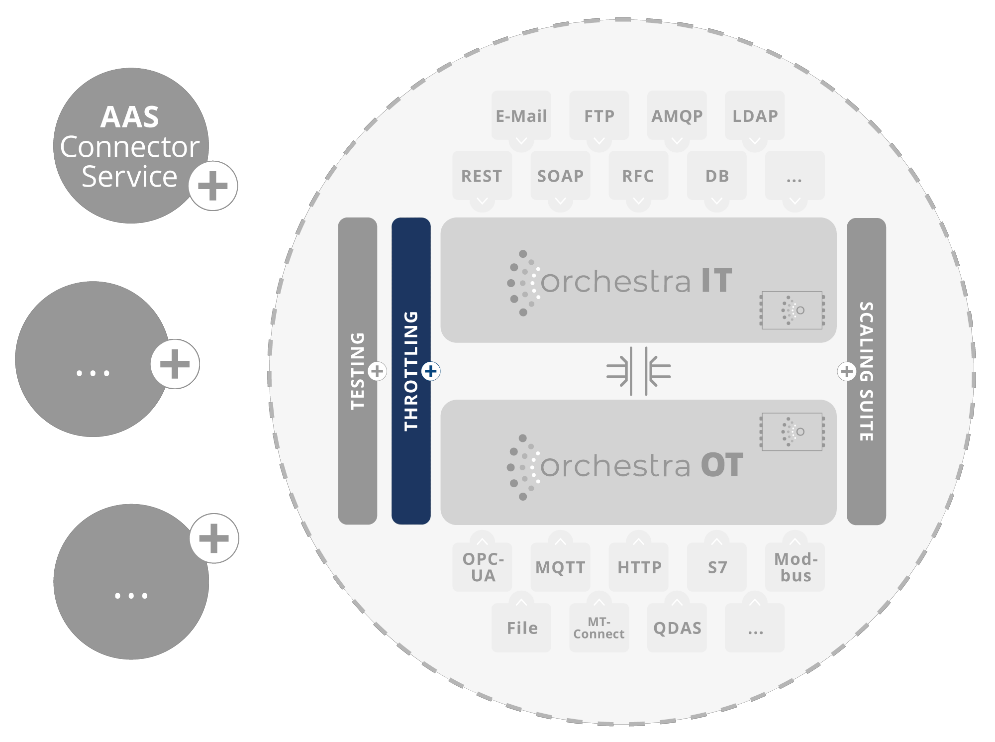
Ensuring system stability, protection against DDoS attacks, performance and security is central to the seamless operation of software applications and enterprise systems. The throttling module provides the ability to apply throttling rules at various levels, including input channels, scenarios and the entire system instance. This feature offers flexible configuration options and enables efficient control at different levels. Notifications can also be triggered when one of the defined rules has taken effect. The throttling function is now available from Orchestra 4.15.
Main features and functions
- HTTP throttling: The throttling function makes it possible to limit the number of http requests per time unit to utilise your application's resources efficiently and prevent overloads.
- Process throttling: You can specify how many processes may be executed simultaneously, regardless of how the processes are triggered. This helps to control system resources and ensure stability.
- Flexible configuration: Throttling rules can be configured very freely, depending on the requirements of your solution. You can define specific time intervals, triggers or conditions.
- Control options: The feature provides the flexibility to apply throttling rules at different levels. This includes the ability to set individual rules for input channels, scenarios, orchestra cells, timers, or the entire system instance.
- Security and DDoS safety: Throttling helps to mitigate DDoS attacks by limiting the number of requests per second. This improves the reliability, robustness and resilience of your system.
- Notification function: Real-time notifications can be set up if a throttling rule is violated. Administrators and responsible persons are informed about rule violations so that they can take quick action. Of course, you can configure how often you are notified.
Applications
- Highly distributed enterprise setups: Throttling is critical in highly distributed enterprise setups to ensure performance and stability, regardless of the requirements and scenarios.
- Ressource control: The function can be used to control costs by ensuring that resources are used efficiently and, if necessary, in a regulated manner.
- Fairness and Performance: It improves overall performance and user satisfaction by ensuring that resources are distributed fairly across all users or applications.
Target group
Throttling with notification function is aimed at companies and organisations that operate highly distributed software applications and enterprise systems as well as companies with individual instances that want to protect their robustness. This includes developers, system administrators, security experts and IT managers who need to ensure the performance, stability, and security of their systems.
Benefits
- Improved system stability and performance
- Protection against DDoS attacks and security breaches
- Efficient resource utilisation and cost control
- Fair distribution of resources and quality of service
- Rapid response to breaches and security threats
Requirements
- Integration into the existing software application or enterprise system
- Configuration of throttling rules and notification settings
- Availability of systems for the notification function (e.g. email server or alerting systems)
Note on usage
- Throttling rules should be configured carefully, considering the specific requirements of your application.
- The notification function requires notifications to be set up based on system events.
- Monitoring the notifications is important to react in a timely manner to rule violations and events.
- Regular review and adjustment of throttling rules and notification settings are recommended to ensure that they meet current requirements.
Licensing model
One throttling rule can be defined and used per scenario with your Orchestra license. If required, unlimited use can be re-licensed at any time. Please send inquiries to: customer@soffico.de